
This guide explains how to show employee birthdays on the Dashboard.
Step 1: Choose which role can see the panel
- Go to Settings, then Roles Management, and select the role you want to allow to see the birthday panel.
- Open the "Module Access" tab, check "Birthdays on the Dashboard", and choose the visibility level: employee, group, or entire organization. Click Save.
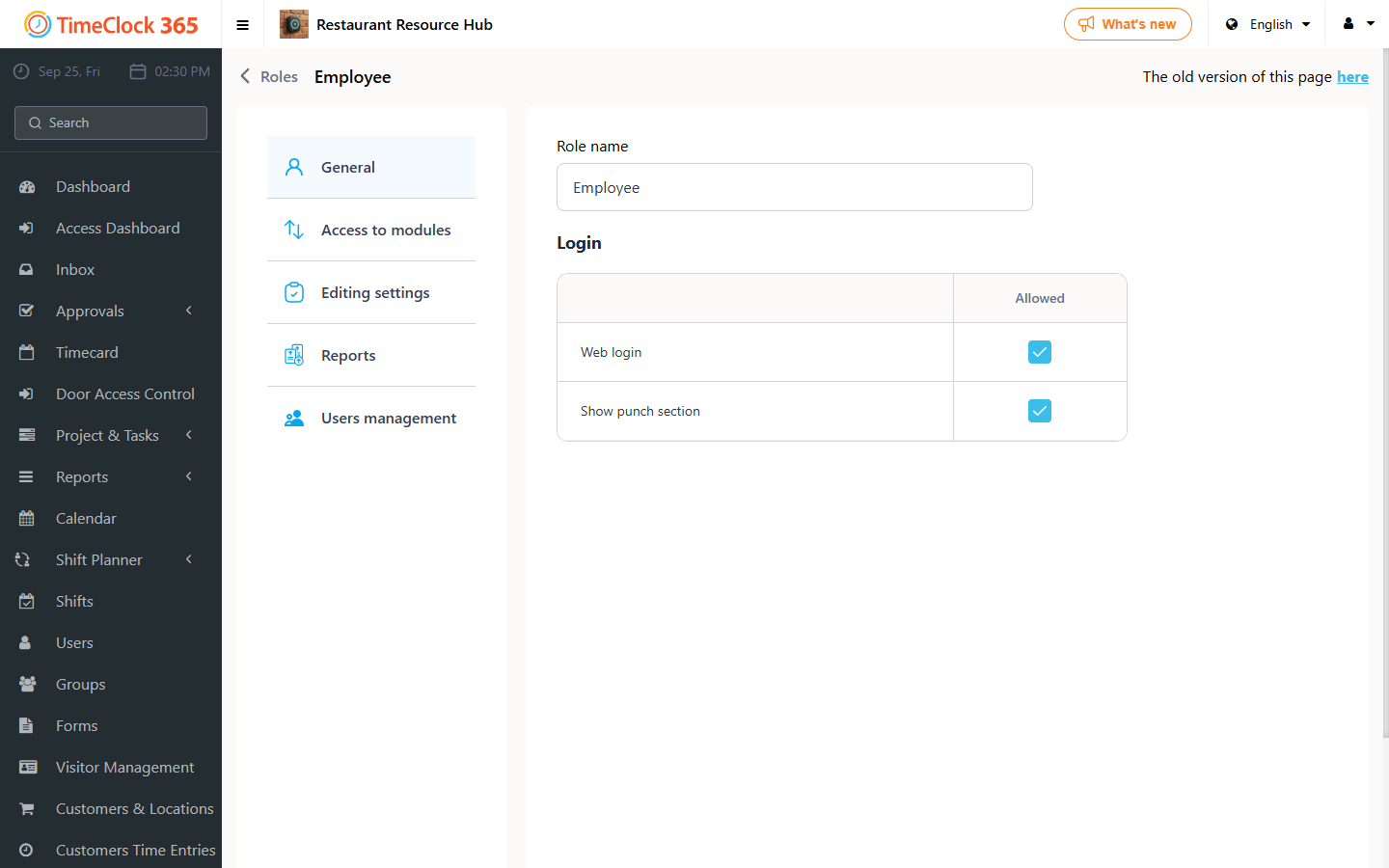
If you want to set this up for another role, repeat the same steps for it.
Step 2: View it
Go to Dashboard. If any users have a birthday that day, the panel will appear.
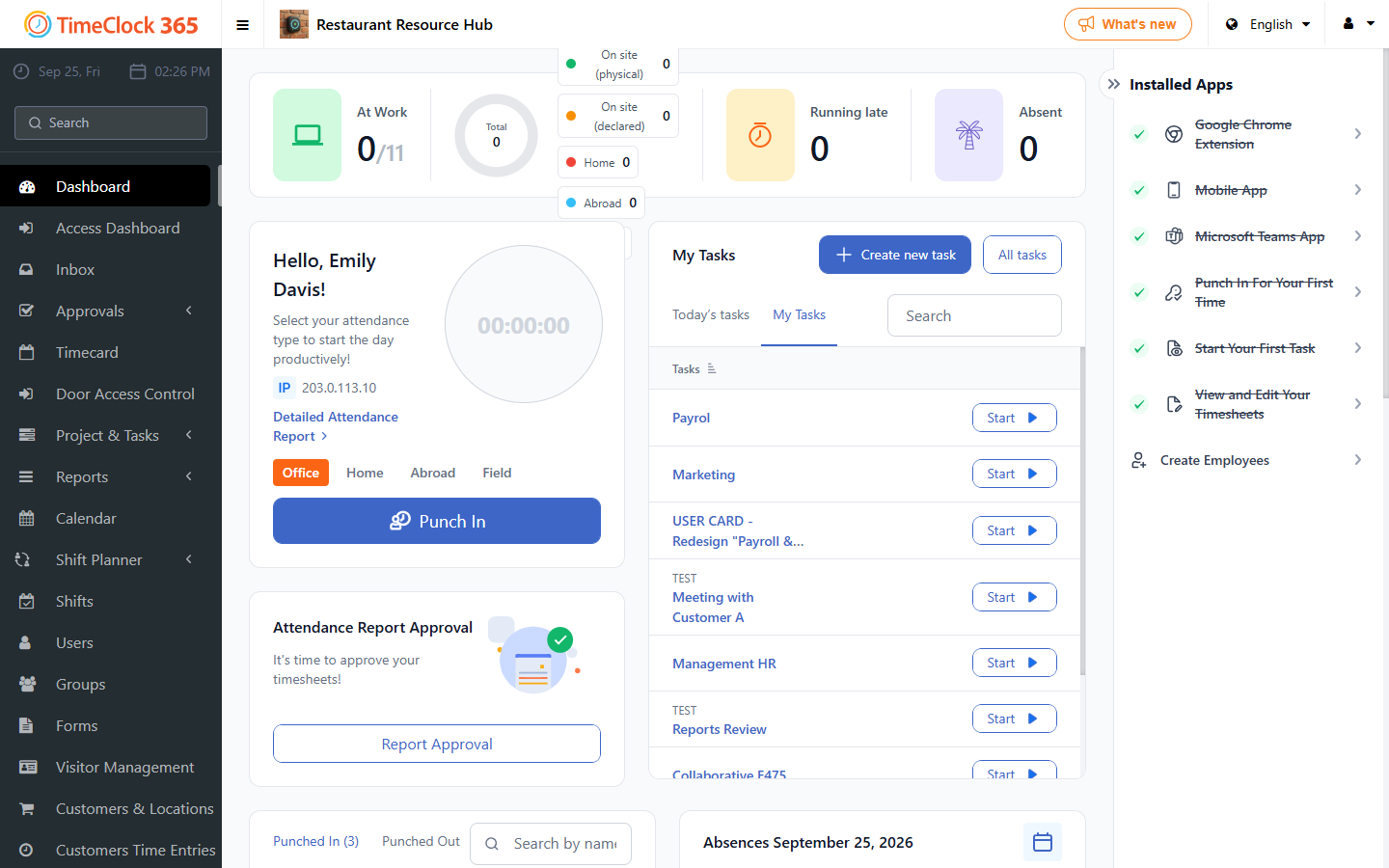
Note: if no employees have a birthday, the panel will not appear.
You can also create an alert for users' birthdays - see the related guide for that.