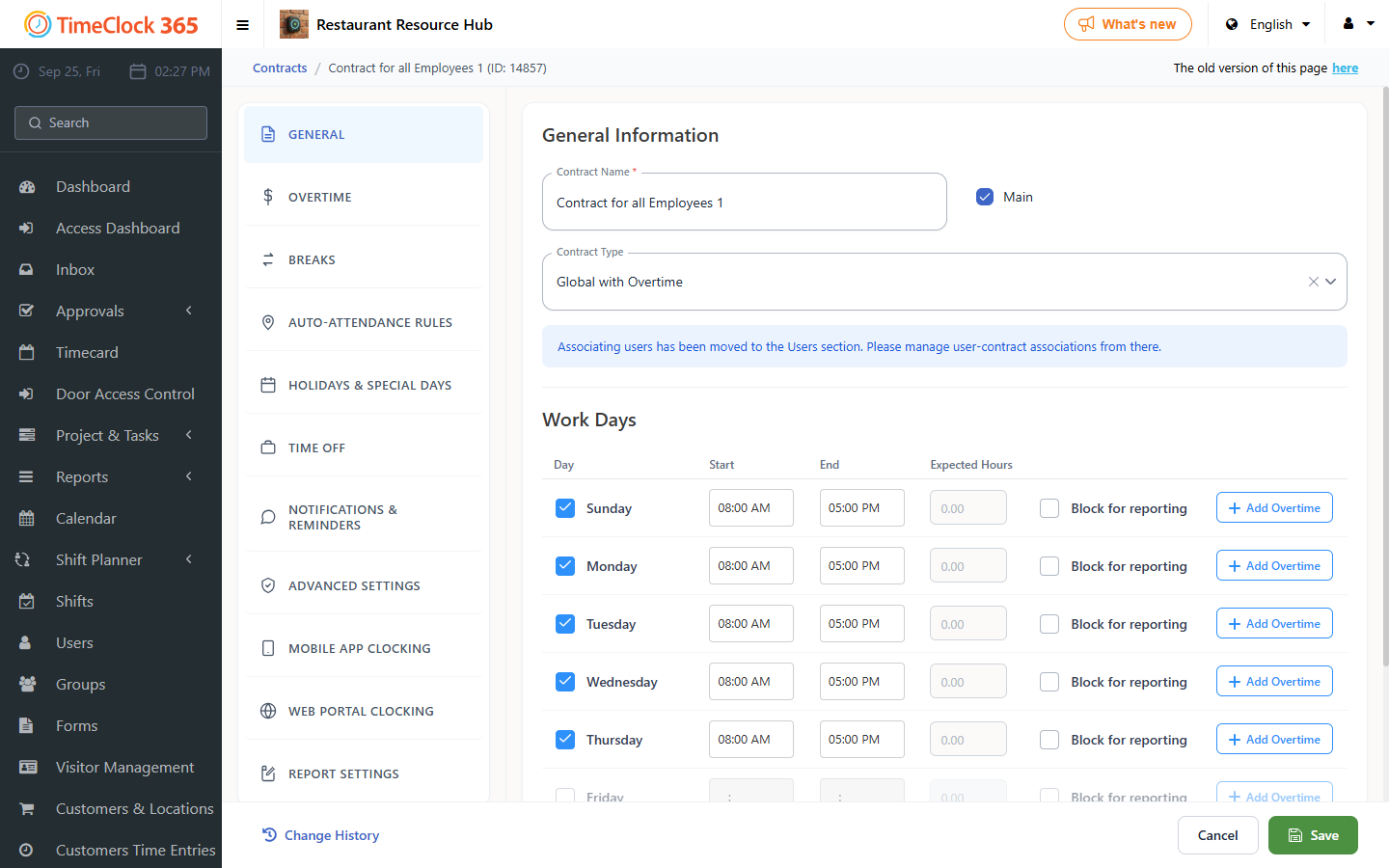
Block web-based attendance reporting so employees cannot clock in through the web portal on a specific day of the week or on a holiday.
Note: this setting only applies to employees who clock in through the web portal - it has no effect on employees who report through the mobile app.
- Click Settings, then Work Agreements, then click the work agreement you want this rule to apply to.
- To block reporting on a fixed day of the week, check "Block web reporting" next to that day.
- To block web reporting on a holiday, check it in the "Holiday" tab (this can also be done similarly for the eve of a holiday, intermediate festival days, and so on).