
This guide explains how to cancel attendance reminders and alerts about lateness or missing entries that employees receive.
To cancel reminders employees receive, go to Contracts, edit the contract, open the "Notifications & reminders" tab, and uncheck the reminders you do not want employees to get, whether by email or in the app.
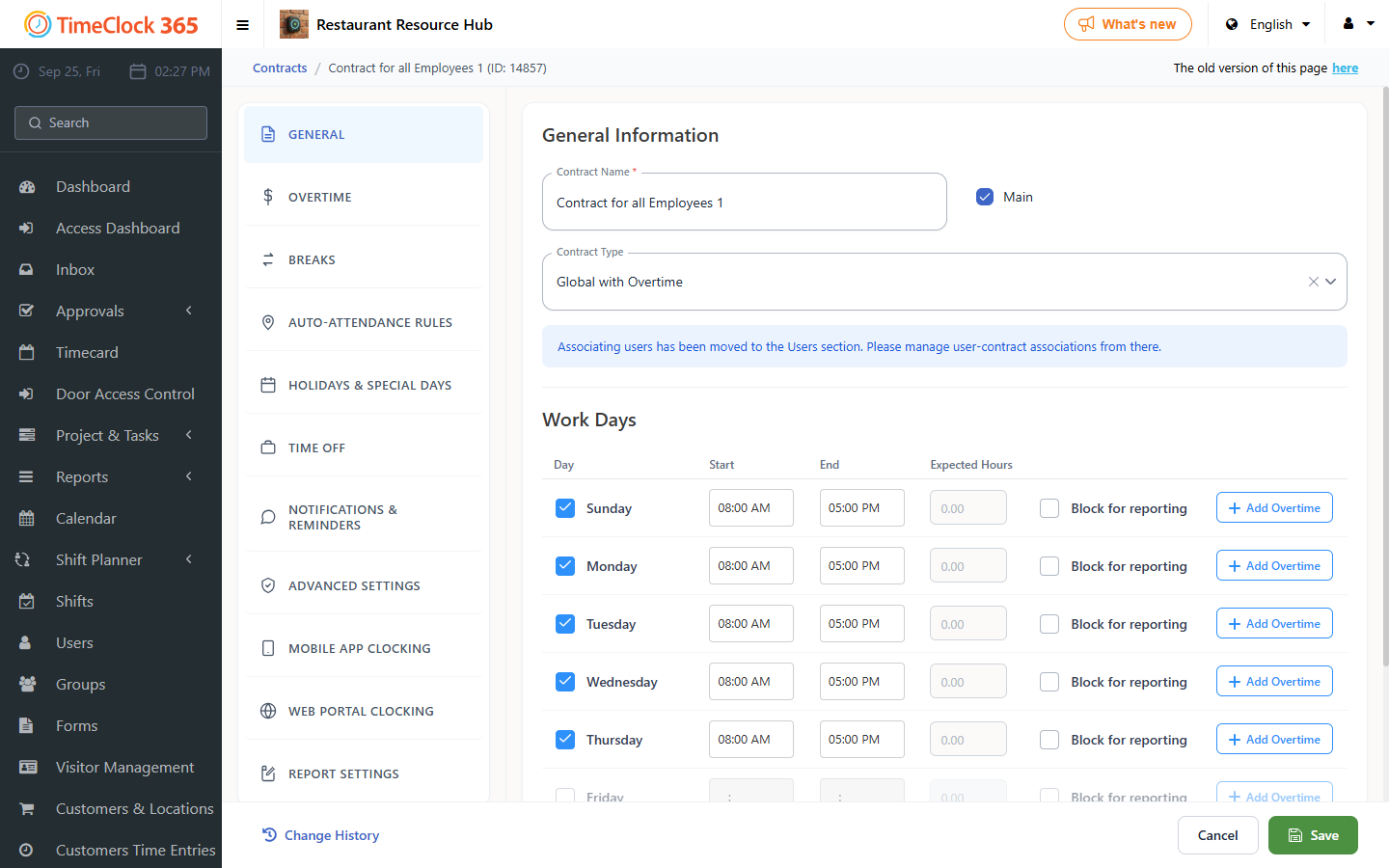
Reminders are contract-based emails and phone messages that remind employees to punch in, approve reports, and so on. Alerts are emails with reports and notifications that managers receive (attendance data, summary reports, upcoming birthdays, and more). Click Save after changing reminders.
To cancel alerts about lateness, missing entries, daily summaries, and more, go to Alerts and remove the alerts you do not want.
If you do not want to receive any alerts at all, the easiest way is to mark the alert as inactive and save: open the alert, uncheck the "Active" checkbox and click Save. Repeat for each alert you want to disable.
You can re-enable any reminder or alert at any time by selecting the checkbox again and saving.