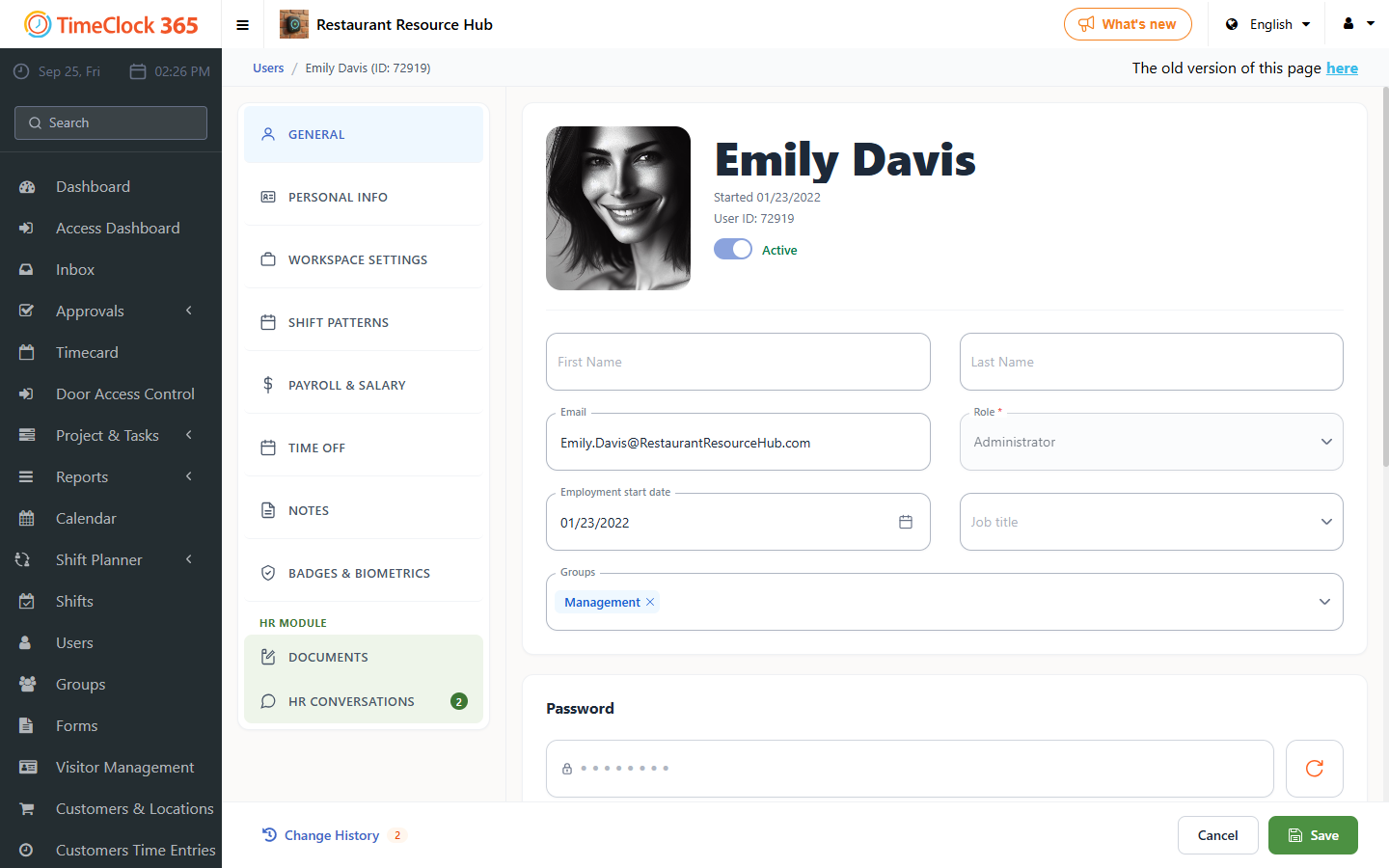
Change the default language for all employees in the system, or for one specific employee.
Note: make sure the web browser is not performing automatic translation.
There are two ways to change the language:
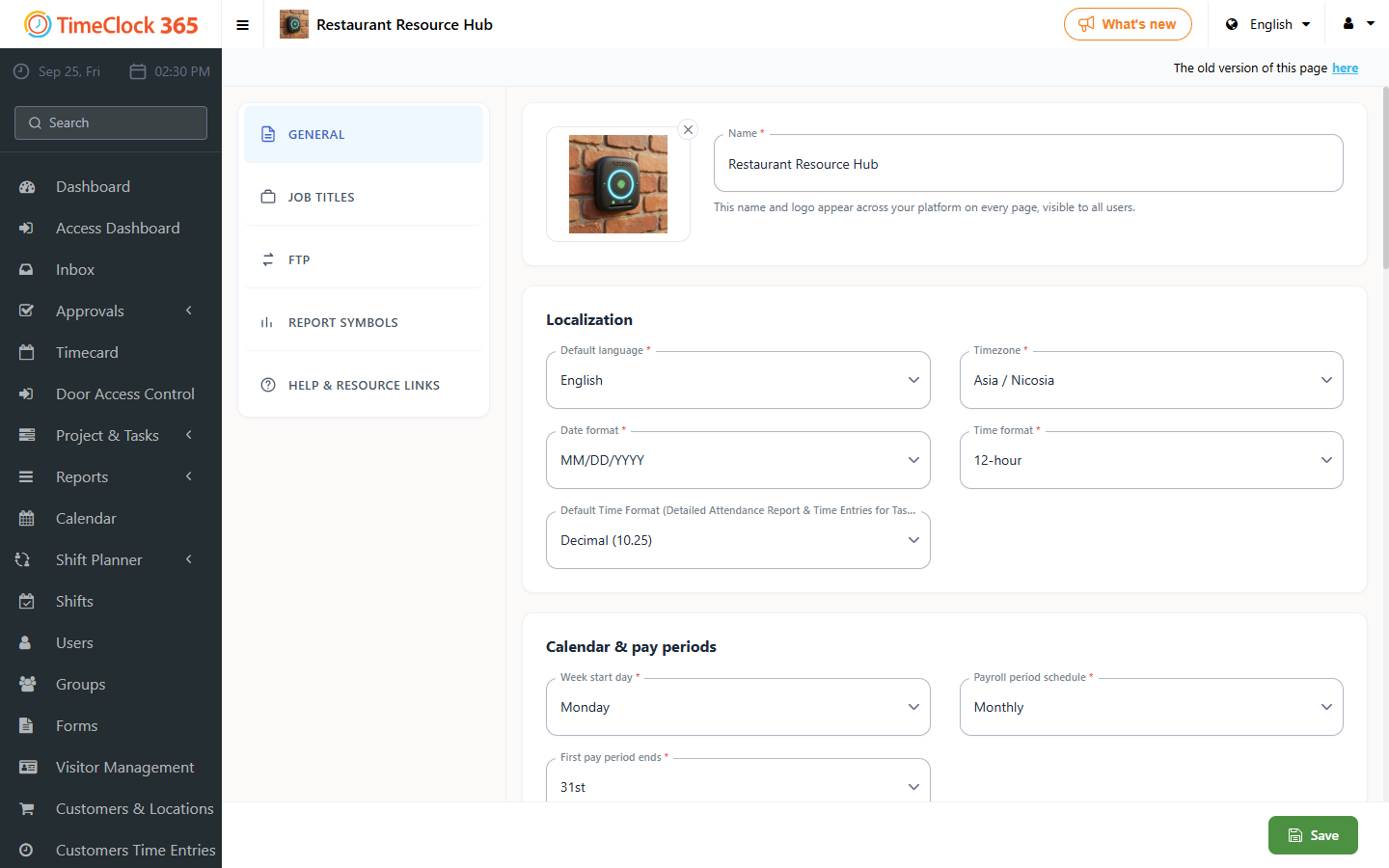
1. For all employees in the system
- Click Settings, then Company Profile, update the default language, then click Update at the bottom.
2. For a specific employee
Use this if you want one employee to see a different language than the system's default.
- Click Users, then click the user whose language you want to change, scroll down and open the "Contact Details" tab, update the default language for that user, then click Save.