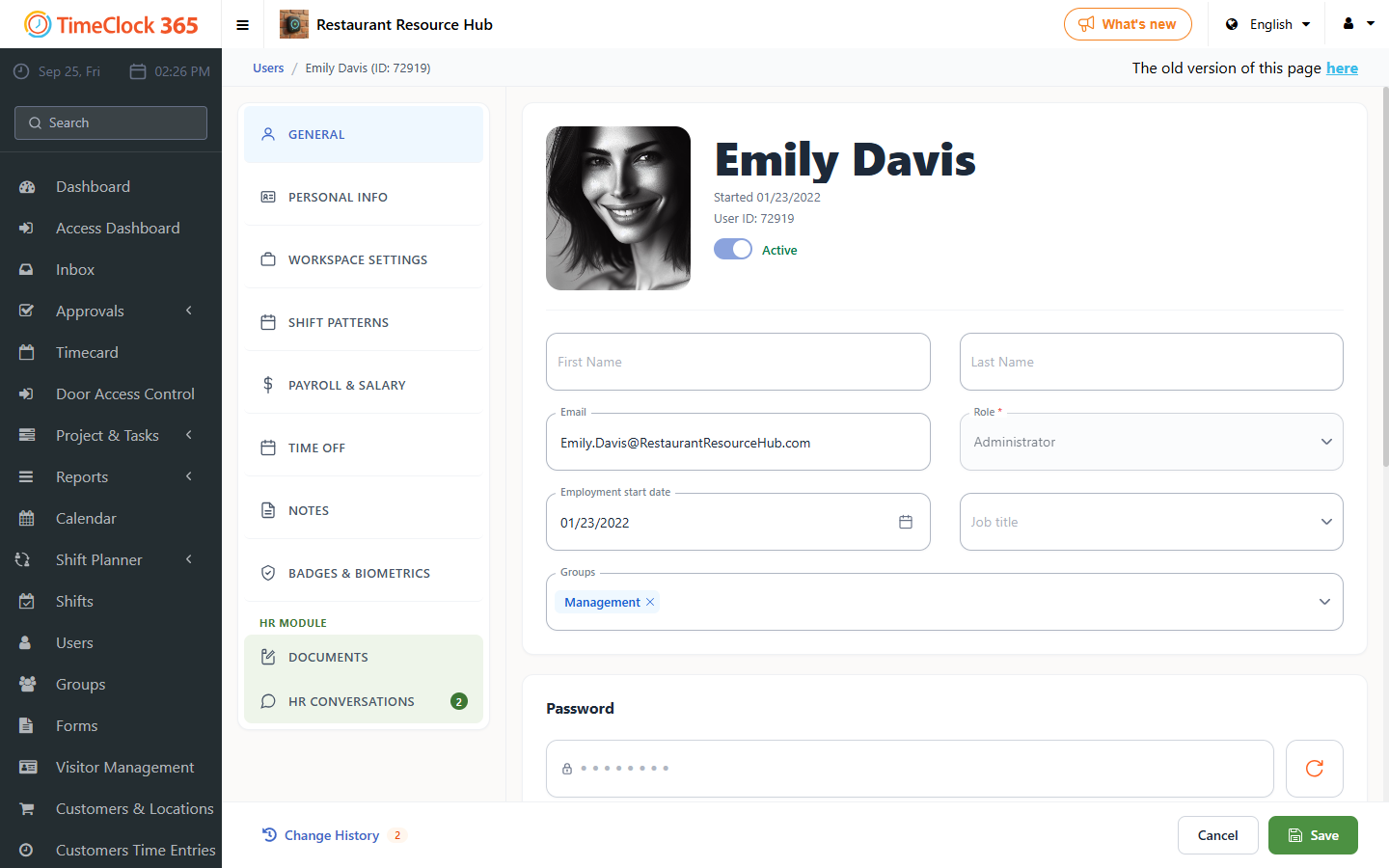
This guide explains how to change an employee's start date in the system.
Note: an employee cannot update working hours for a date earlier than their start date.
- Go to Users and select the employee whose start date you want to change.
- Under their name, change the date to the date you want set as their start date, then click Save at the bottom.