
This guide explains how to check how many TimeClock 365 licenses your account is paying for and how many are currently in use.
Click "Licenses & Billing" -> "My Subscriptions" to see the number of licenses you are paying for and how many are actually in use. You can change this quantity and click "Confirm" to save it.
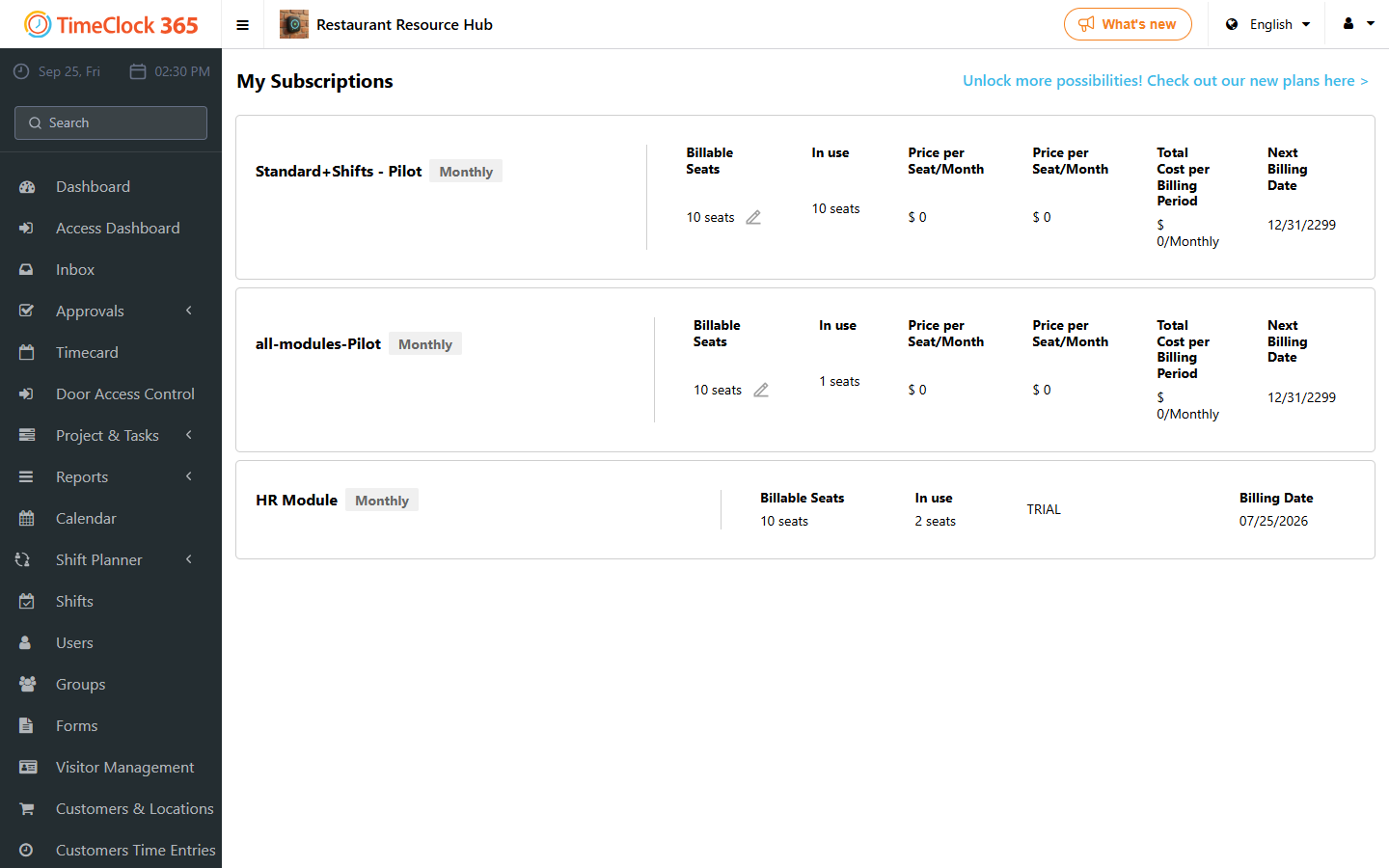
The subscriptions view also shows the number of licenses purchased, the assigned quantity, the status and the partner name.
You can also check licenses per user: click "Users", select the user, and scroll down to "Licenses" to see the license type and the number of licenses available.