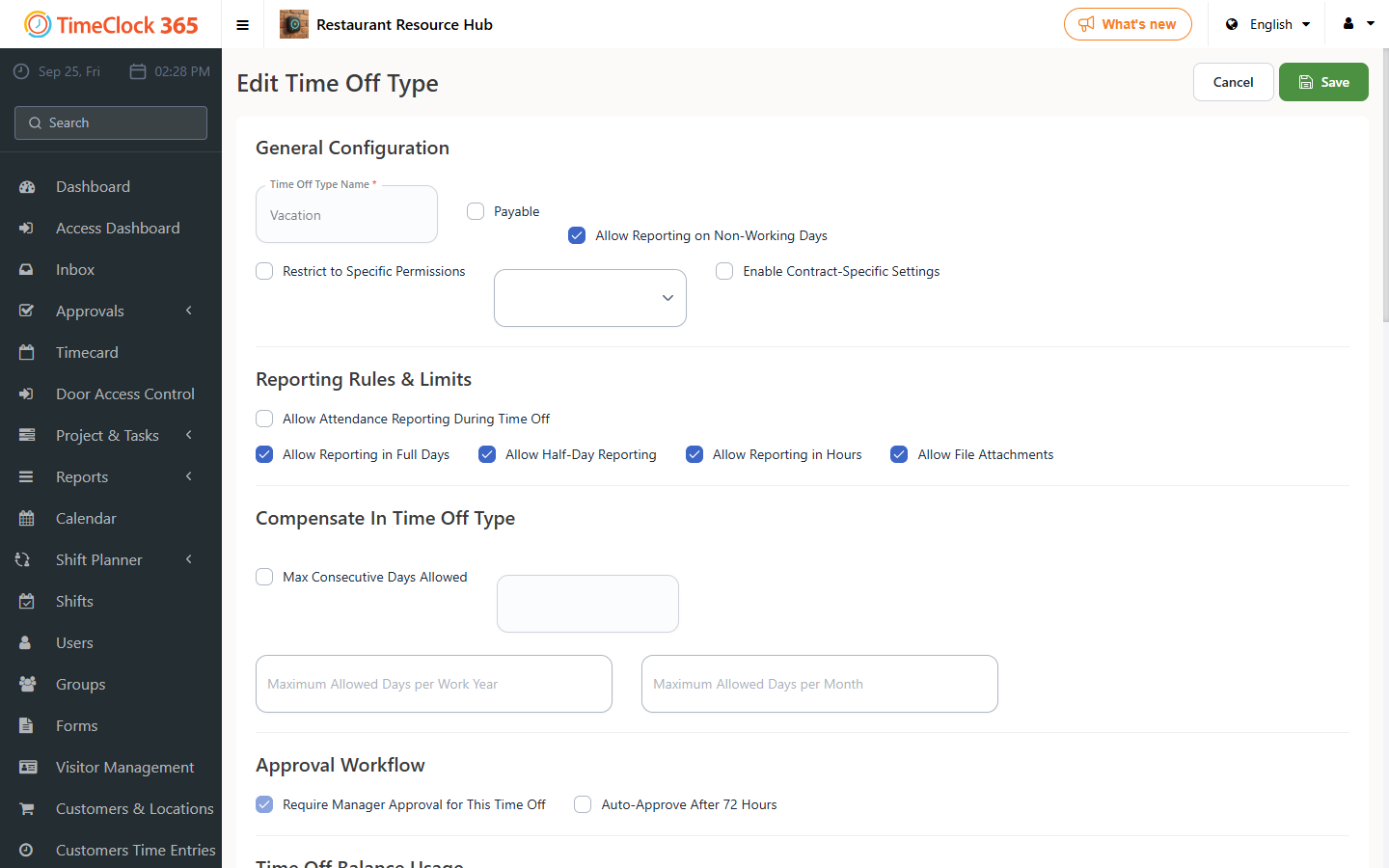
This guide explains how to allow attendance clock-ins to be reported during hours that overlap with an existing absence.
- Click Settings -> Company Profile -> click "Absence Types" at the top.
- Scroll to the absence type for which you want to allow attendance reporting during that absence.
- Check the box next to it: "Allow reporting attendance during this absence".
- Click Update at the bottom.