
This guide explains how to clock in when working from home.
Steps
- Sign in to the web portal.
- Select the "Home" location option.
- Click Punch in.
- Confirm the question in the pop-up window that appears.
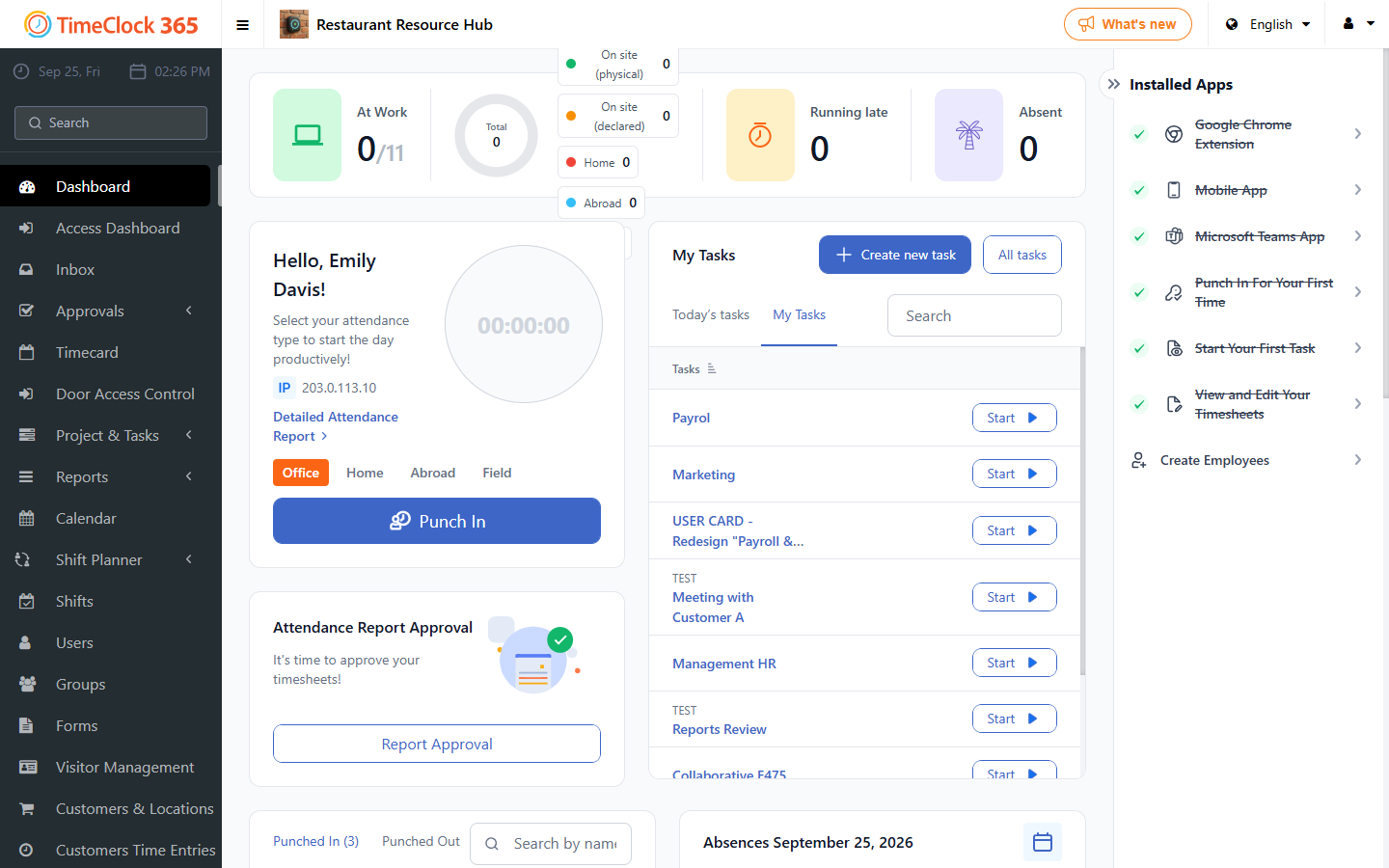
This guide explains how to clock in when working from home.