
This article explains how employees clock in and clock out using the web portal.
Clocking in
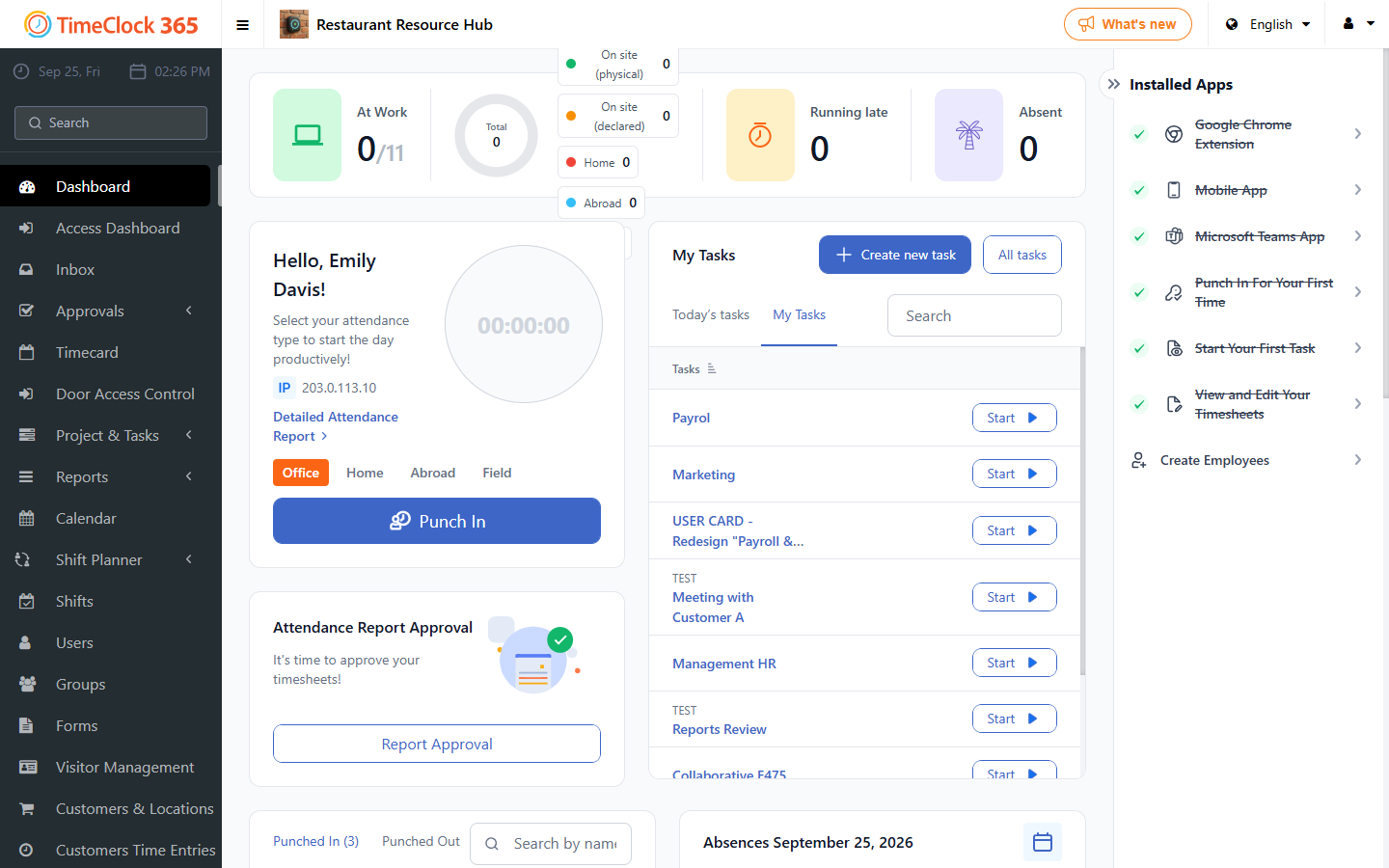
On the web portal dashboard, click Punch in to record the start of your work day.
Clocking out
When you finish work, click Punch out to record the end of your work day. Your attendance entry is then available in the Detailed Attendance report.
Working place and tasks
Before you punch in, select where you are working from (home, office or field). If tasks are enabled, a list of tasks appears under "My Tasks". Click Start on a task to time it, and click its timer again to stop it. You can then move to the next task or punch out.
When you click Punch out, confirm the prompt. Your tracked time is saved and the attendance time is assigned to the tasks you worked on.