By default, if an employee does not clock out, the clock resets at midnight, so no clock-out is recorded for that day. This guide explains how to let the clock keep counting hours for employees whose shift extends past midnight.
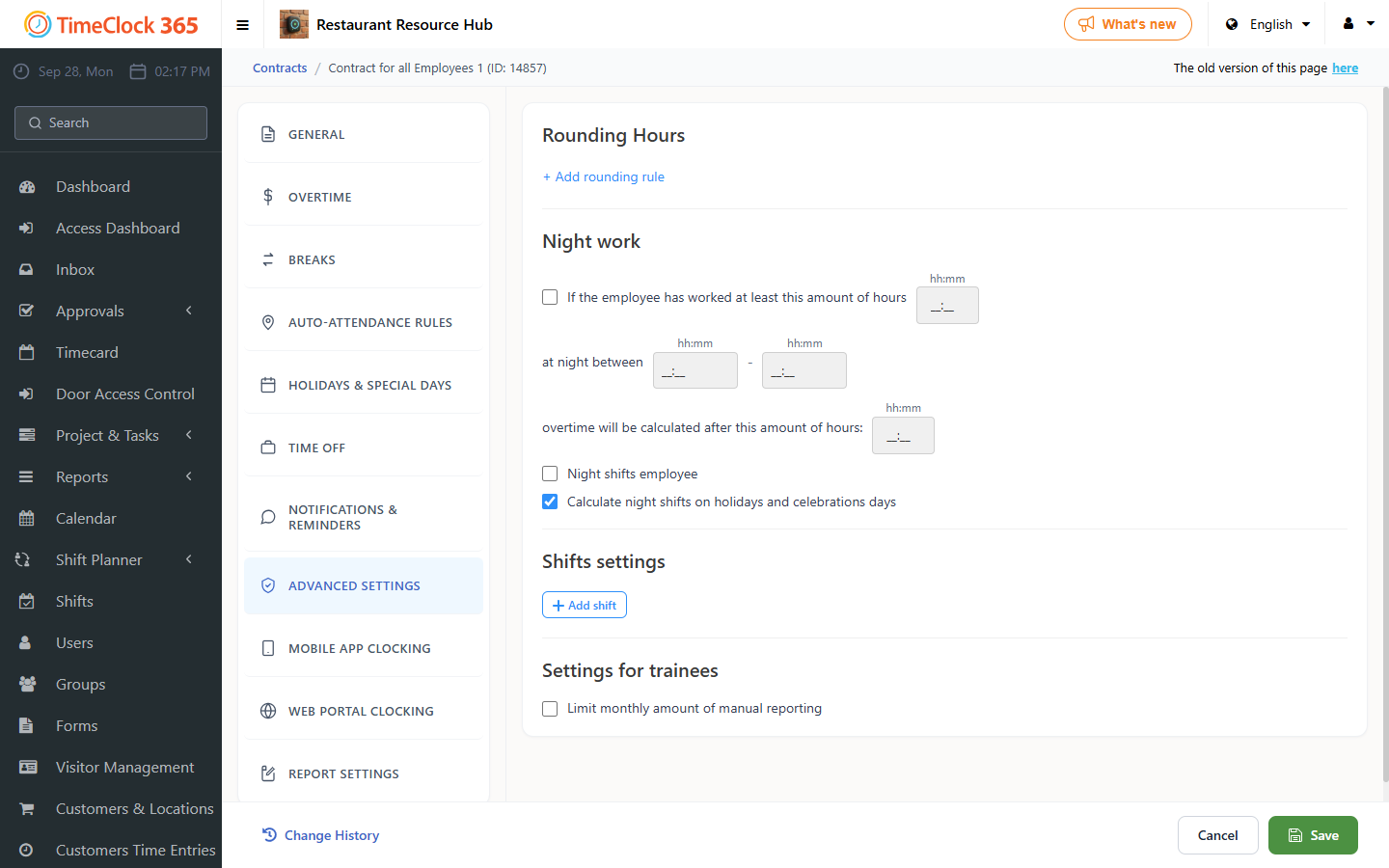
To allow this, enable "night shift" for those employees:
- Go to Contracts and select the relevant contract those employees are assigned to.
- Scroll down to "Night Shift" and check "Night worker" -> click Save.
Without this setting, if an employee punched in and is still working after midnight, the punch-out button changes to "punch in" so they can punch in the next morning, which disrupts time logging for night shift employees.