
The Company Profile page is where administrators manage company-wide settings for TimeClock 365, from basic details to attendance and security rules.
- Click Settings -> Company Profile.
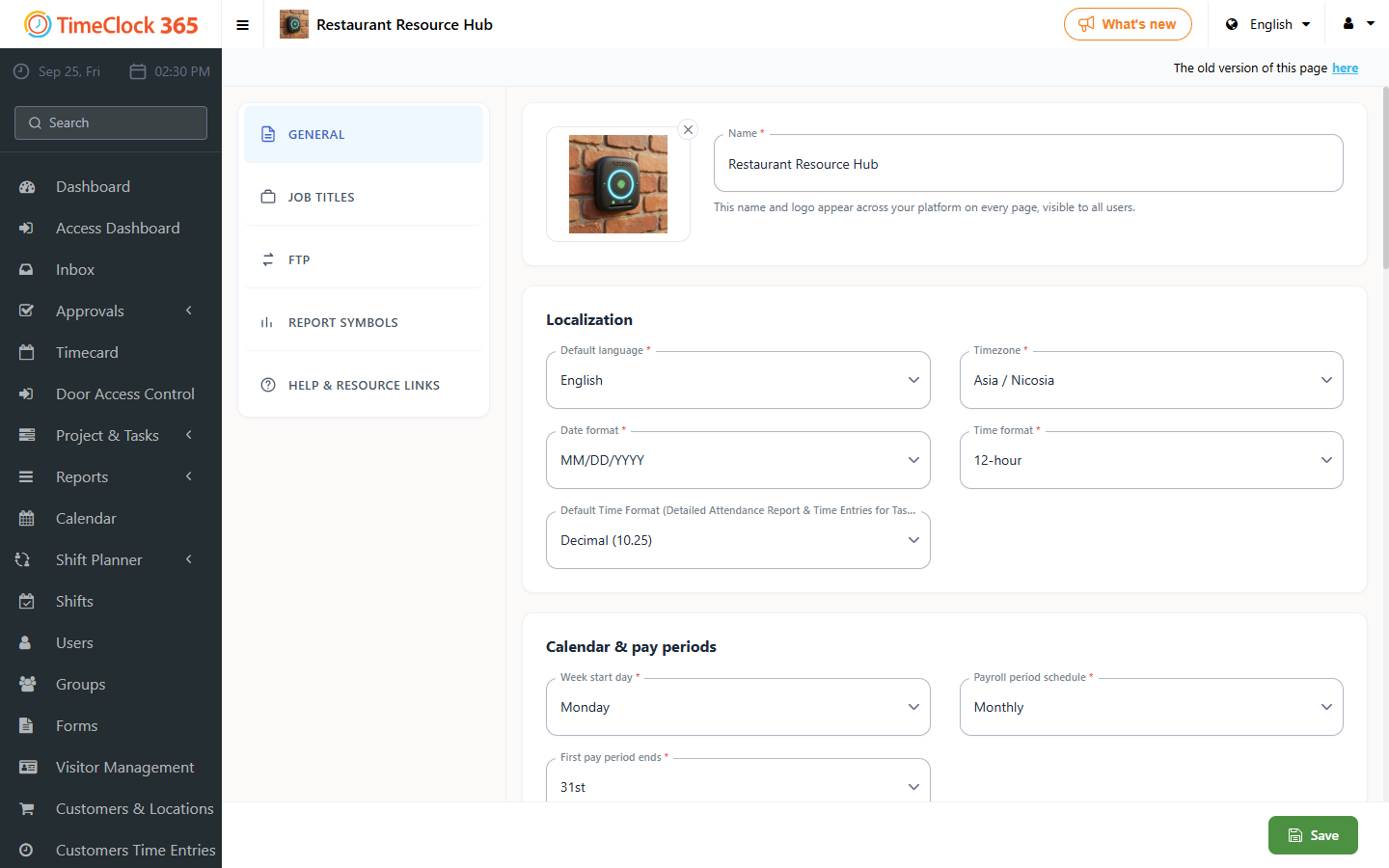
From here you can manage settings such as company IPs for restricting reporting locations, absence types, help links shown on the dashboard, and other organization-wide preferences. Changes made on this page apply to the entire company account, so review them carefully before saving.