
This guide explains how to set a default reporting source for employees.
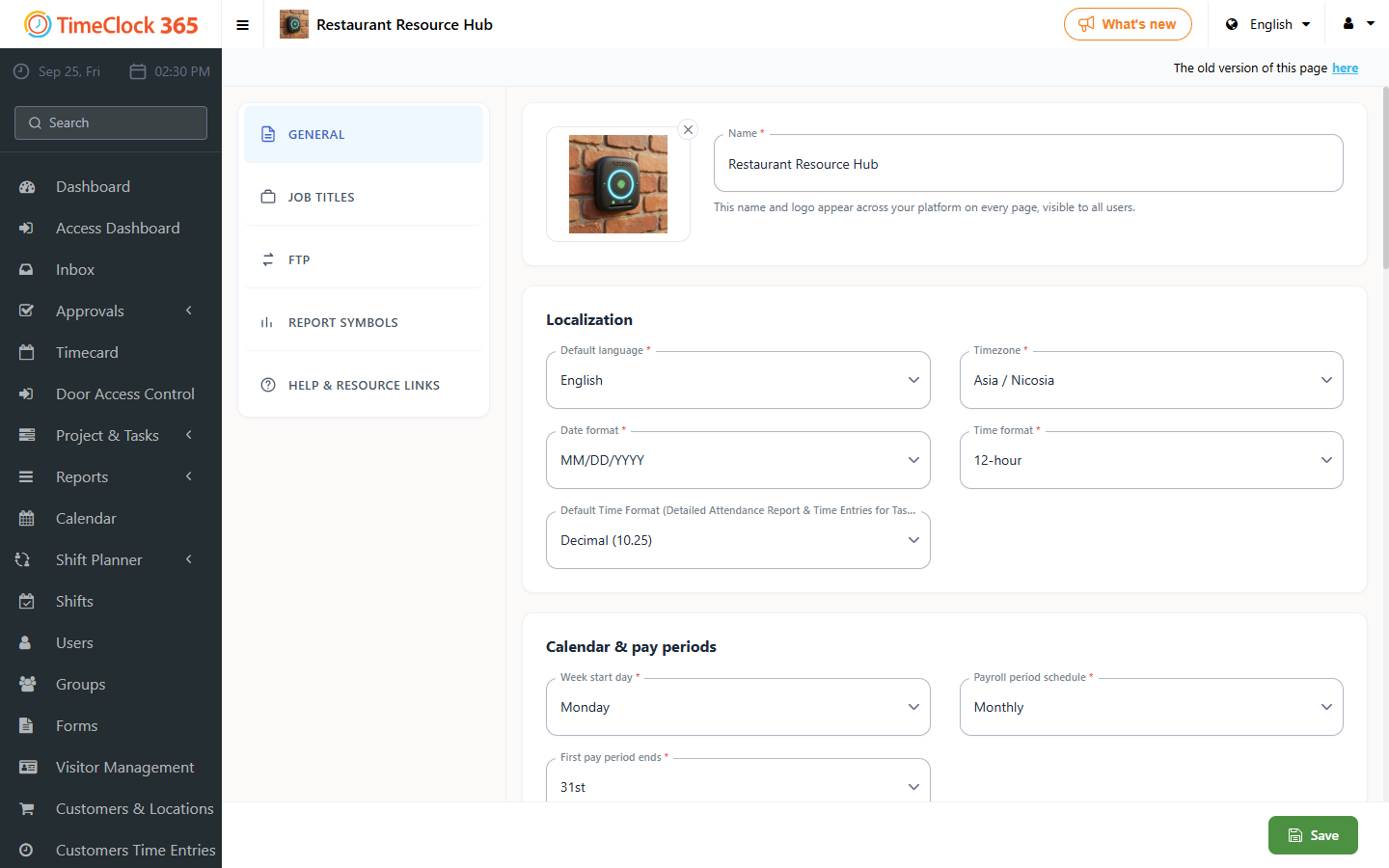
- Go to Settings, then Company Profile.
- Select the Settings tab at the top.
- Choose the reporting source in the "Default location type" field.
- Click Update.
Note: if the default reporting source does not match what an employee wants on a given day, they can still change it.
Options include Office, Home, Field and Abroad. The default is pre-selected when an employee clocks in, which saves time when most employees work from the same location.