Disable the health declaration that the mobile app asks employees to confirm at the start of their work day. This can only be done by a system administrator.
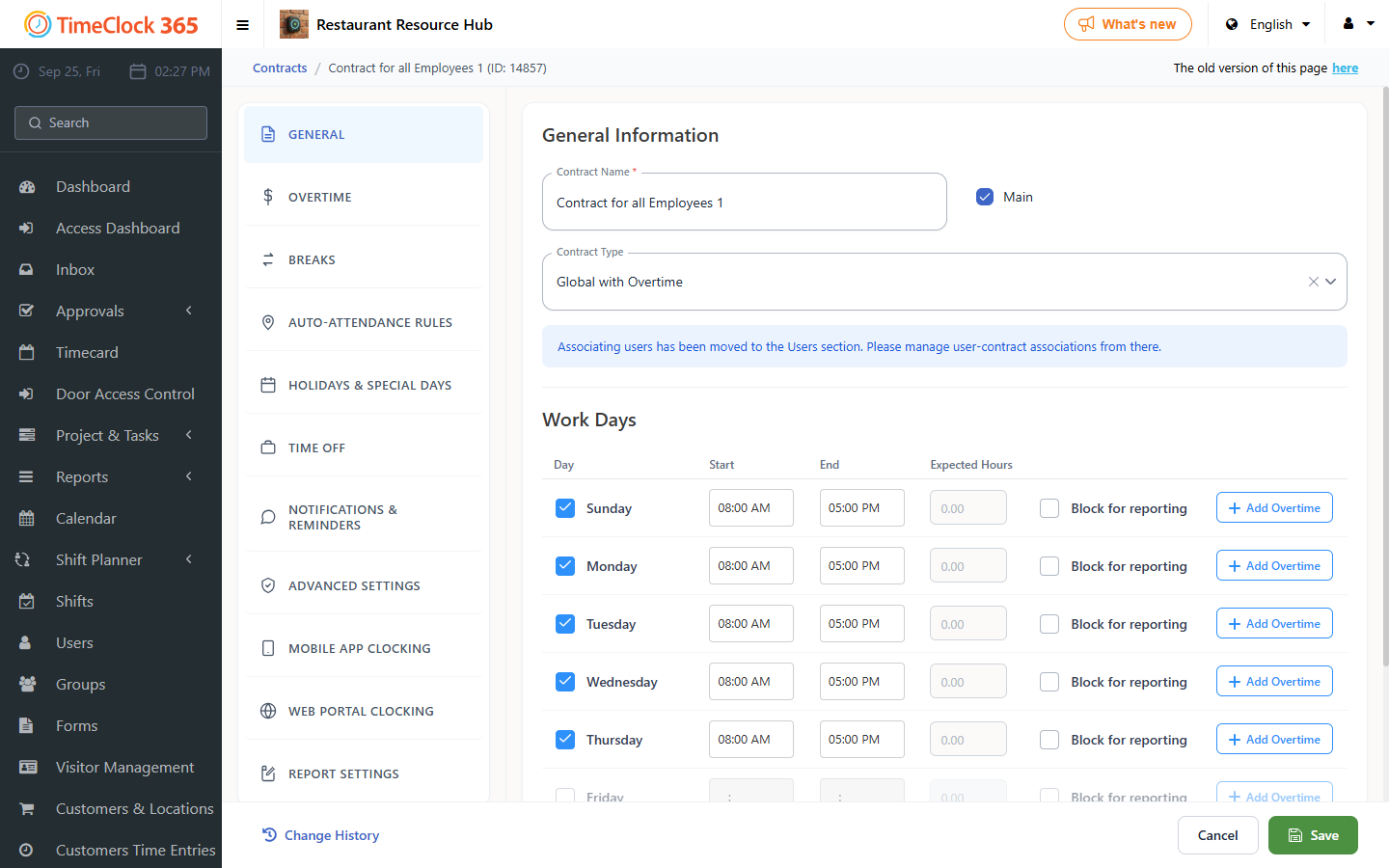
- Click Settings, then Work Agreements, then click the work agreement you want to remove the health declaration requirement from.
- Scroll down to the "Smartphone clock-in conditions" tab, uncheck "Show health declaration on every clock-in", scroll down and click Save.