
This guide explains how to duplicate a project together with all its tasks.
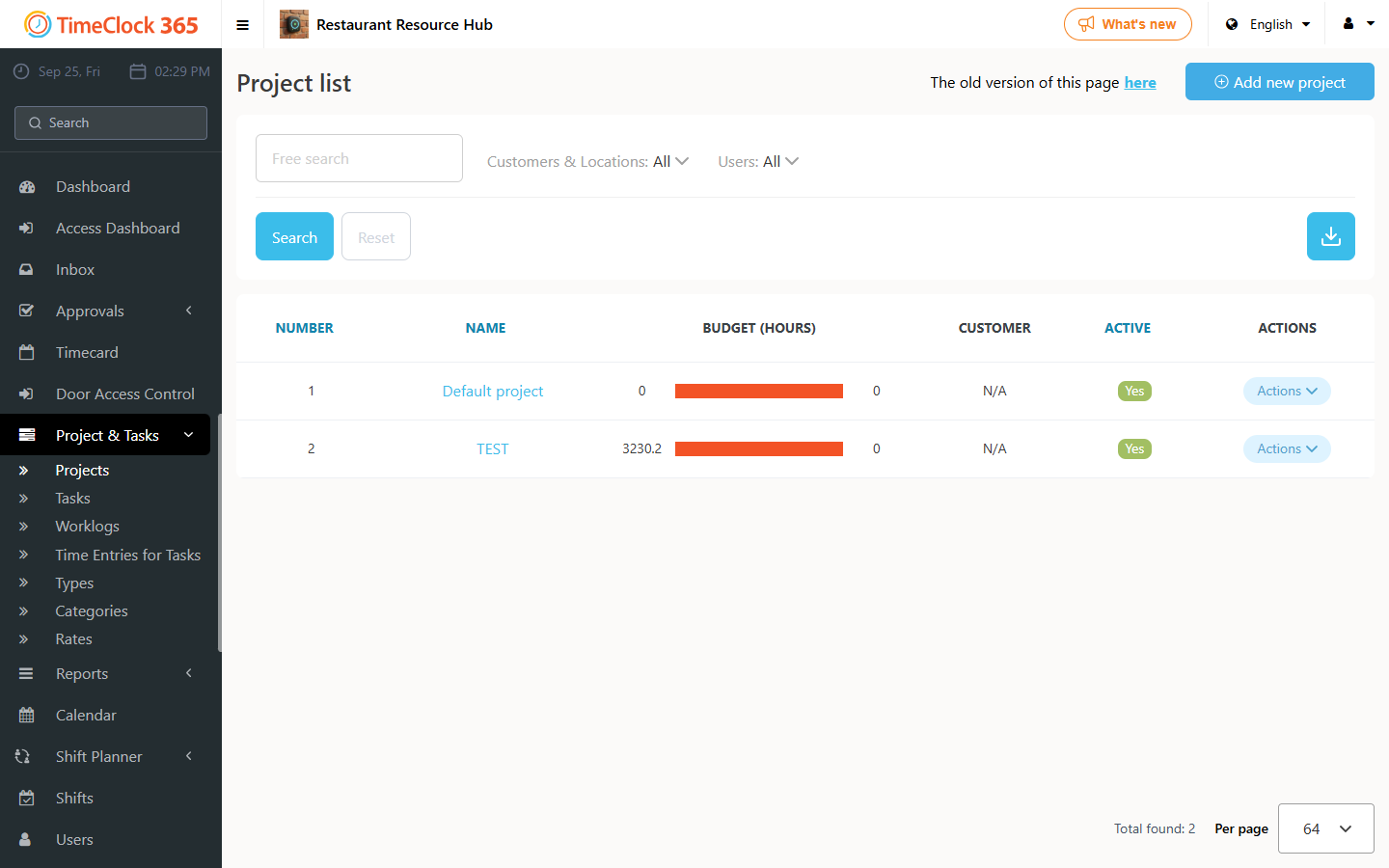
- Click Project & Tasks -> Projects, scroll to the project you want to duplicate, click "Actions", then click "Duplicate".
Notes:
- As soon as you click "Duplicate", all existing tasks in the project are duplicated automatically.
- This creates a new version of the project that includes all the tasks from the original project.
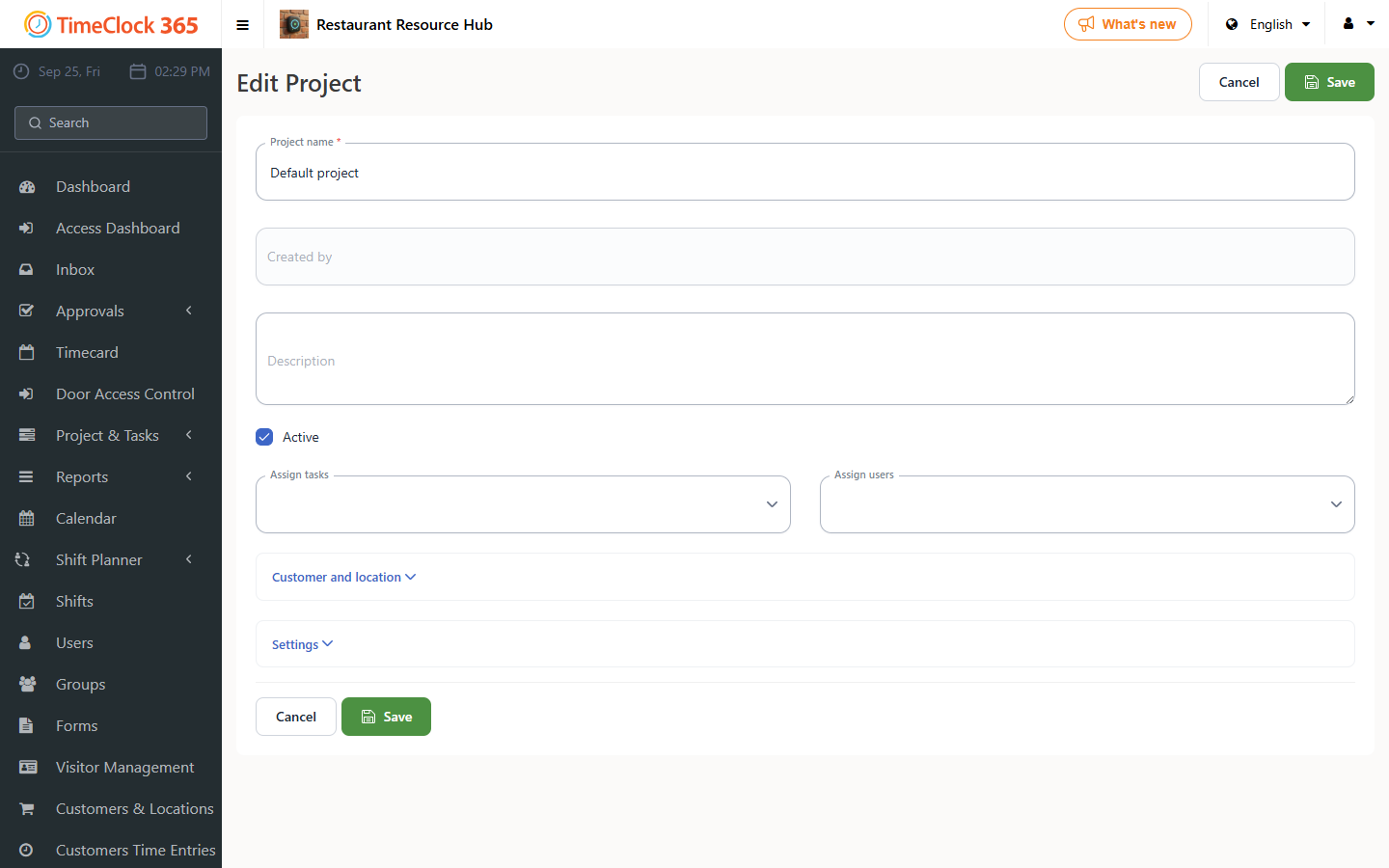
Now update the new project:
- Update the project name.
- Update the employees who will report on the project (this assigns those employees to every task in the project).
For editing projects and tasks retroactively, see the related support article on that topic.