
This guide explains how to edit a time off request you have already submitted.
Steps
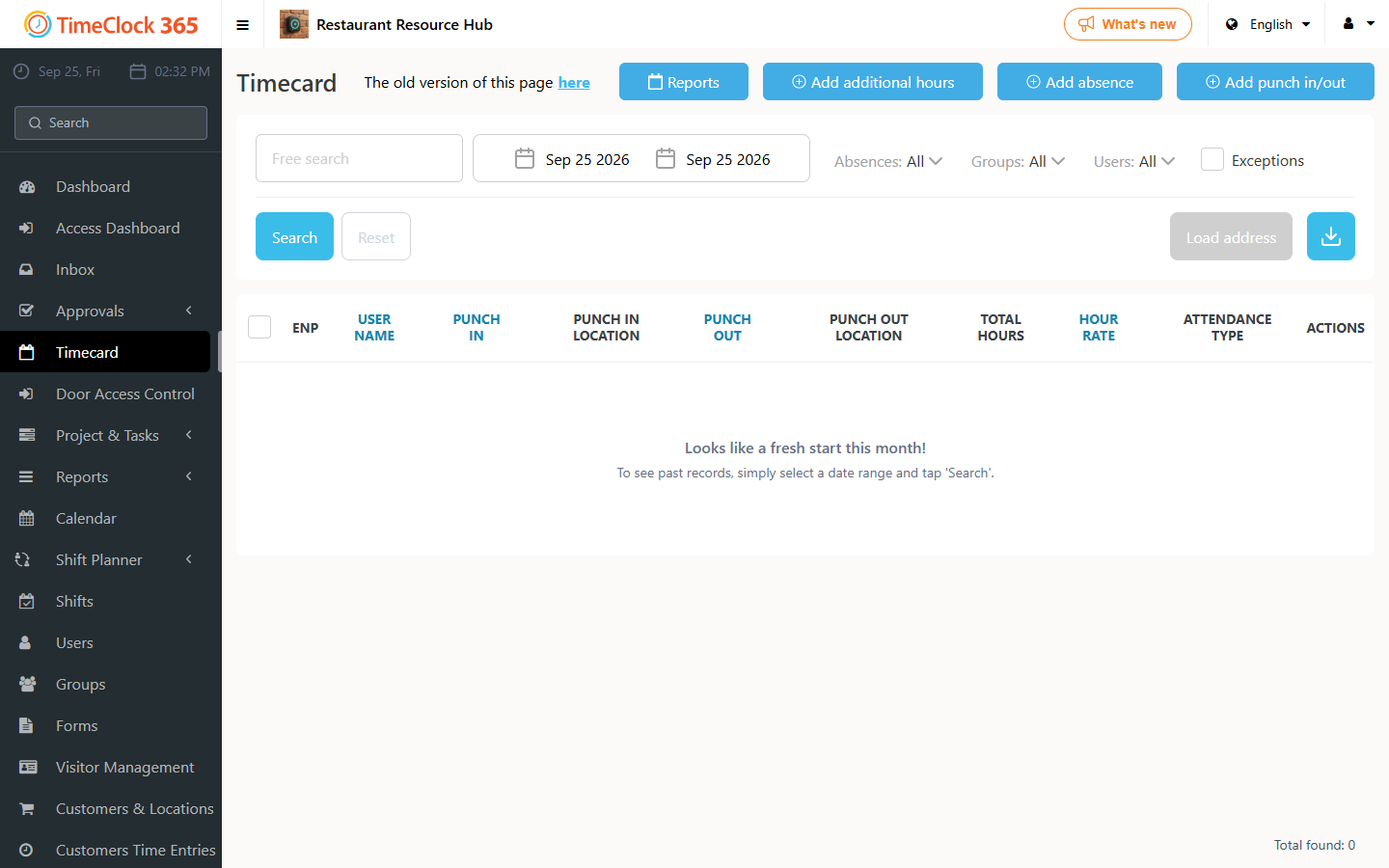
- Go to Timecard.
- Set the date range at the top and use Filters to find the time off request.
- Open the Actions menu (⋮) on that row and click Edit.
- Make any changes you want in the screen that opens, then click Save.
Note: this can also be done even after the request has been approved.