
When an employee leaves and a new one takes their place, follow these steps to deactivate the old user and create the new one.
Deactivate the departing employee's user
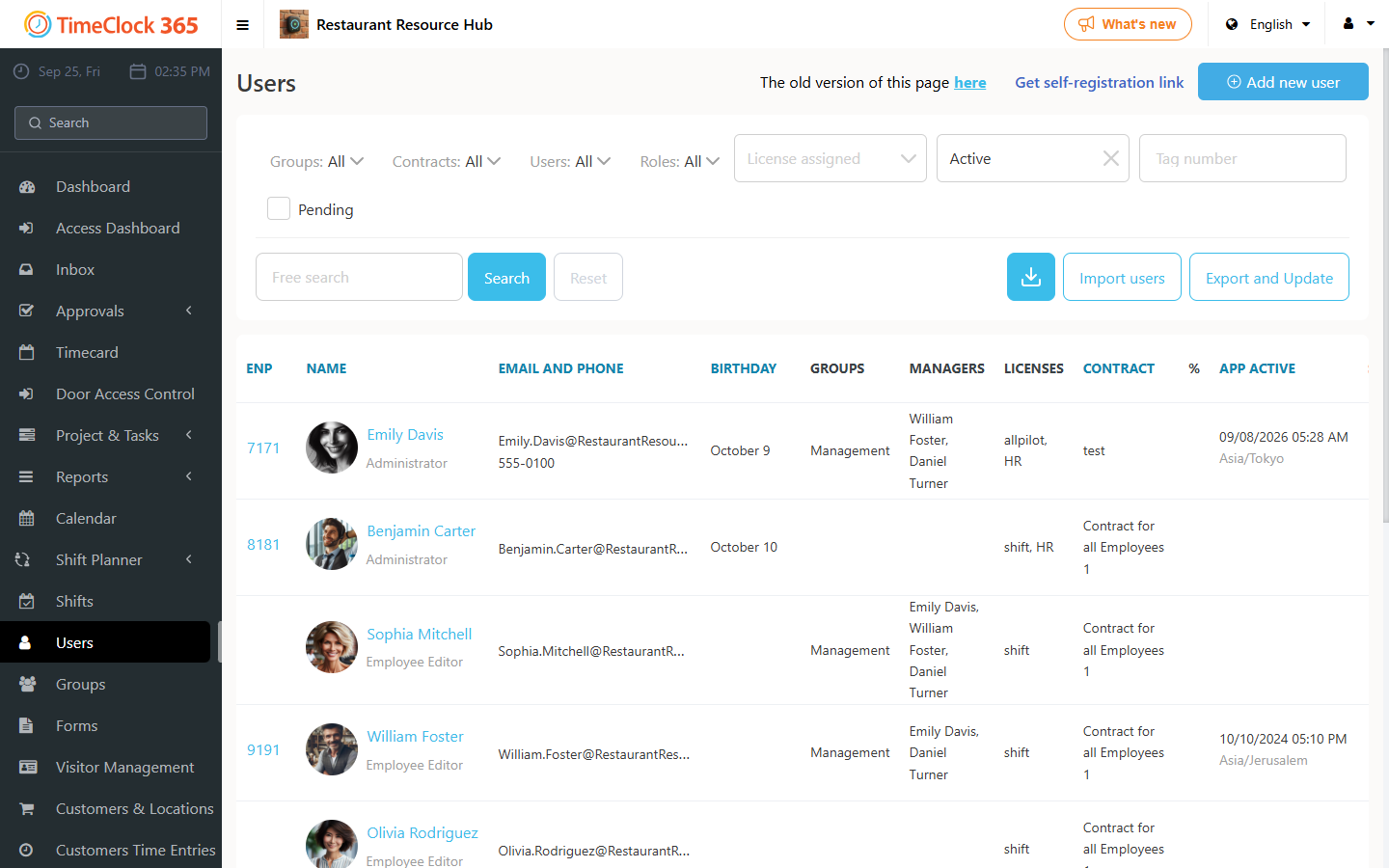
- Go to Users, click the employee's name.
- Below the employee's name, uncheck "Active".
- Under "Licenses", check "Do not assign license" and save.
Create the new employee
- Go to Users, click "Add new user".
Note: if you want to add more employees than the number who left, or reduce the number of licenses in the company, you will need to increase or decrease the number of licenses accordingly. A separate guide explains how to do this.