
Ran into a problem or need help? Open a support ticket and our team will get back to you as soon as possible.
- Click "Support" in the navigation bar.
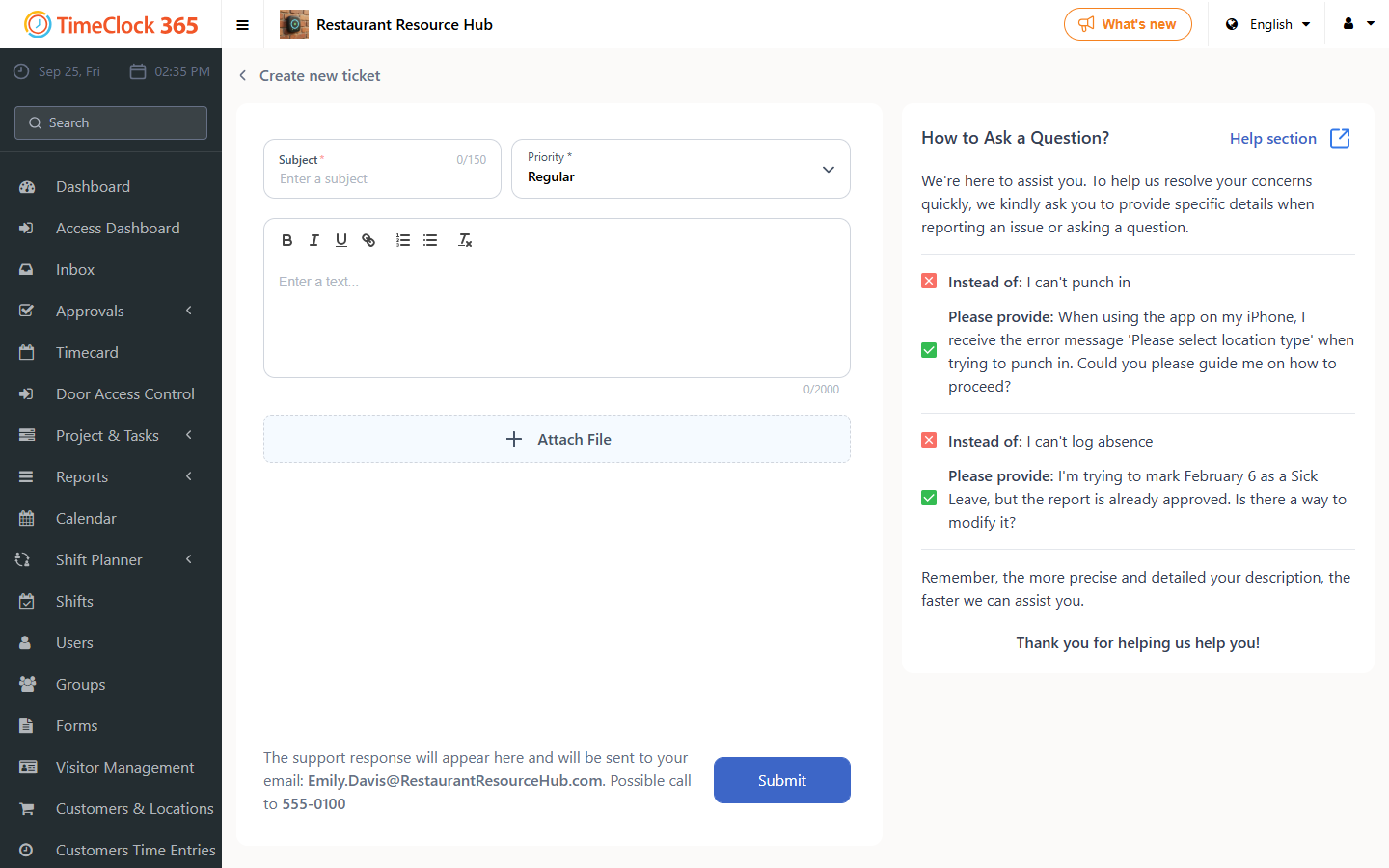
- Click "Create new ticket" (if this button does not appear, a separate guide explains what to do).
- Choose the topic, what you need and the area it is about, then fill in the subject and a description of your request. You can also attach a screenshot.
- Click Submit.
If you cannot log in
You can still open a ticket if you forgot your password or are locked out.
- Go to the TimeClock 365 sign-in page.
- At the bottom of the sign-in form, under "Have a question?", click the Contact Support team link.
- Fill in the title, your ID, email or username, and a description of the issue. You can optionally attach files, such as screenshots.
- Click Submit.
The support team will contact you at the email you provided.