
If an employee has finished working on a task and you don't want them reporting on it anymore, this guide explains how to remove the task from their list of reportable tasks.
Note: this action can only be performed by the employee's own user account.
Web portal
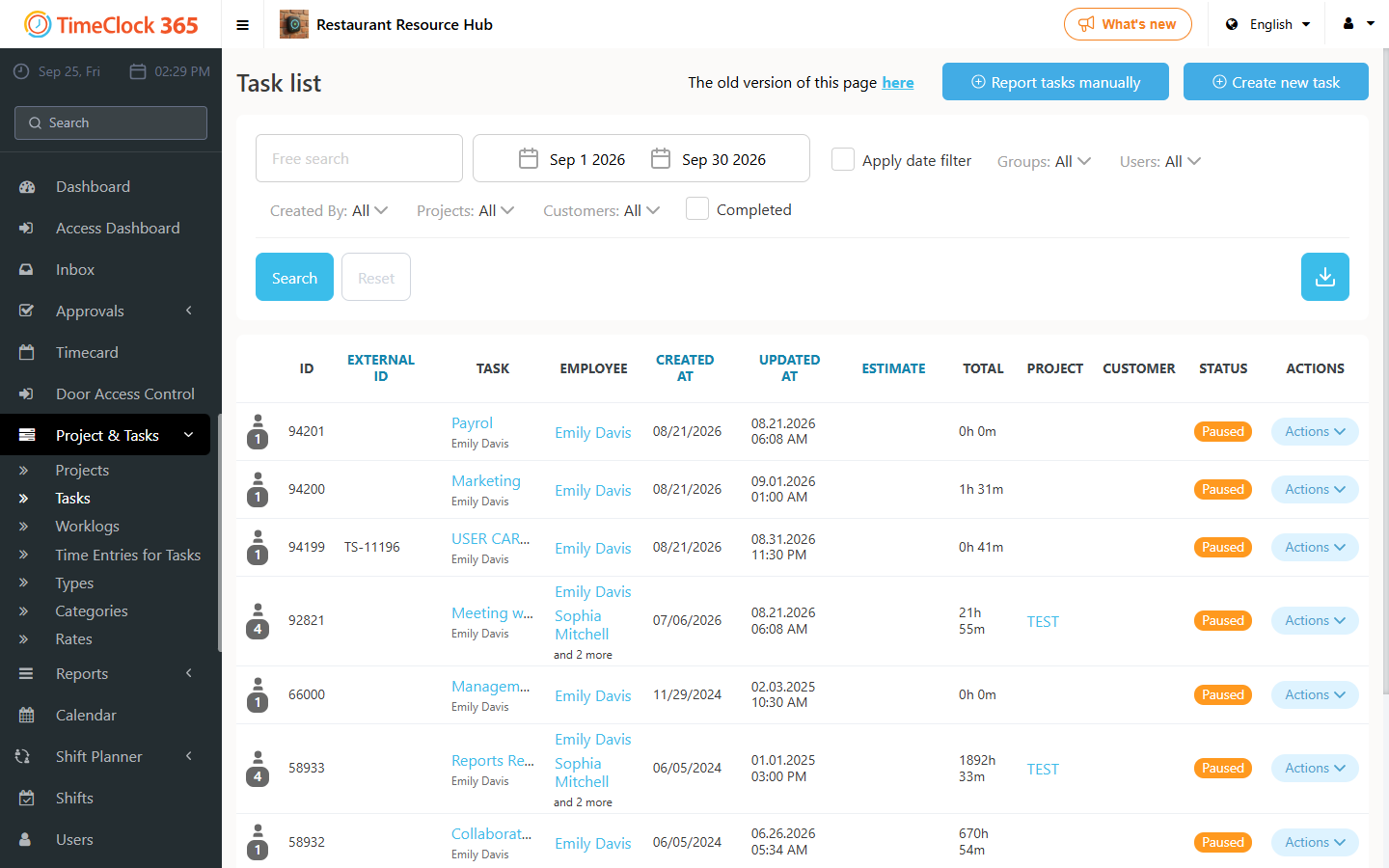
- Go to Project & Tasks -> Tasks -> switch to the old design.
- Next to the task you no longer want to report on, click the checkmark (V) to complete the task. (To reopen the task, click the refresh button with two opposing curved arrows.)
Mobile app
The same completion option is available from the mobile app's task list.
After completing the task, the employee will no longer see it in their task list and won't be able to report on it. For a guide on restoring a completed task, see the related support article.