
This guide explains how a system administrator can end a task for a specific user, or for everyone who reports on a specific task, so it can no longer be reported on.
Step 1: allow the admin permission to do this
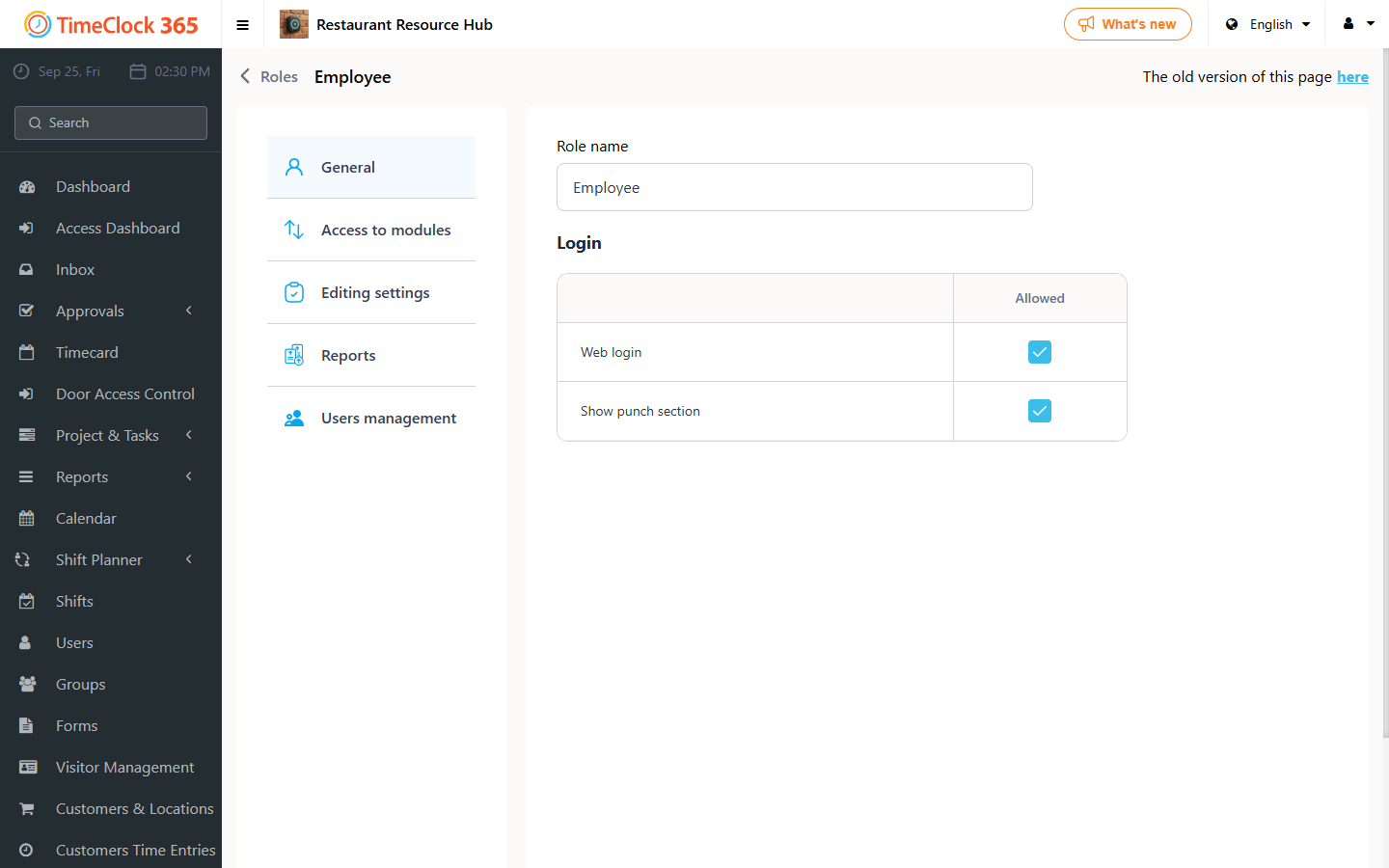
- Go to Settings -> Permission Management -> select the system administrator's permission level (usually Administrator or Manager).
- Open the "Module Access" tab -> check "Complete/restore task for all users" -> click Save.
Step 2: complete the task
- Go to Project & Tasks -> Tasks.
- Click "Actions" next to the task you want to complete.
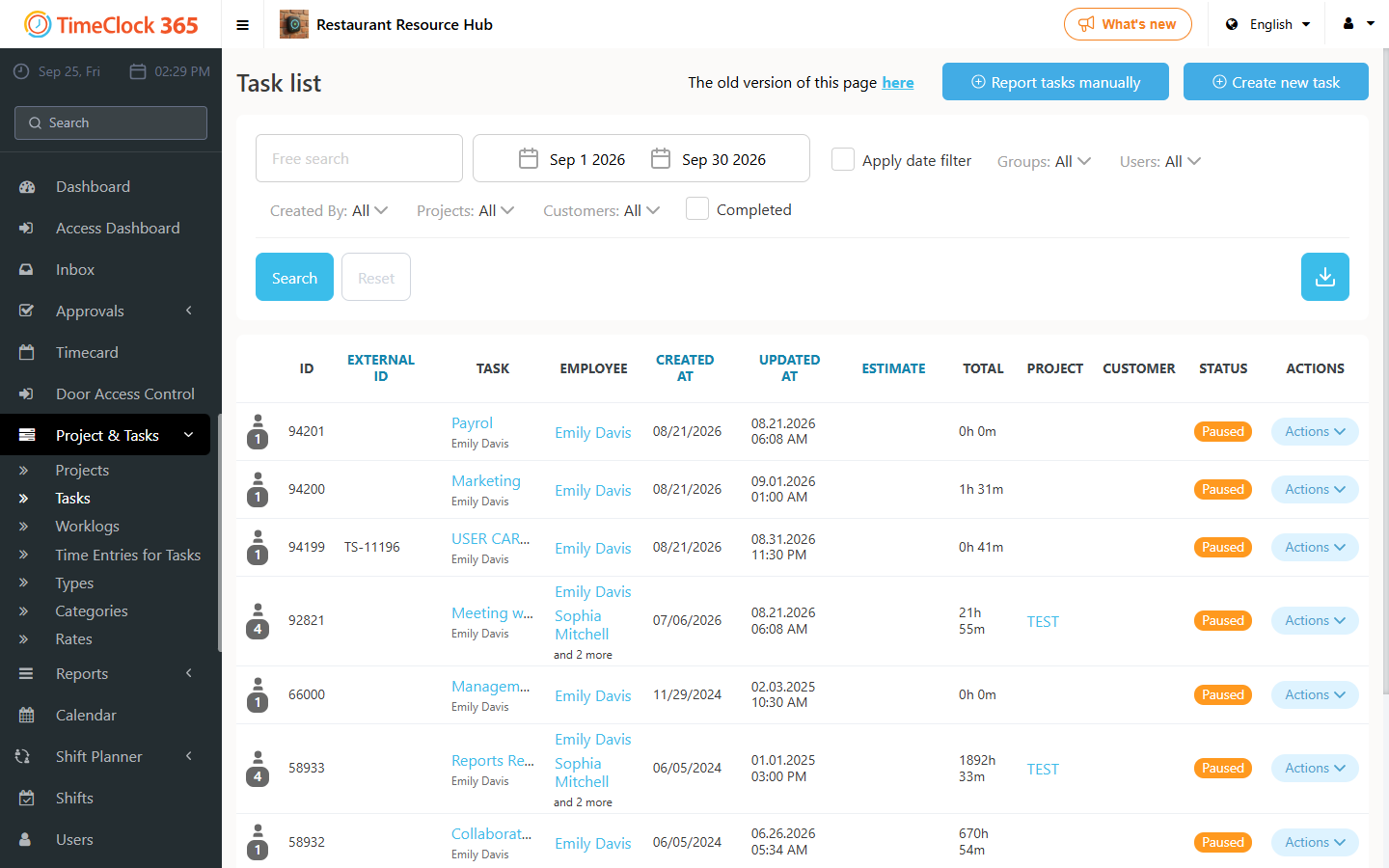
You have two options:
- "Complete for all users" - this completes the task for every user reporting on it.
- "Select users to end or reopen a task" - this opens a window where you can choose specific users. In that window, choosing Complete ends the task for that specific user; choosing Reopen reopens the task for that specific employee (if it was previously completed for them).