
This guide explains how to export a report showing, for every employee, which controller they are assigned to.
Step 1: Load the relevant controllers
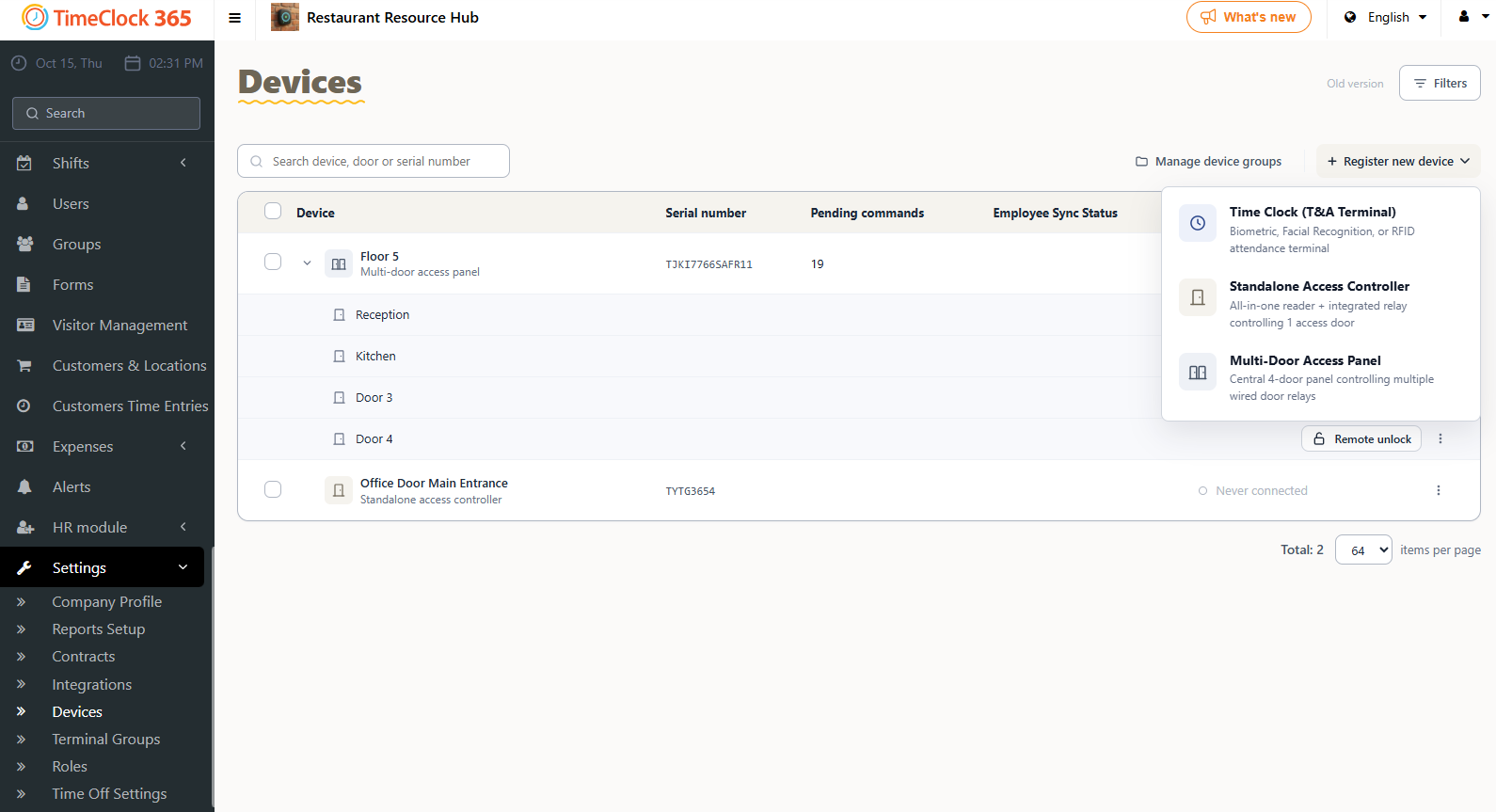
- Go to Settings, then Devices.
- Click the plus next to the relevant controllers, check the ones you want, and click OK at the bottom to load them.
Step 2: Download the file
- Go to Users, click the download icon, and select "Export format terminal door groups".