
This guide explains how to use the Help module to add shortcuts to guides on the user dashboard, based on each user's permission level. This makes it easy for administrators to give users simple access to a specific link from within TimeClock 365.
How to set it up
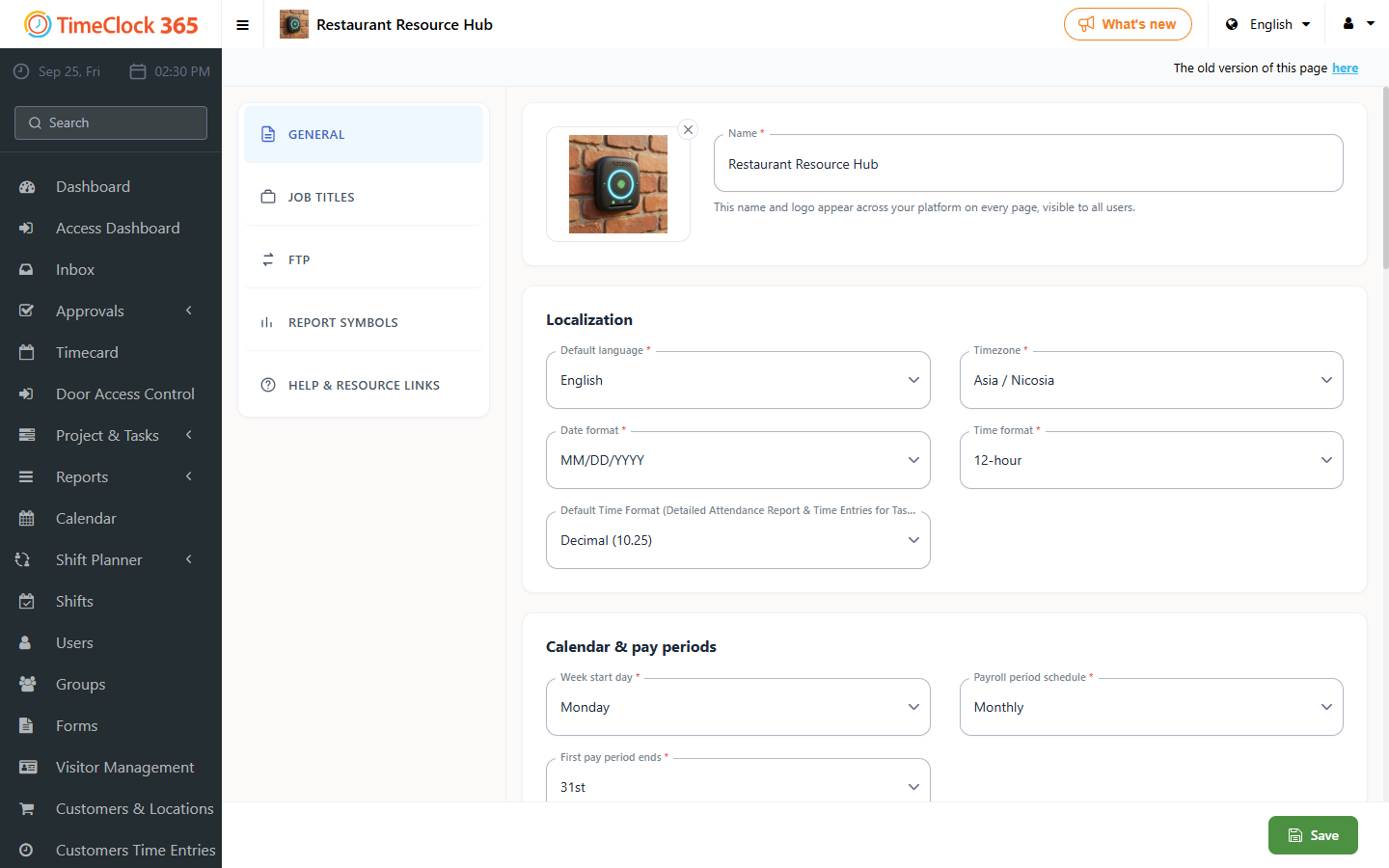
- Click Settings -> Company Profile, click "Help" on the top toolbar, then click "+".
- Fill in the following fields:
- Roles - the permission level that will see the link to the guide.
- Link - the link itself.
- Name - the name you want to display to users.
- Click Update.
The links will then appear on the main page (dashboard) in the web portal.