
This guide explains how to find the user profile and attendance reports for an employee marked as inactive.
Viewing an inactive user's profile
Go to "Users" -> filter by "Inactive" -> click "Search".
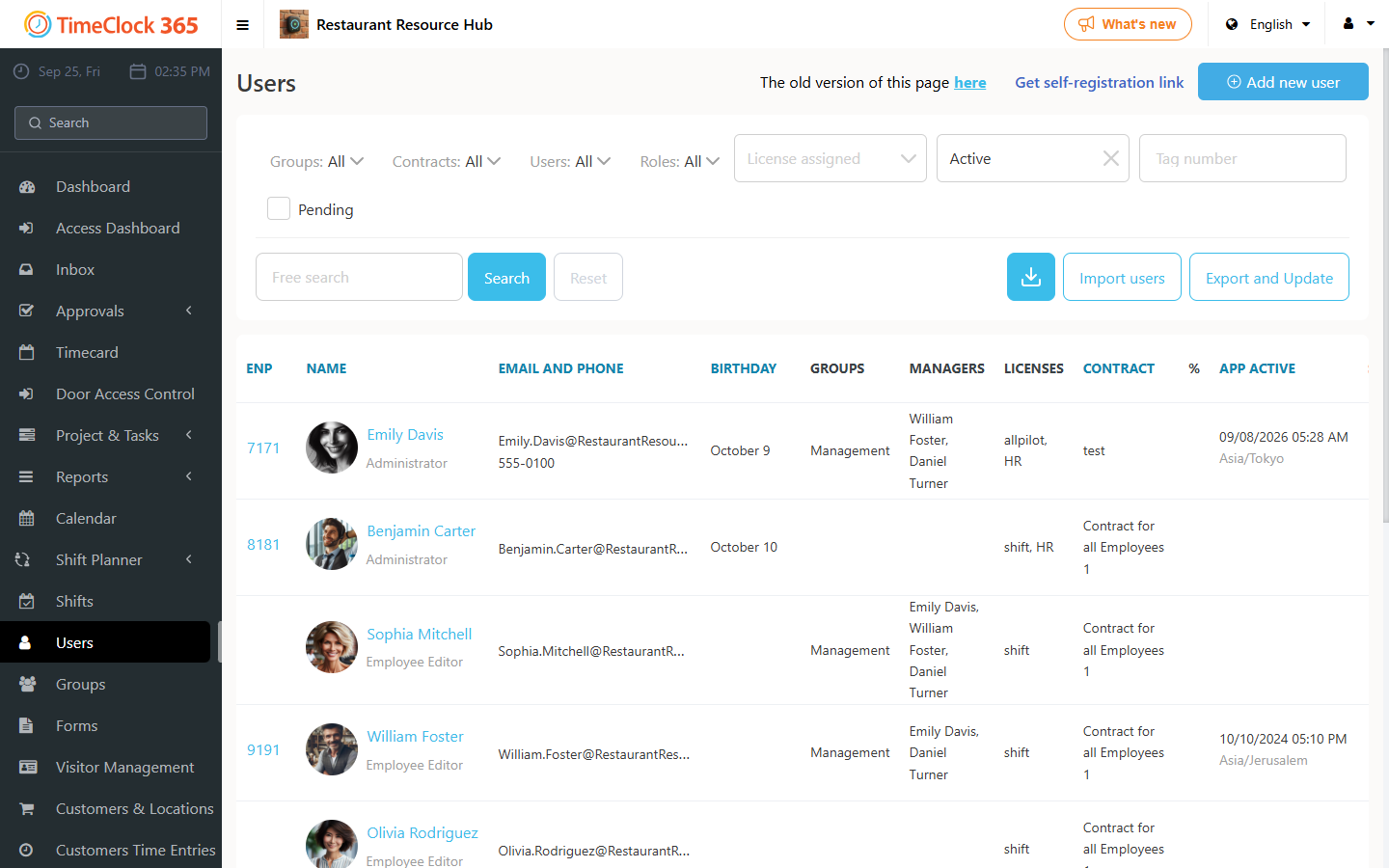
Viewing reports for an inactive, unlicensed employee
Make sure the employee is set as both inactive and without an assigned license.
Detailed Attendance report
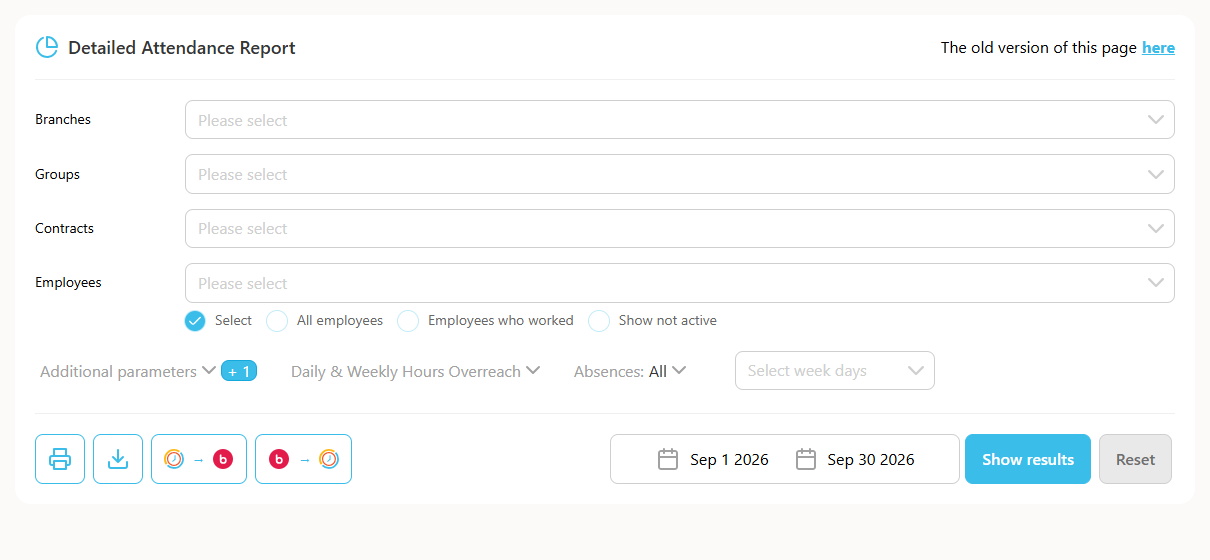
Go to "Reports" -> "Detailed Attendance" -> select "Show not active" -> choose the employee -> choose the period (if you need a range spanning more than one year, switch to "date range" in the date area) -> click "Show".
IIA report
Go to "Reports" -> "IIA report" -> select "Show only inactive employees" -> choose the period (if you need data spanning more than one year, uncheck "Period" and select specific dates) -> click "Show".