
This guide explains how to limit the number of manual attendance hours an employee can report per month, based on their contract.
Steps
- Go to Settings.
- Click Contracts.
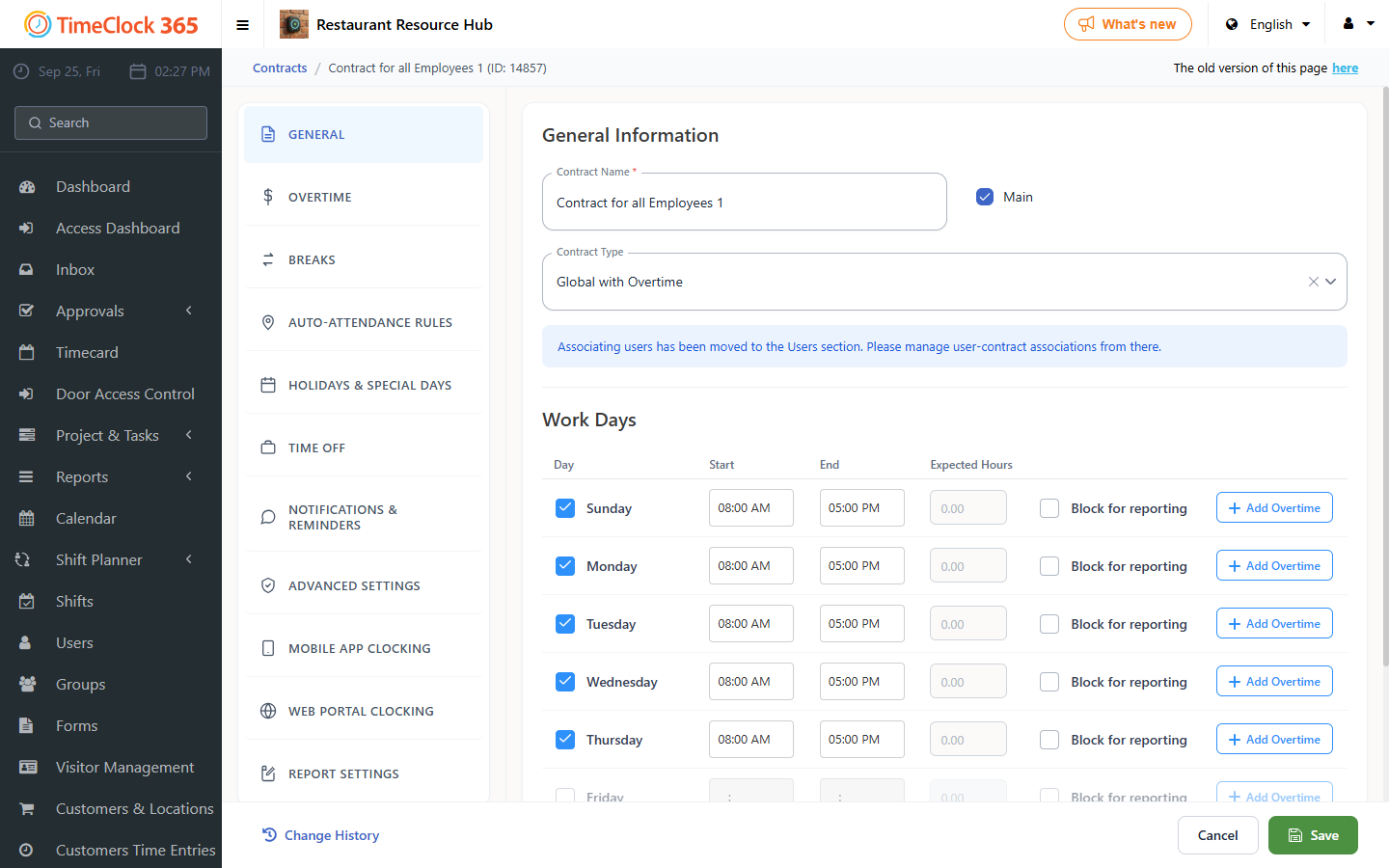
- Click the relevant contract.
- Scroll to the "Reporting limit" tab.
- Check "Limit monthly manual reporting hours".
- In the "Monthly manual reporting hour limit" field, enter the desired number of hours.
- Click Save.
Once set, an employee assigned to this contract will not be able to manually edit more hours than the amount defined here.