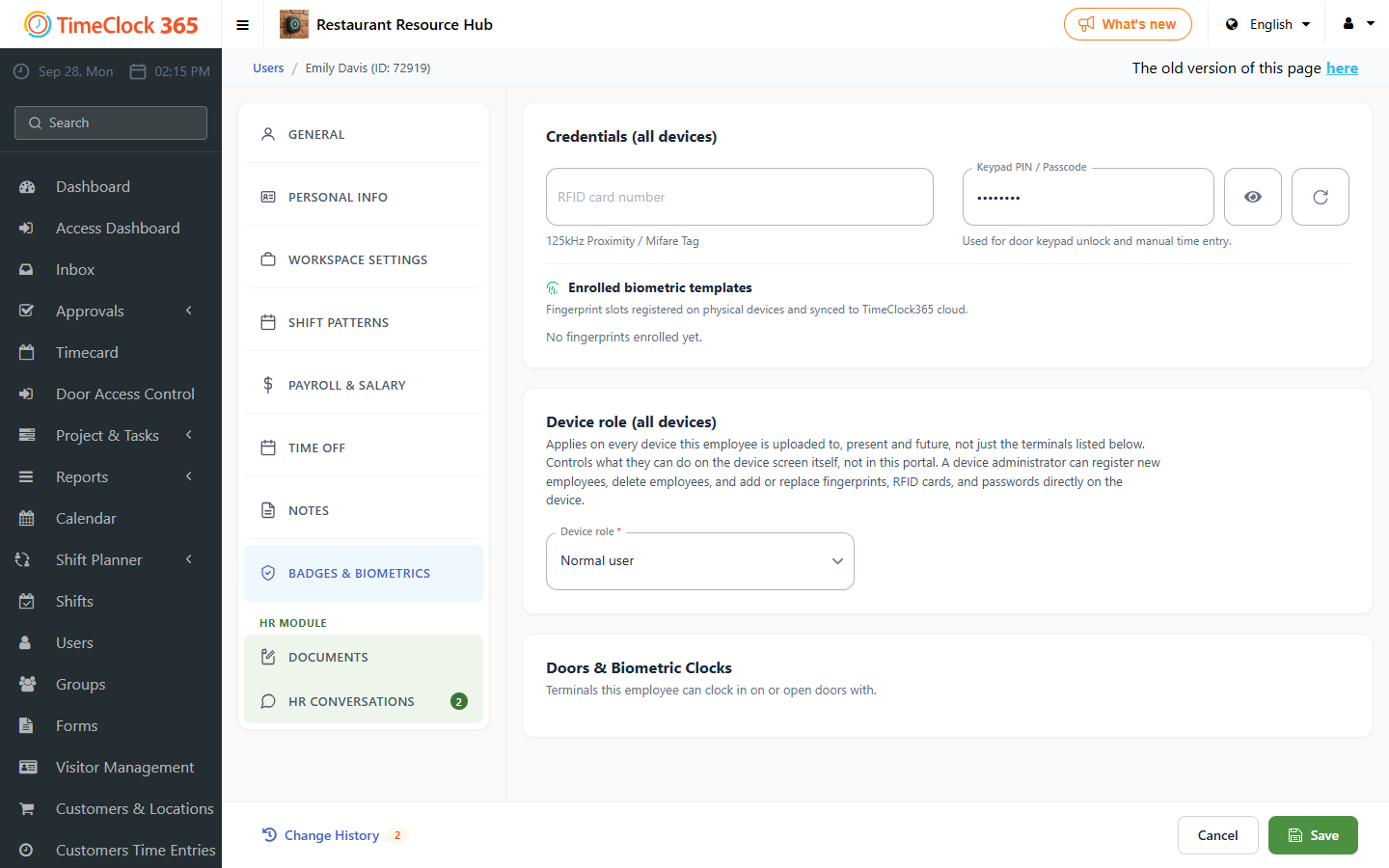
This guide explains how to lock the time clock before employees have registered their fingerprints or cards on it.
If you want to lock the terminal before fingerprints or cards are registered, go to the web portal, then "Users", click the user you want to set as the terminal's administrator, open the "Wall Clock Details" tab, change the permission to Super administrator, and save.