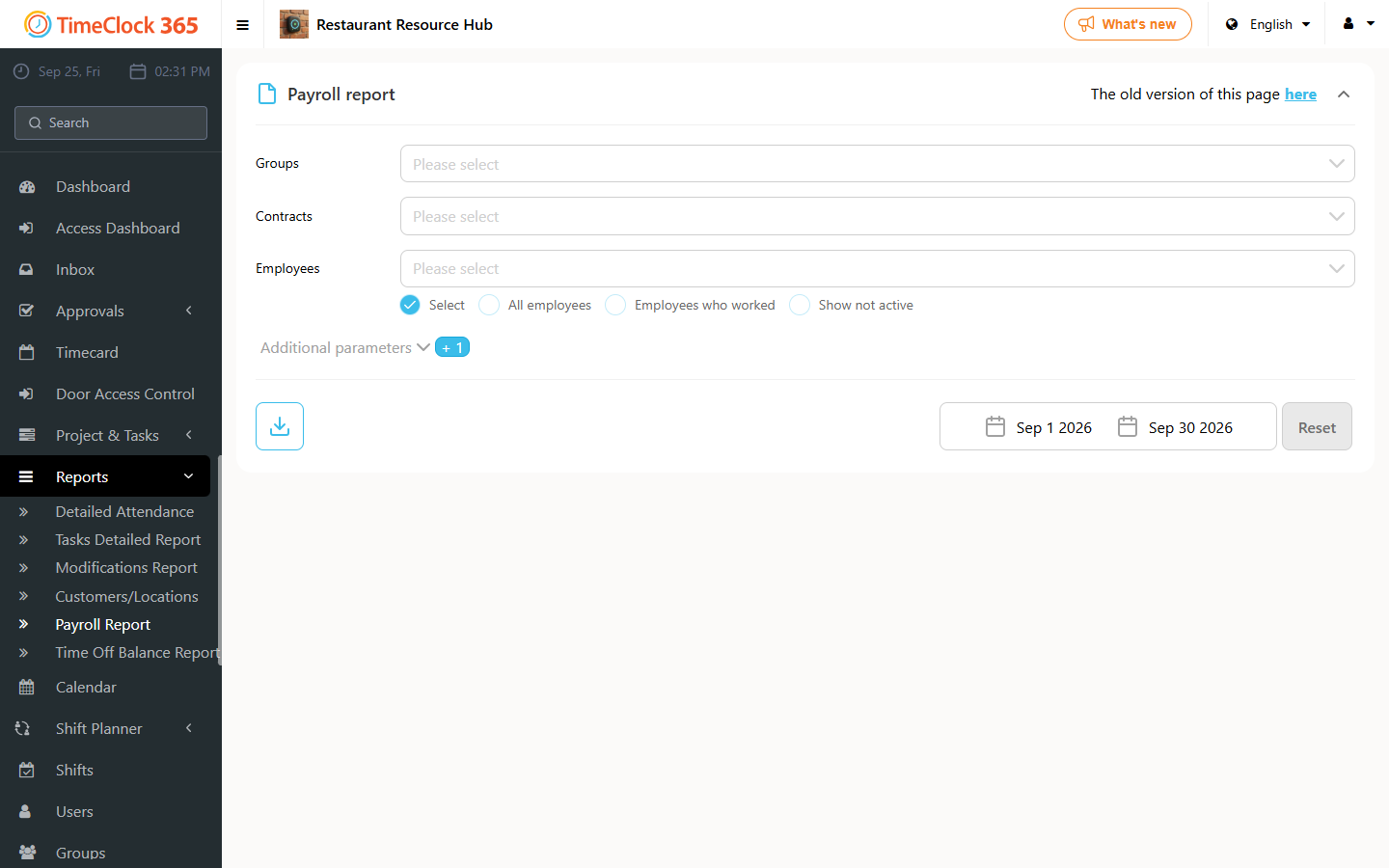
This guide explains how to export a monthly attendance summary to an Excel table, with each employee shown in a row along with their data for the selected period.
You can choose which columns appear in the exported report using the related guide on report display settings.
- Go to Reports -> Payroll Report (summary report for the accountant).
- Select the relevant period.
- Click Download.
- Choose "Separate Excel".