
This guide explains how to set up different overtime calculations for night shifts versus day shifts in a contract.
Steps
- Go to Settings -> Contracts.
- Click the contract you want to apply the night shift settings to.
- Scroll down to the "Night Shift" tab.
- Enter the overtime details for the night shift system as needed.
- Click Save.
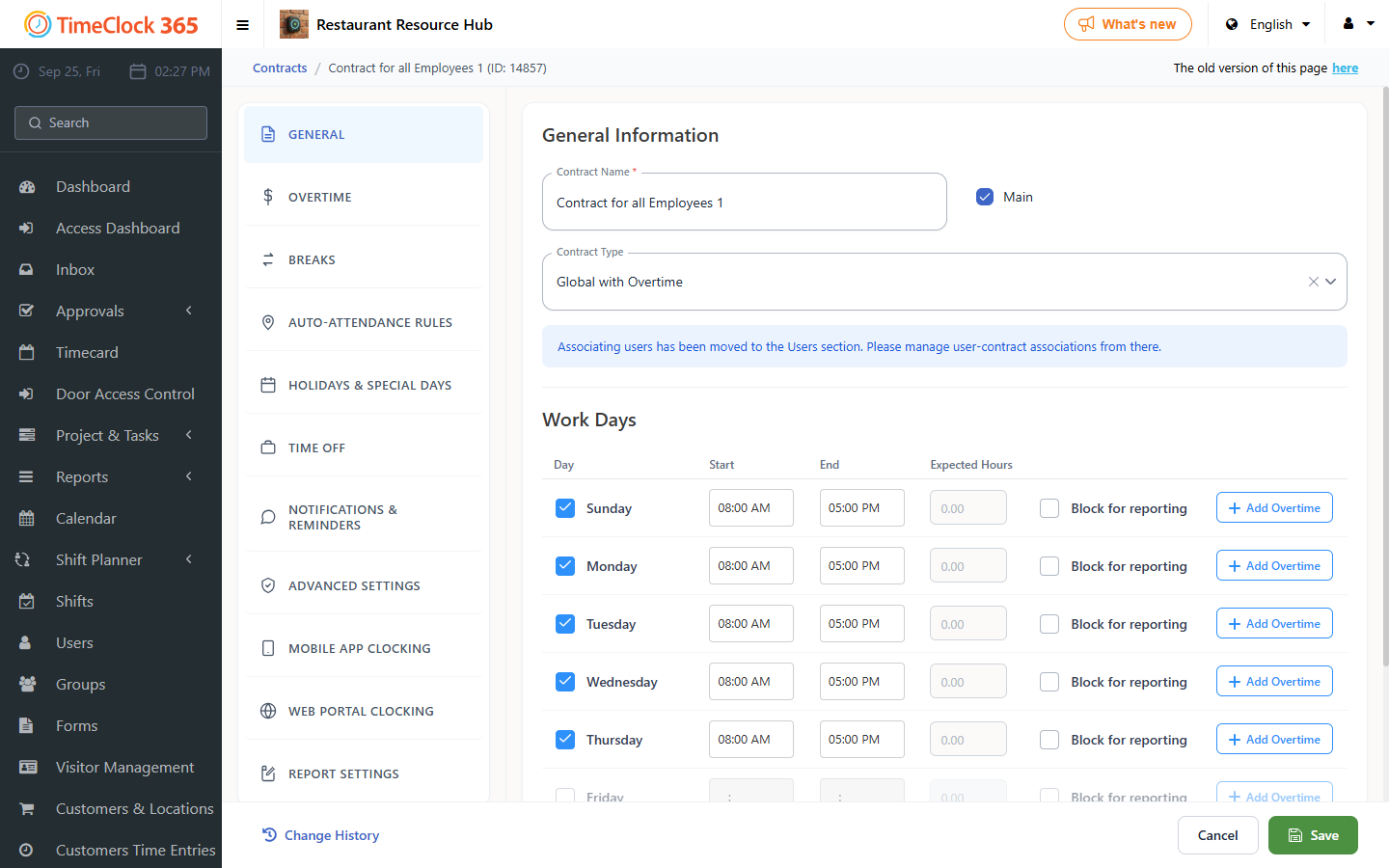
With this set up, the system will calculate overtime differently between night hours and day hours.
In the Night Shift tab, configure these fields:
- Night shift employee - check to activate the special overtime rules.
- If the employee has worked at least this amount of hours - the number of hours after which overtime calculation begins for a night shift.
- At Night Between - the start and end times that define a night shift, for example 18:00 to 01:00.
A day shift and a night shift of the same length can result in different overtime, based on these settings.