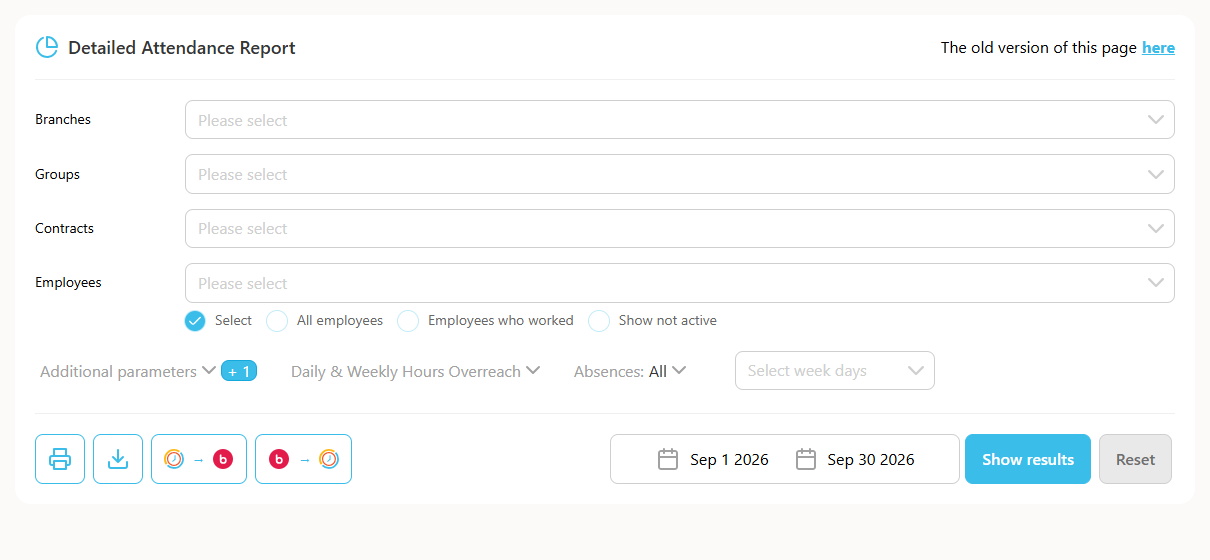
This guide explains how to approve only part of the Detailed Attendance report, if you want employees to approve up to a specific set of dates.
Note: the same action can be performed on the IIA report.
- Click Reports -> Detailed Attendance / IIA report.
- Uncheck "Period".
- Select the relevant dates.
- Click Show.
- Approve the report.