Set up password-based clock-in for an employee on the biometric terminal, for cases where fingerprint or card is not used.
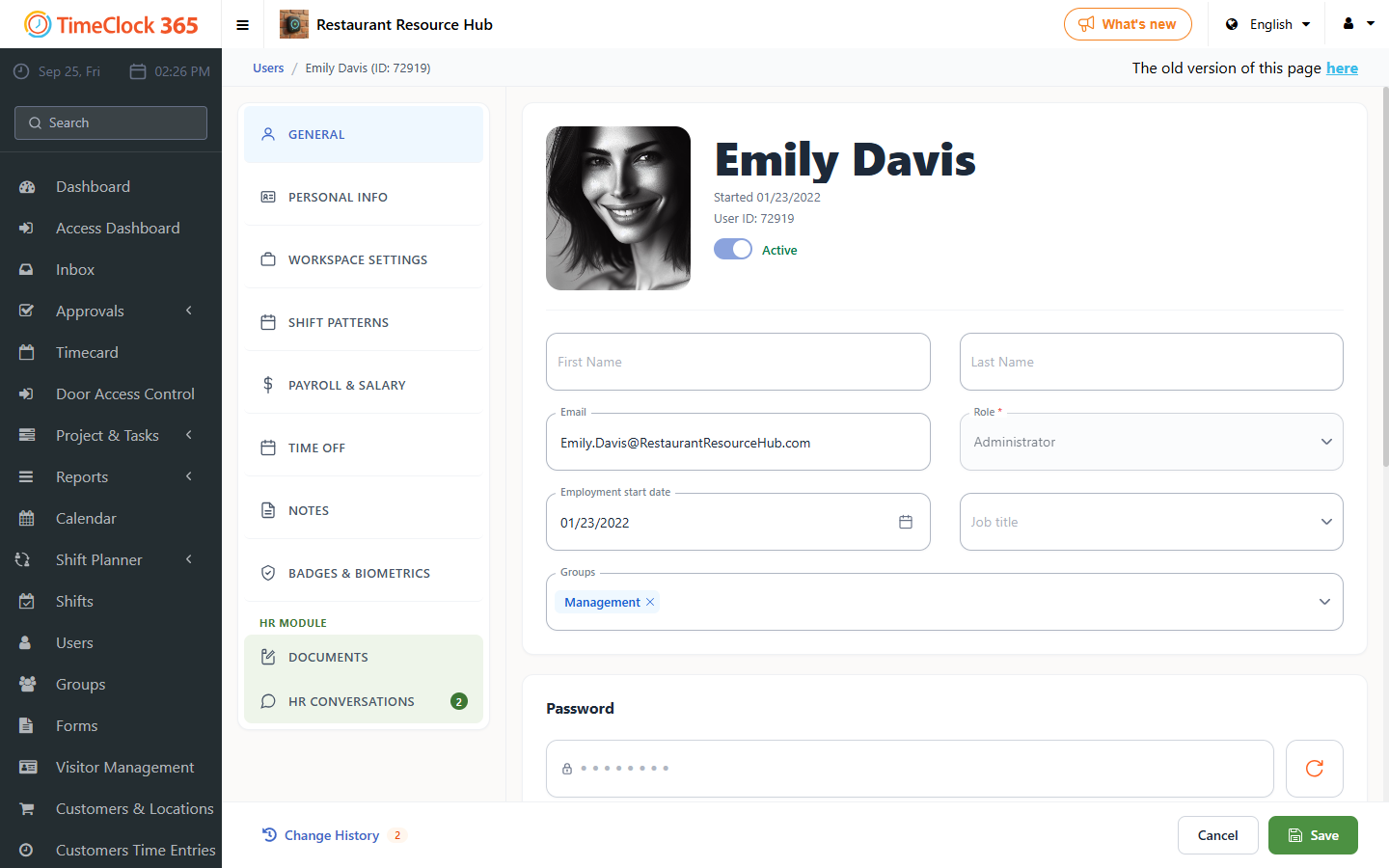
- Open the TimeClock 365 web portal, click Users, then click the user who should clock in with a password on the terminal.
- Note the user's ID number, shown on the side.
- Scroll down and open the "Biometric Terminal / Access Controller" tab, and note the password shown on the side.
- At the biometric terminal, type the ID number, press M/OK, choose Password, type the password, then press M/OK.