This guide explains how to handle an outstanding balance notice that appears in your account.
This message appears when the system was unable to charge your payment method.
Updating your card
If you need to update your card, go to Licenses & Billing -> Payment Methods, and update your credit card details.
Paying the outstanding balance
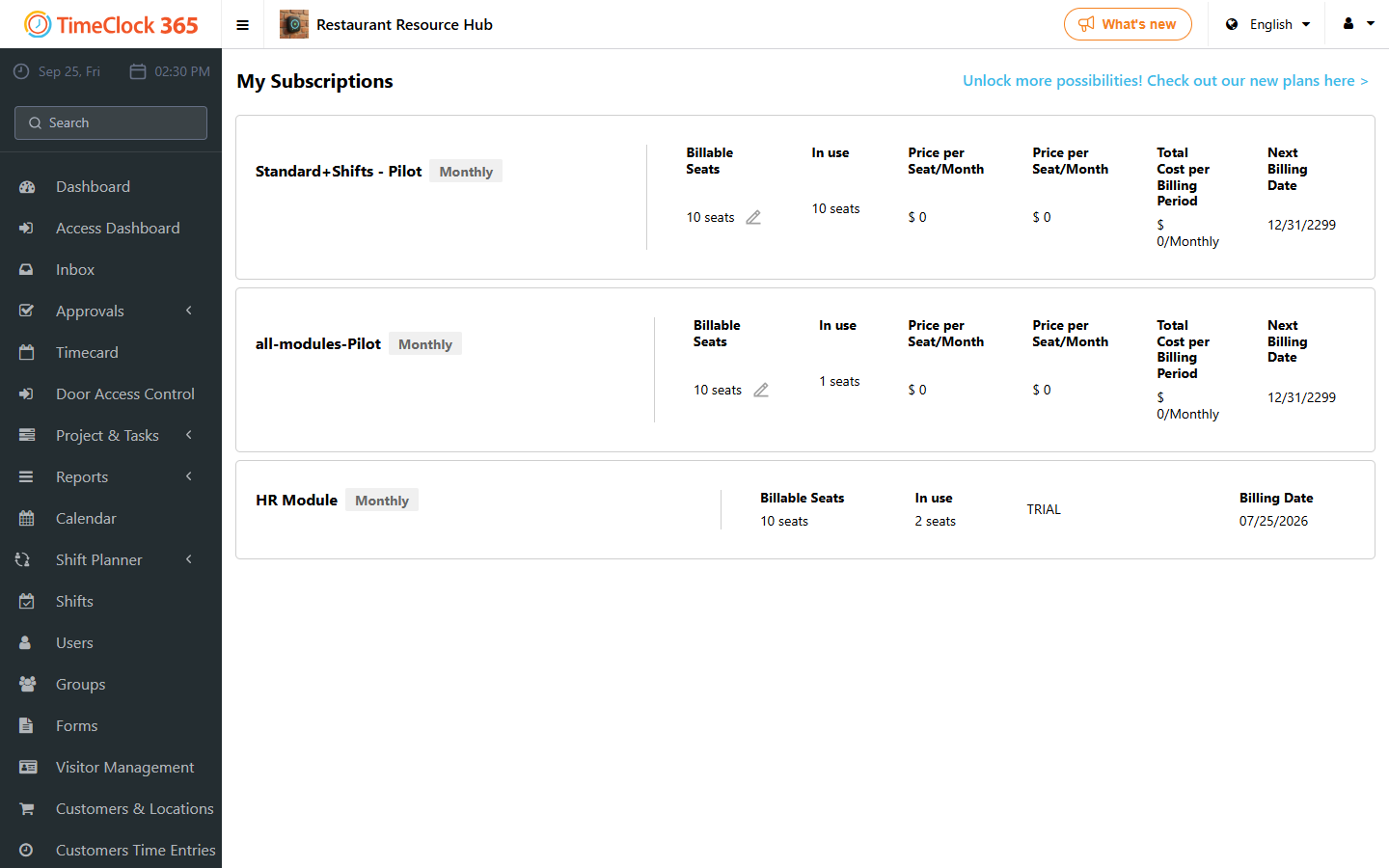
After checking or updating your credit card, go to Licenses & Billing -> My Subscriptions, and click "Pay balance".