
This guide explains how to purchase products and subscriptions through the system.
- Click "Licenses & Billing" -> "Purchase Products".
Purchasing subscriptions
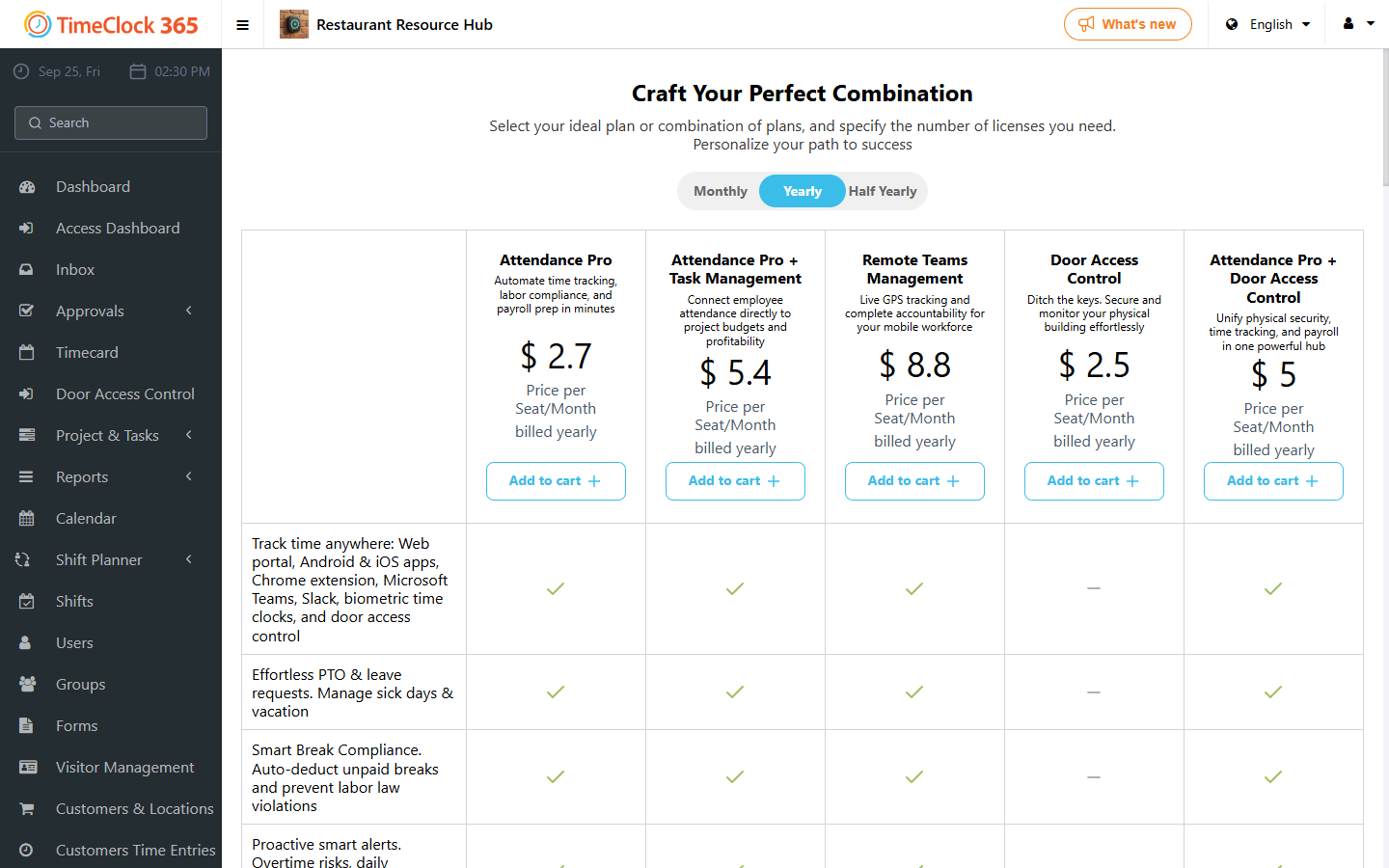
- At the top, choose the billing period: monthly, annual, or quarterly.
- Click "Add to Cart" on the subscription you want.
- Choose the desired quantity.
- Click "Checkout".
Purchasing products
- Scroll down and click "Add to Cart" on the product you want.
- Return to the top of the page.
- Choose the quantity.
- Click "Checkout".
Changing the quantity of a subscription
- Go to Licenses & Billing -> My Subscriptions and find the subscription.
- Click the pencil icon and add or reduce the number of licenses.
- Click Confirm.
Viewing your purchase history
Go to Licenses & Billing -> My Products to see all products you have purchased.