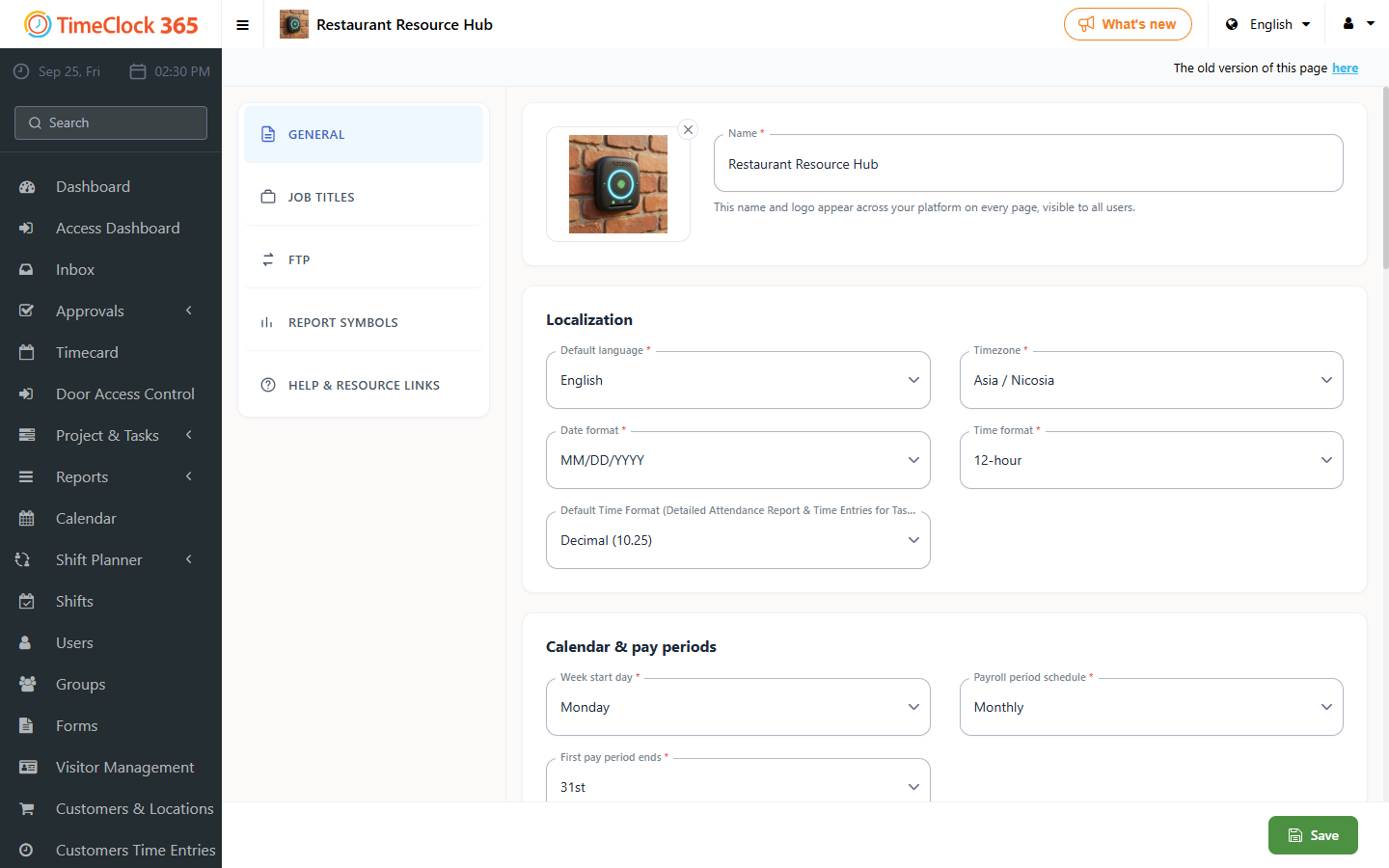
This guide explains how to configure the system so employees do not need to approve their Detailed Attendance report, by removing the approval button shown to them.
- Go to Settings, then Company Profile.
- Select the Settings tab at the top.
- Uncheck "Report approvals".
- Click Update.