
This guide explains how to set up the system so employees can report time off on a holiday eve or during a Chol HaMoed (intermediate festival days).
- If you don't work on the holiday or its eve, there's no need to report time off - the system already knows it's a holiday and automatically marks that day as a non-standard day, so no time off entry is needed.
- If you do work on the holiday eve, holiday, or Chol HaMoed, and some employees want to take time off, you first need to set this up in the employees' contract, including the work hours for that day.
If there is no required standard set for Chol HaMoed and holiday eve, go to Settings -> Contracts -> edit the employee's contract -> click the "Holiday Eve" tab, set a start and end time for the hours the employee is expected to work on the holiday eve, and check the "Half Day" option under the time off calculation method.
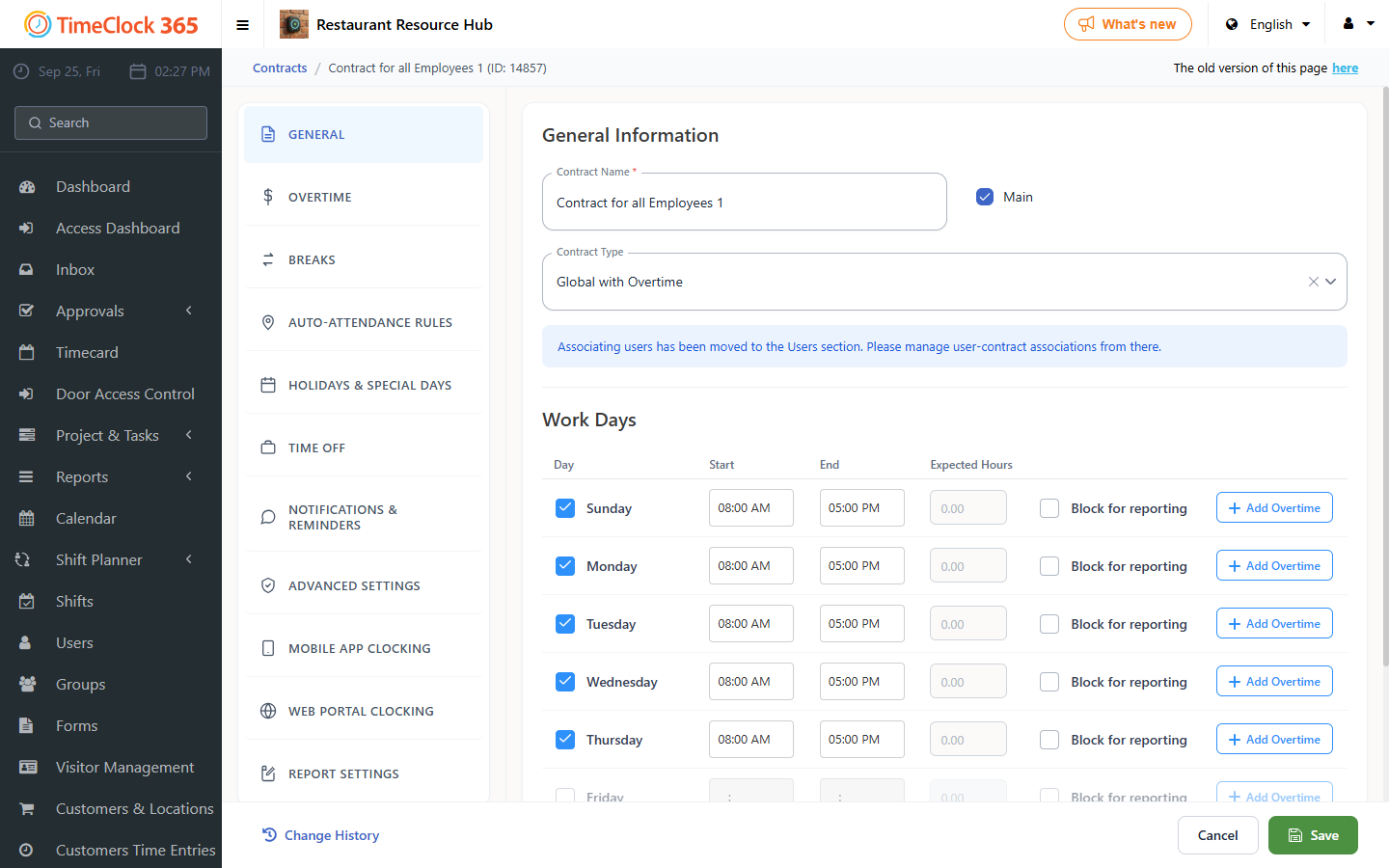
For Chol HaMoed - if you work regular hours during Chol HaMoed, check the "Regular Work Hours" checkbox in the Chol HaMoed tab of the contract.
When reporting time off on a holiday eve where half the day is at the employee's expense and half at the employer's expense, the employee should mark a full day of vacation as follows: go to Reports -> Detailed Attendance -> select the period -> click "Show".