
This guide explains how to allow a specific absence type to be reported on days that are not defined as standard working days.
- Go to Company Profile and open the "Time Off Types" tab, then find the time off type you want to enable this for (for example Vacation or Sick Leave).
- Check Allow Reporting on Non-Working Days, then click Save.
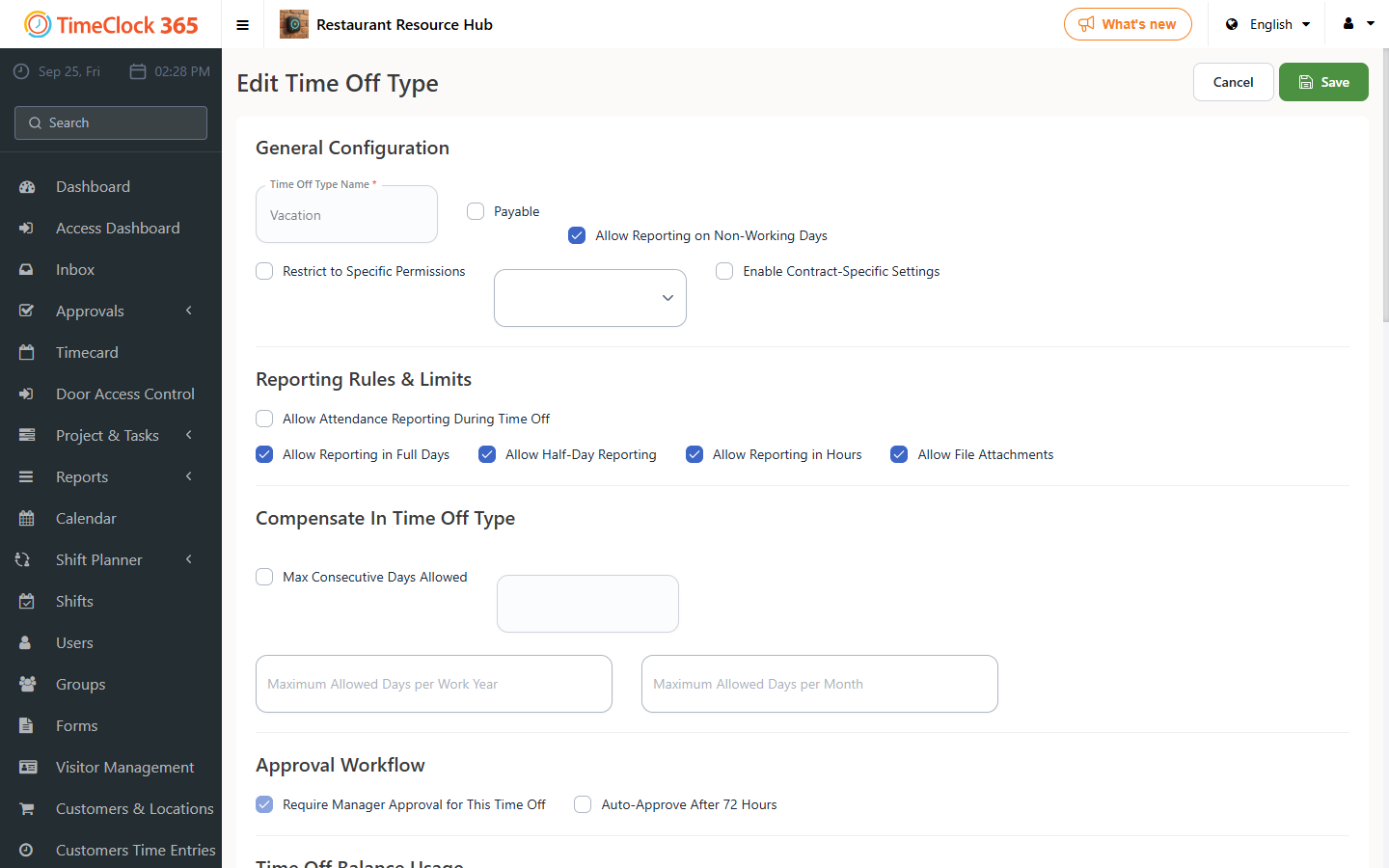
Once enabled, you can report this type of absence for employees on their non-working days, such as a weekend or day off.
If this option appears greyed out (meaning the absence type has already been used), open a support ticket and ask us to enable it for you - specify which absence type you want enabled.