
This guide explains how to report time off for a group of users in your company. If you need to create a group first, see the group setup guide.
Reporting time off for a group
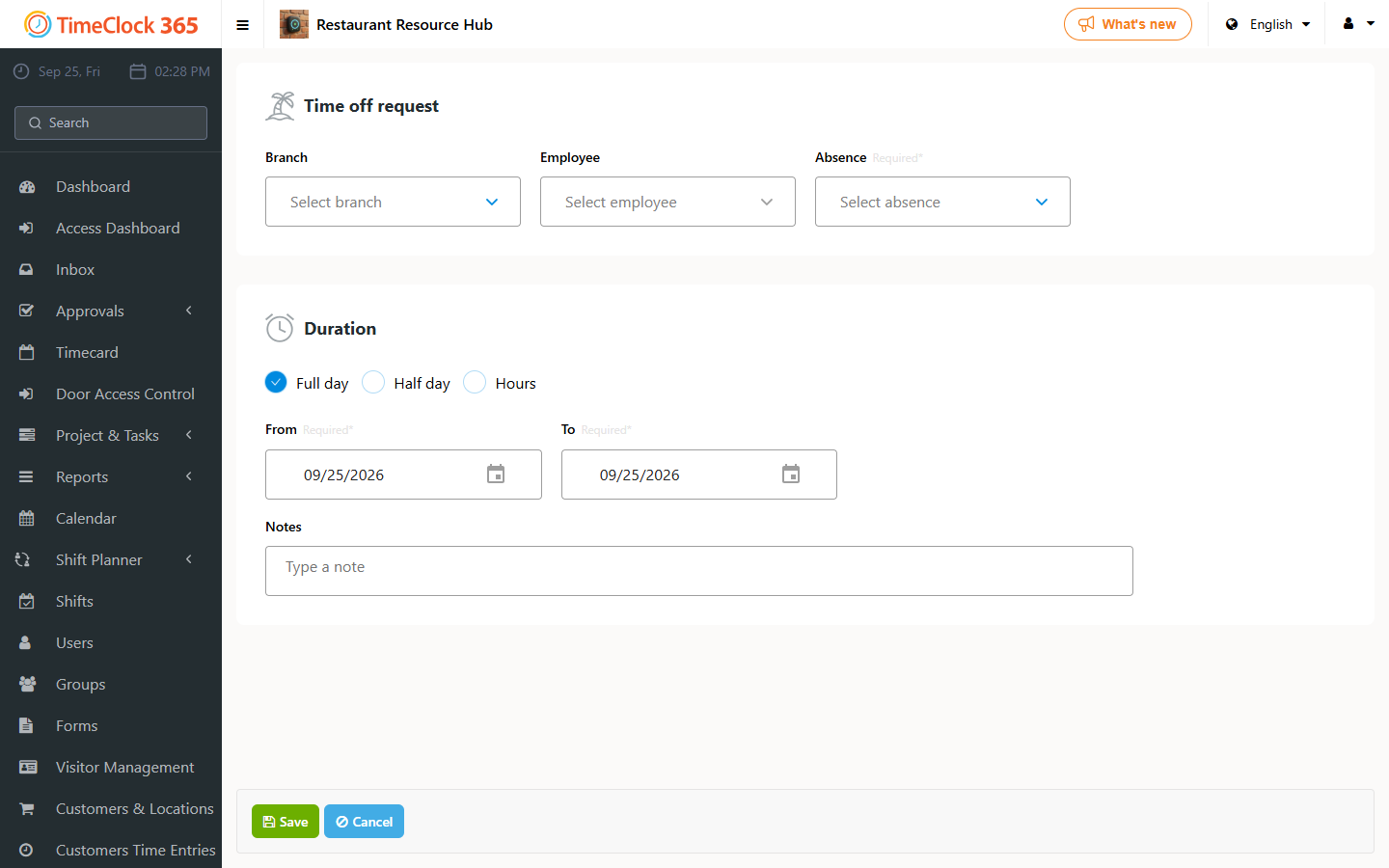
- Go to Dashboard, then click "Report time off".
- Select the group of employees you want to report the time off for.
- Select the time off type.
- Select the dates the time off should be reported for.
- Click Save.
Alternative: from the Detailed Attendance report
To mark public holidays or other time off for several employees at once, go to Reports -> Detailed Attendance, set the period and any other filters, and click Show. Then log the time off type in the "Time Off" column for each employee.