
Require employees to select where they are reporting from - Home, Office, or Field - when editing their detailed attendance report.
This setting is part of the work agreement (contract) the employee is assigned to.
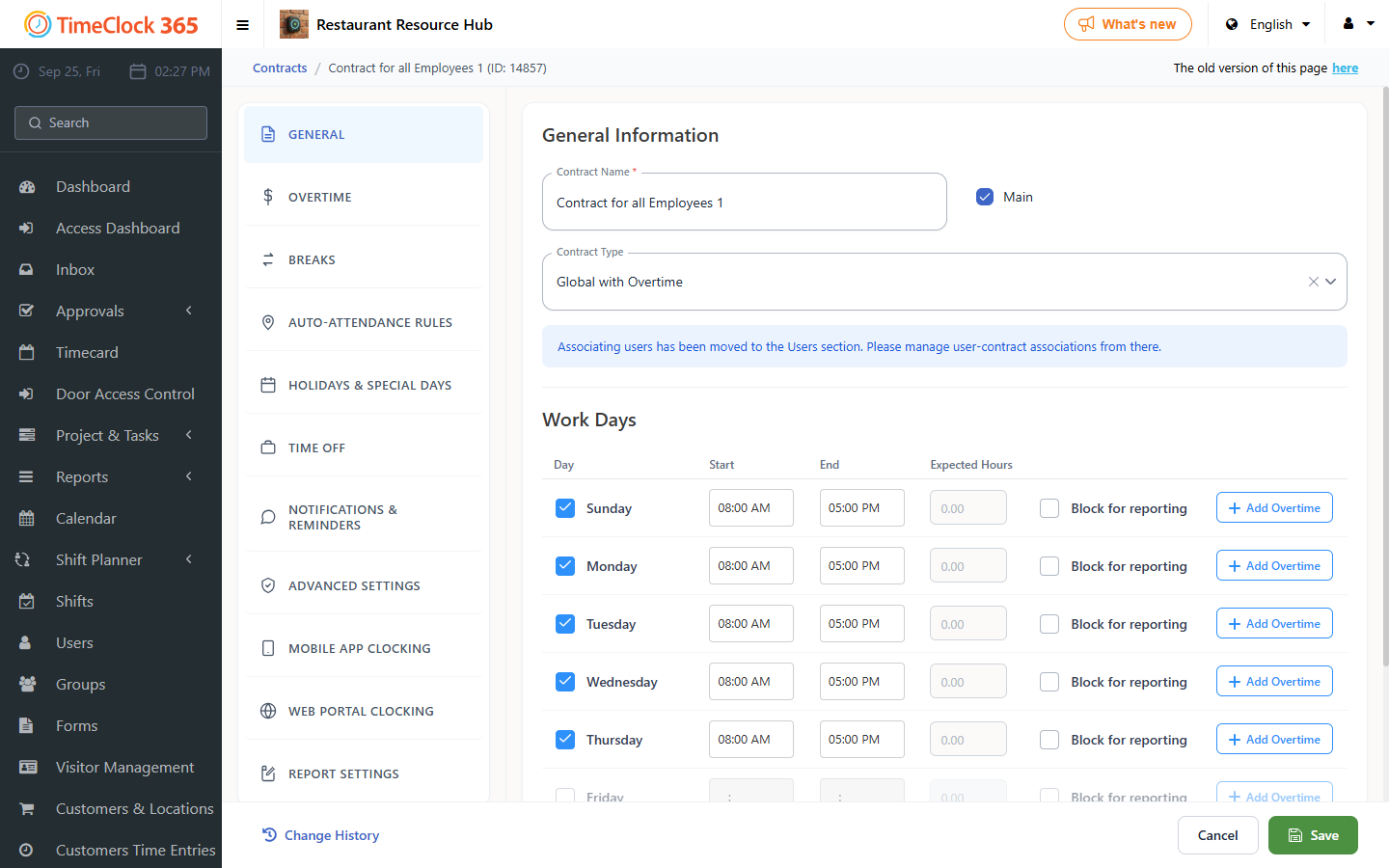
- Go to Settings, then Work Agreements, then click the relevant work agreement.
- Scroll down and open the "Web clock-in conditions" tab, check "Require report source when editing reports", then click Save.
Once enabled, the system does not accept manual timesheet edits unless the attendance location (Home, Office, Field or Abroad) is specified.