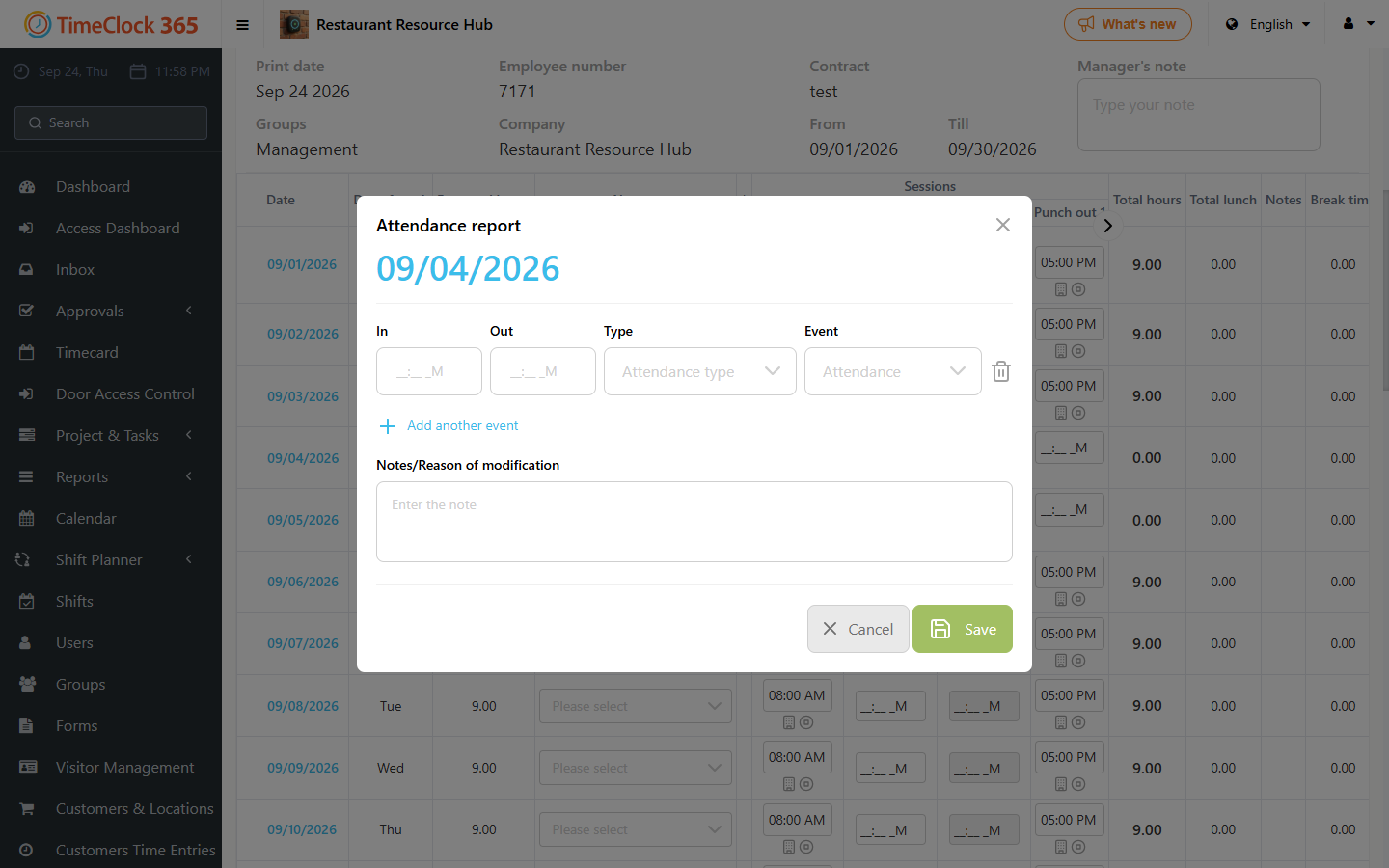
This guide explains how to view all clock-ins and clock-outs for a single day in the Detailed Attendance report.
In the basic view, the "Attendance Reports" column shows only the first entry and exit for that day. If there is more than one entry or exit for the same day, a "More" button appears next to the initial details.
- Blue button: all attendance reports for that day are complete, meaning every entry has a matching exit.
- Red button: there is a mismatch, meaning an entry without an exit or an exit without an entry.
To see all attendance records for that day, click the date itself or the "More" button. This opens a detailed window showing every entry and exit for that day, together with any absences.