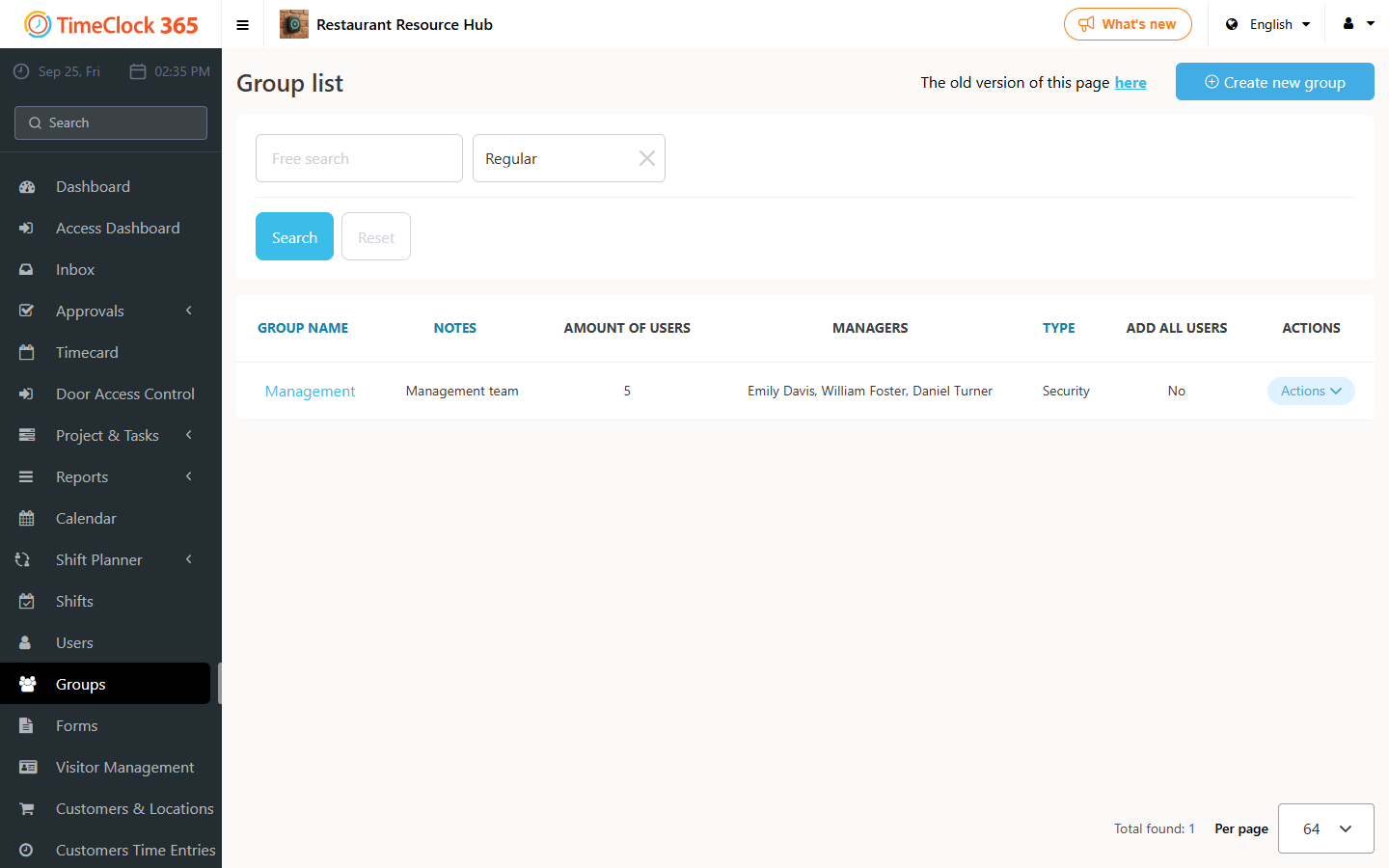
This guide explains how to set up a manager for a group of employees.
Steps
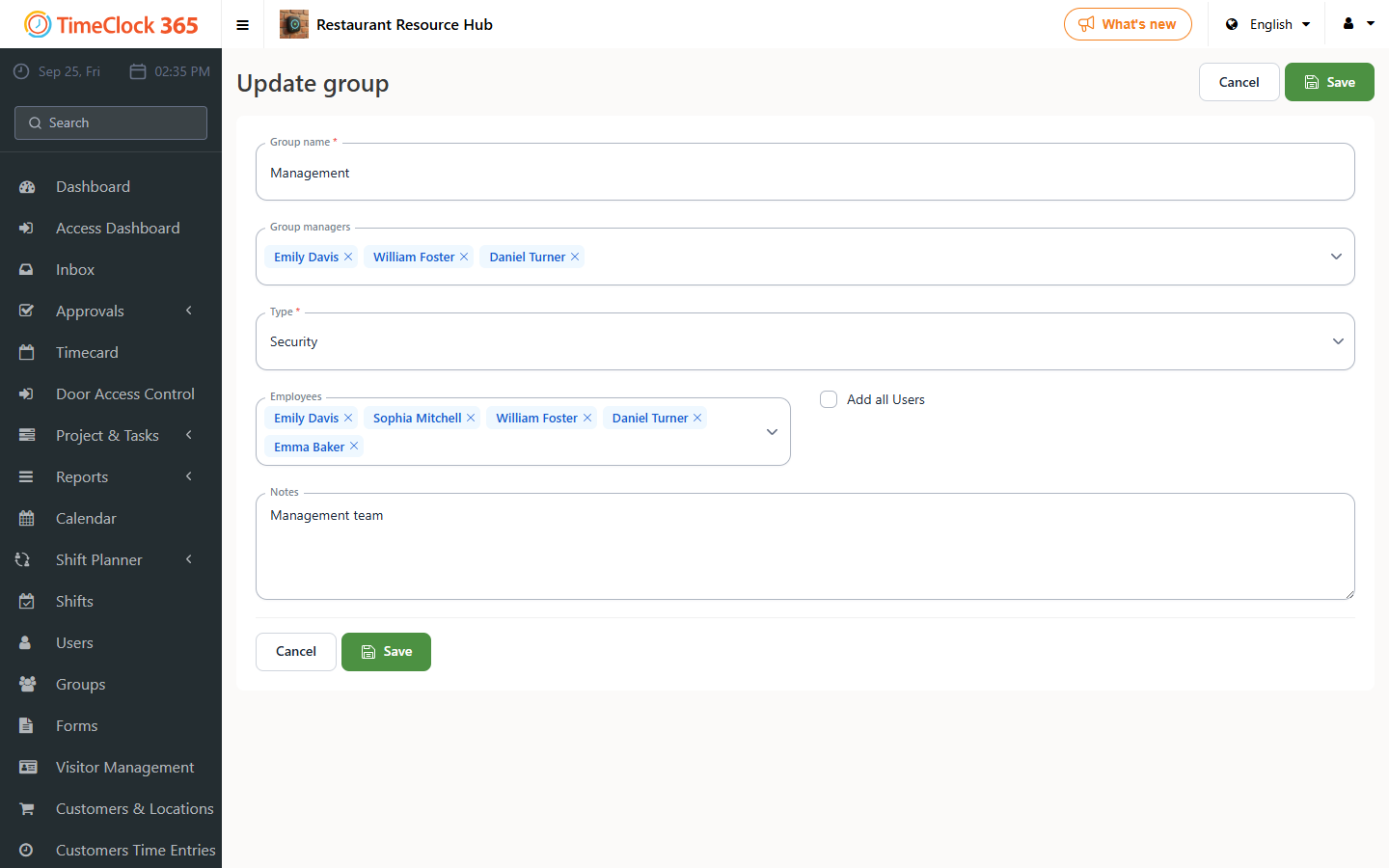
- Create a group and set a manager: go to Groups -> "Create new group".
- If you want the manager to be able to view all the reports of employees in their group, set the group type to Security.
- Add the manager and the employees to the group. If you don't add the manager to the employees field, they will not be able to see their own reports - only their employees' reports.
- On the group manager's user profile, change their permission role to Group Manager.