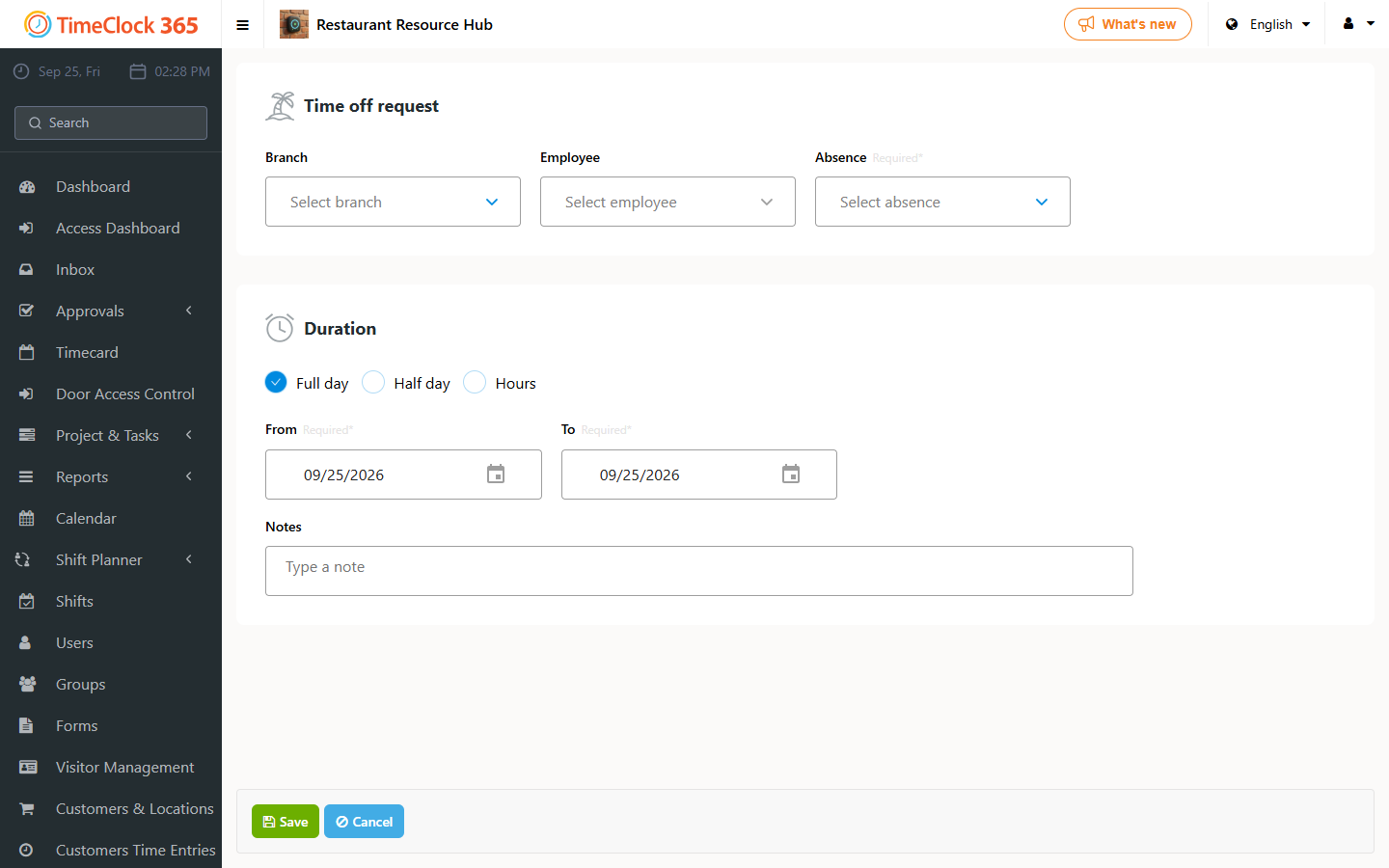
How to Submit an Absence and View Vacation Balance

Overview

This guide covers How to Submit an Absence and View Vacation Balance in TimeClock 365's time-off and absence management module.

TimeClock 365 is a cloud-based workforce management platform used by 60,000+ employees across 20+ countries. This article will walk you through the relevant settings and steps for your role as admin, manager, or employee.

Steps

  1. Log in to your TimeClock 365 account at app.timeclock365.com.
  2. Navigate to the relevant section in the left-side menu.
  3. Follow the on-screen instructions, or refer to the sections below for detailed guidance.

Tips

  • Changes take effect immediately for all users in your organization.
  • Admins can adjust permissions under Settings → Roles & Permissions.
  • All actions are logged for audit purposes (ISO/IEC 27001:2022 certified).

Need More Help?

Our support team is available Monday–Friday, 9:00–18:00. Contact us at [email protected] or open a support ticket.