
You can download a summary Excel report of all hours worked by all employees across all tasks, broken down by overtime.
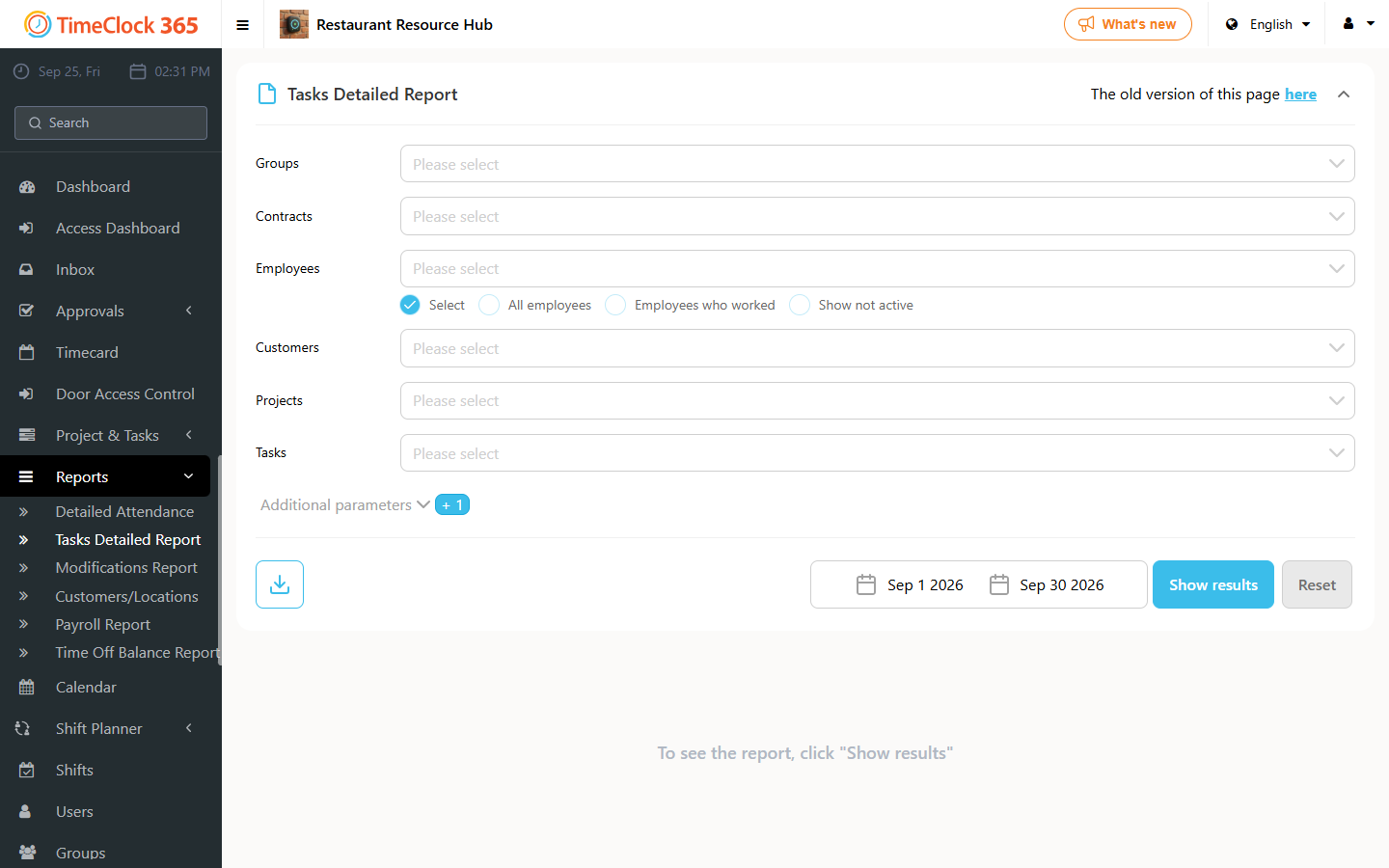
- Go to Reports -> Tasks Detailed Report.
- Choose the period.
- Click "Download" and then "Overtime summary by tasks".
You can download a summary Excel report of all hours worked by all employees across all tasks, broken down by overtime.