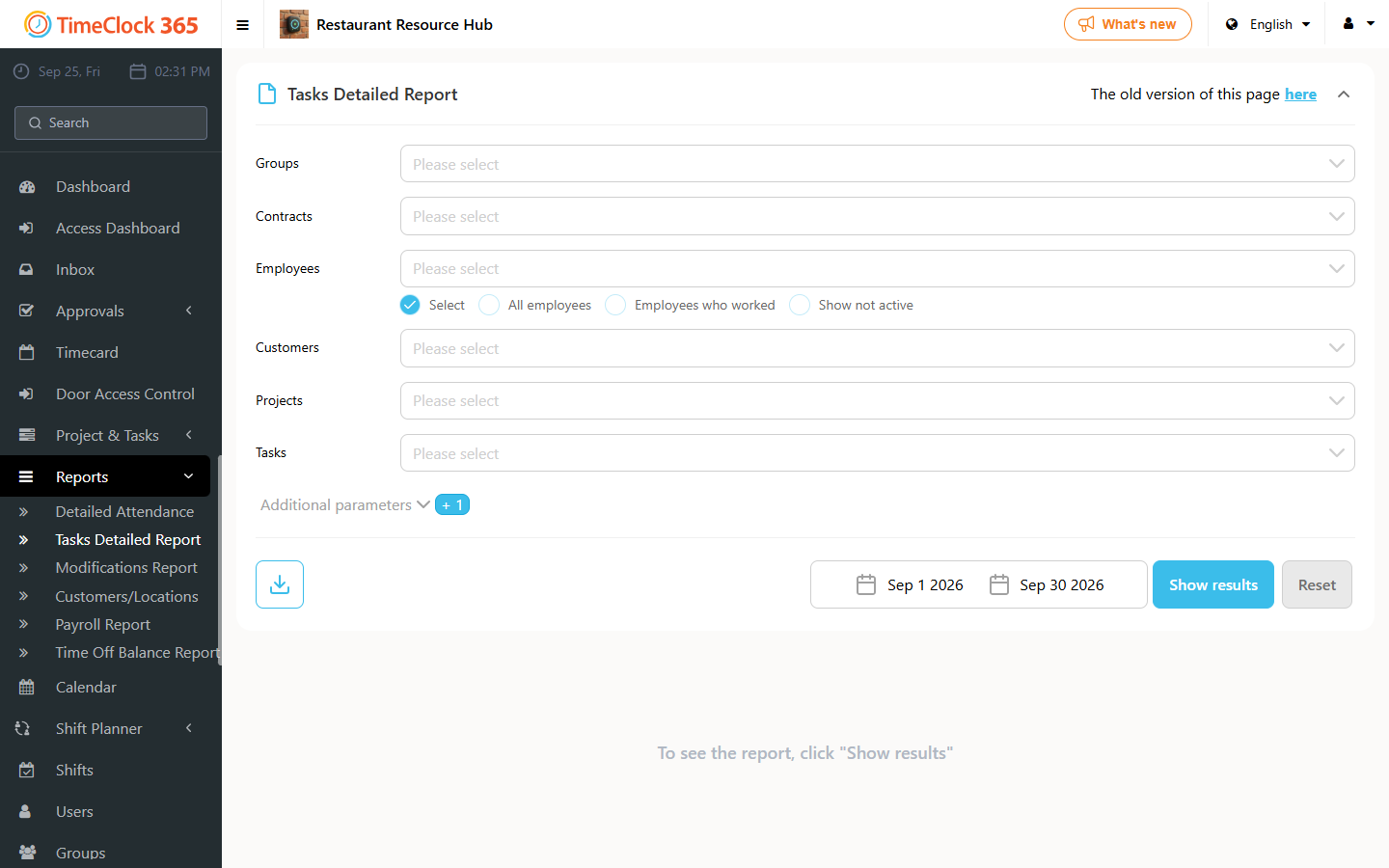
Download a summary report of all hours every employee worked across all tasks, broken down by overtime and displayed per employee, in Excel format.
- Go to Reports, then Tasks Detailed Report, choose a period, click Download, then choose "Employee overtime report".