
Set the reporting source (Home, Office, Field, or Abroad) on an attendance report, and update hours retroactively.
To be able to update hours retroactively, make sure the employee's start date is on or before the date you want to update. For example, if you want to update from 01.01, the employee's start date cannot be 01.03. A separate guide explains how to update an employee's start date.
- Click Reports, then Detailed Attendance report.
- Choose the employee whose reporting source, hours, or note you want to update.
- Click "Show reports".
- Choose the period you want (if the period does not appear, switch to "Date range" and select specific dates, including over a year back).
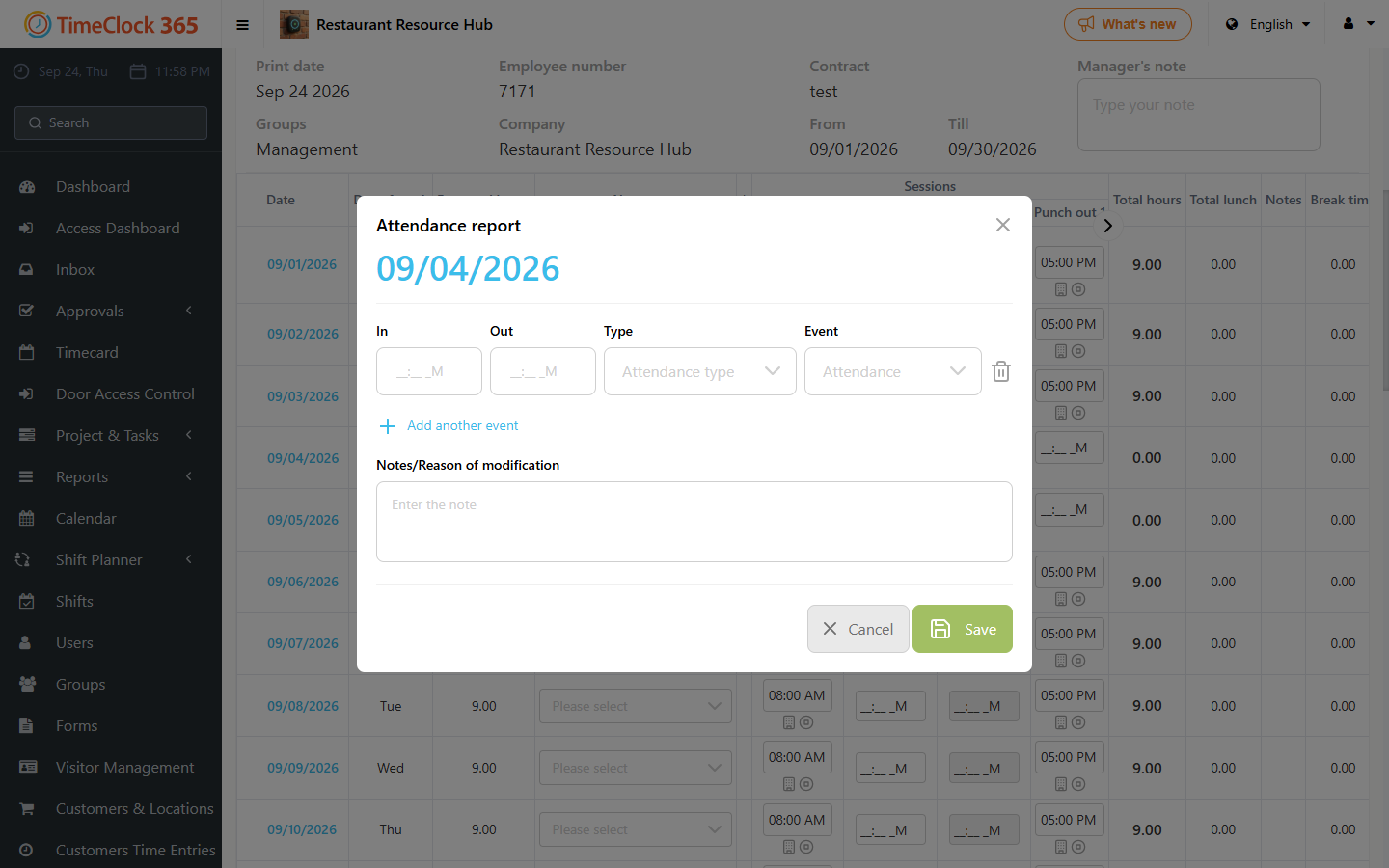
- Click the date of the day you want to update.
- Update the hours, notes, and the reporting source, then save.
If you report to the Israel Innovation Authority (IIA), you can also go to Project & Tasks, then Time Entries for Tasks, to update the hours worked on tasks.