This guide is for anyone who cannot open a support ticket because the "Create new support ticket" button does not appear.
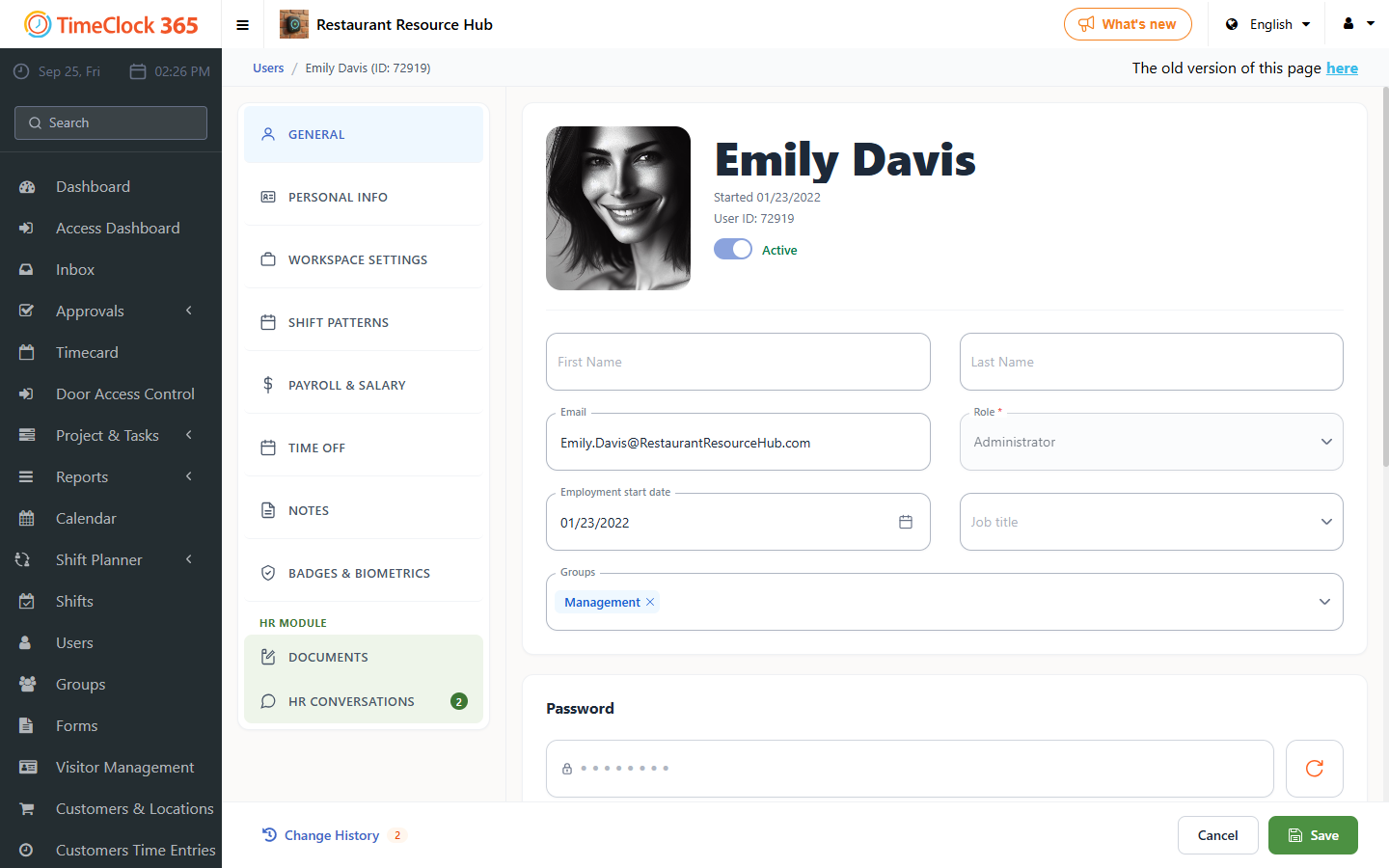
Your company's system administrator needs to make sure an email address and phone number are set on the user card of the person who cannot open a ticket.
- Click Users, then click the name of the user who cannot open a ticket.
- Set the email address on the left side of the user card.
- In the user card menu, click "Personal Items" and set the phone number, then click Save.