
This guide explains how to set up an alert for when a project's hours budget is about to be exceeded.
Step 1 - Setting a project hours budget
- Go to Project & Tasks -> Projects.
- Edit the project.
- Open the Settings tab.
- Click "Add budget" and save.
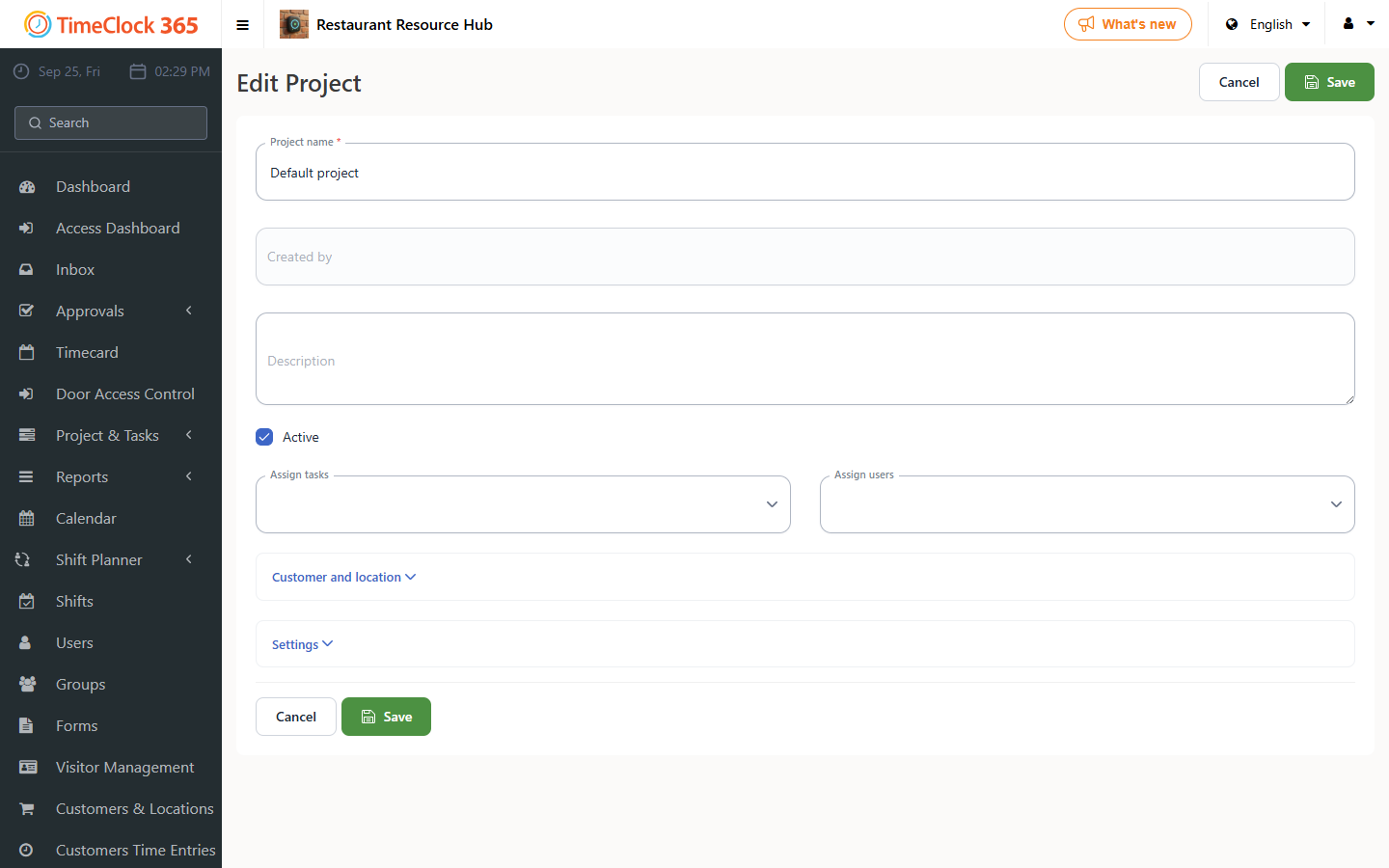
In the project list you can now see the budget and how much of it has been used.
Step 2 - Setting up the alert
- Go to Alerts -> "Create new alert".
- Scroll down to "Project budget".
- Check the box and select which projects you want the alert for, and the usage percentage.
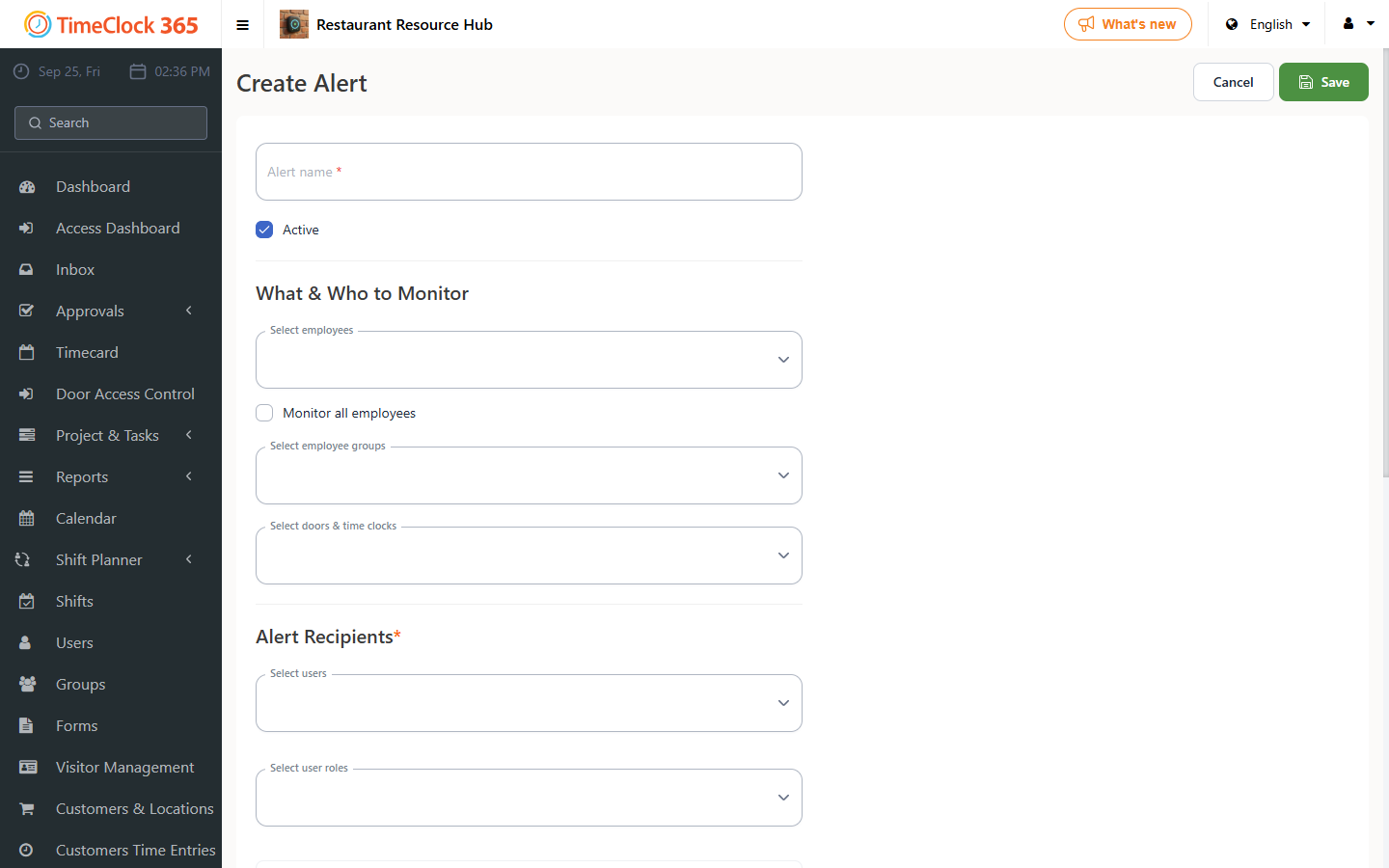
The alert will be sent by email once the selected project's total task usage reaches the percentage chosen in the alert.