
This guide explains how to purchase new licenses or remove unused ones.
- Click "Licenses & Billing", then click "My Subscriptions".
- Click the pencil icon on the relevant subscription and change the quantity as needed, then click Confirm.
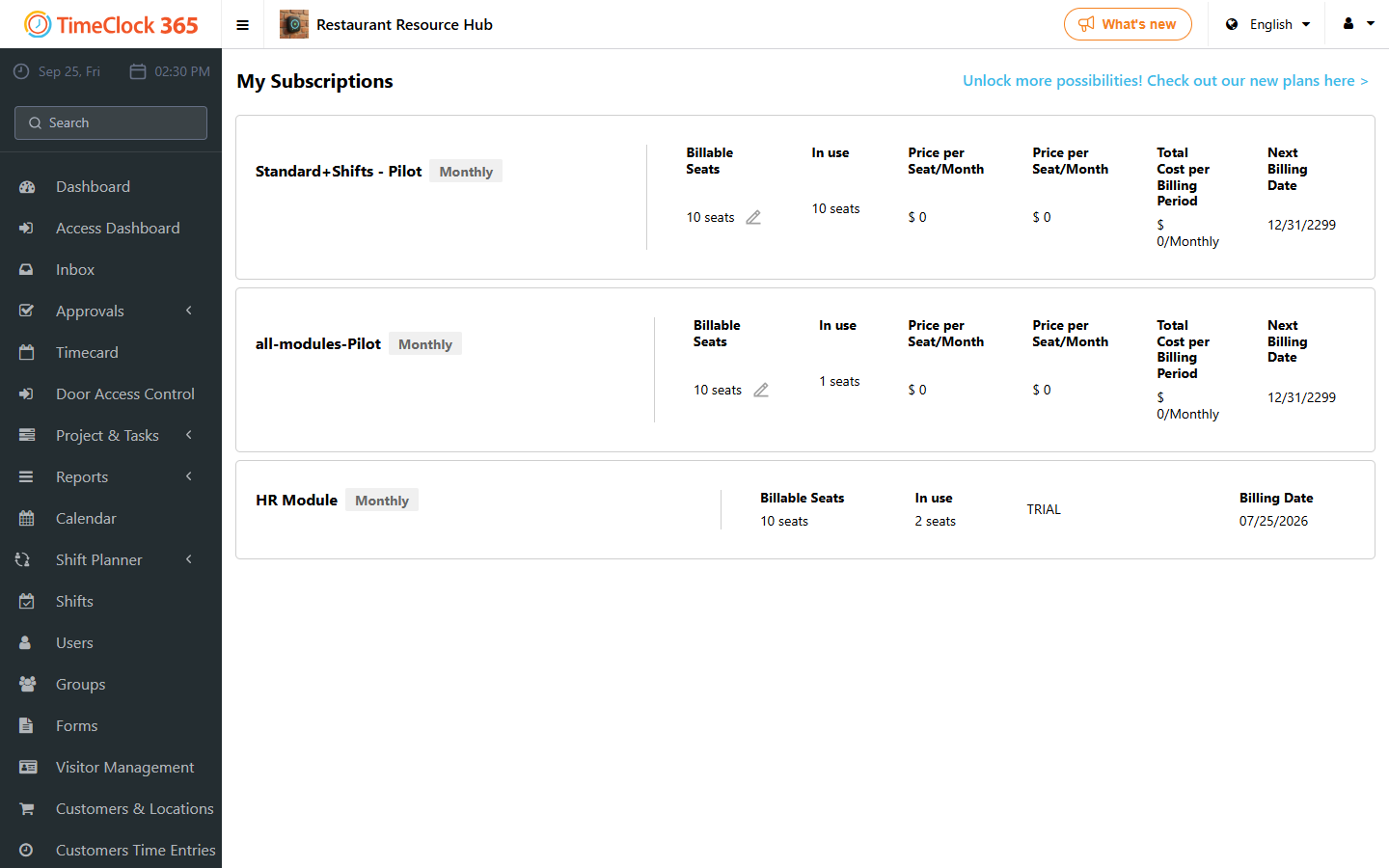
Note: if you do not see "Licenses & Billing", it may instead be labeled "Subscriptions".
If you want to purchase a different type of subscription, click "Interested in a different subscription type".
See the related guide for creating a new user after increasing your license count.
To reduce the number of licenses, first deactivate the employees who have left (make them inactive and remove their license assignment), then reduce the licenses. See the related guide on deactivating an employee who has left.