
This guide explains the symbols that appear in the Detailed Attendance report on the web portal and what each one means.
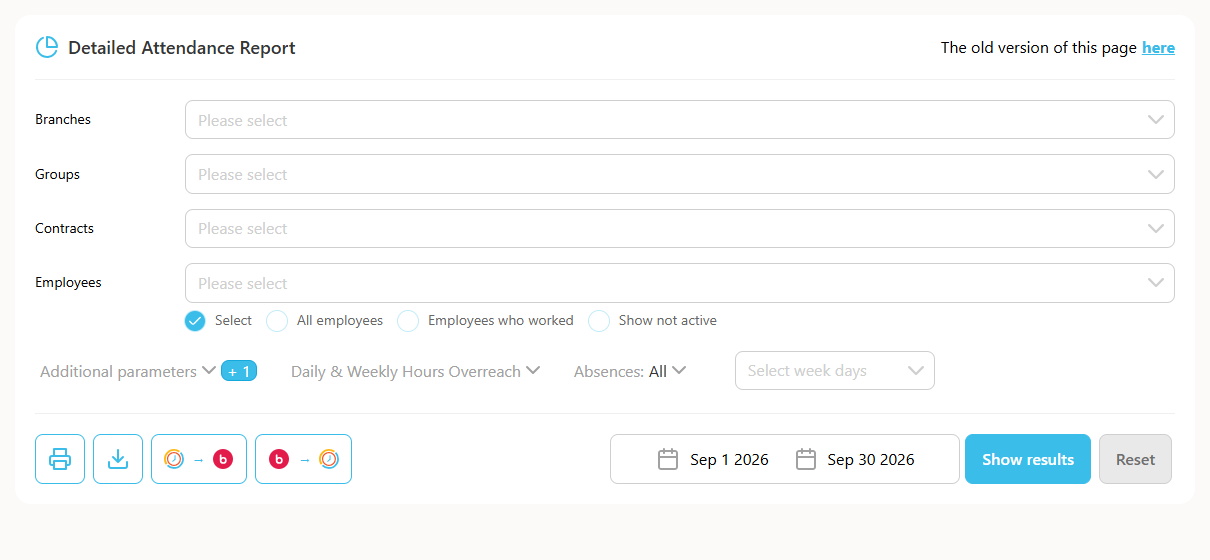
Open Reports -> Detailed Attendance to view the report, and check the legend shown alongside it for the meaning of each symbol - for example, symbols marking manual edits, missing entries, approved days, and time off.
If you are unsure what a specific symbol means, hover over it in the report or open a support ticket and we will help clarify it.