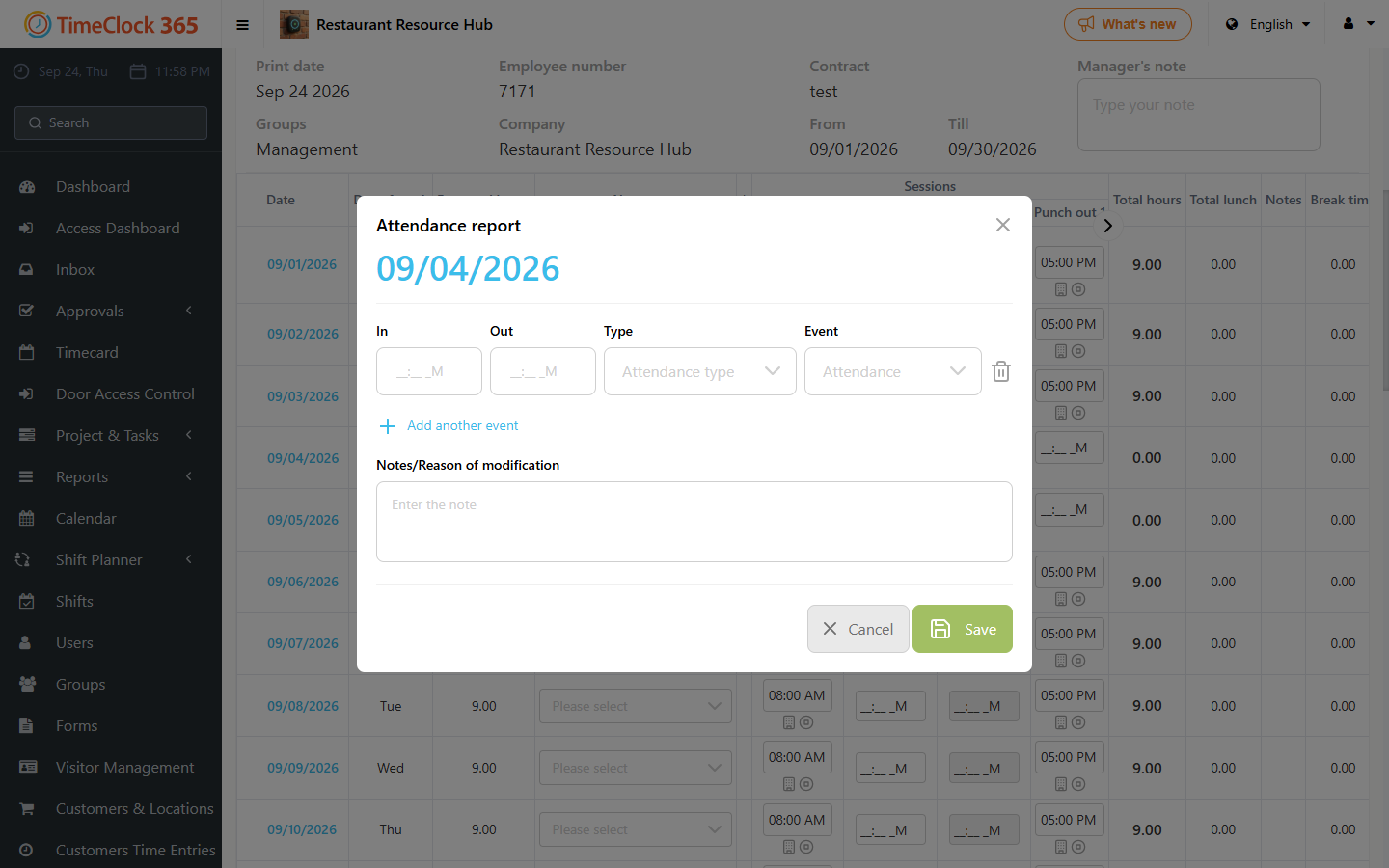
This guide explains how to add or edit an attendance entry.
Note: the user must have at least edit permission to be able to make changes to hours.
Steps
- Go to Reports -> Detailed Attendance.
- Select the period you want to edit or add hours for.
- Click Show.
- Double-click the field you want to edit, enter the time you want, and click outside the field so the data is saved.