
Update the email address that receives your company's invoices.
- Click Licenses & Billing, then click Company Details, then click Edit.
- Update the "Billing email address" field and the "Confirm email" field, then click Save.
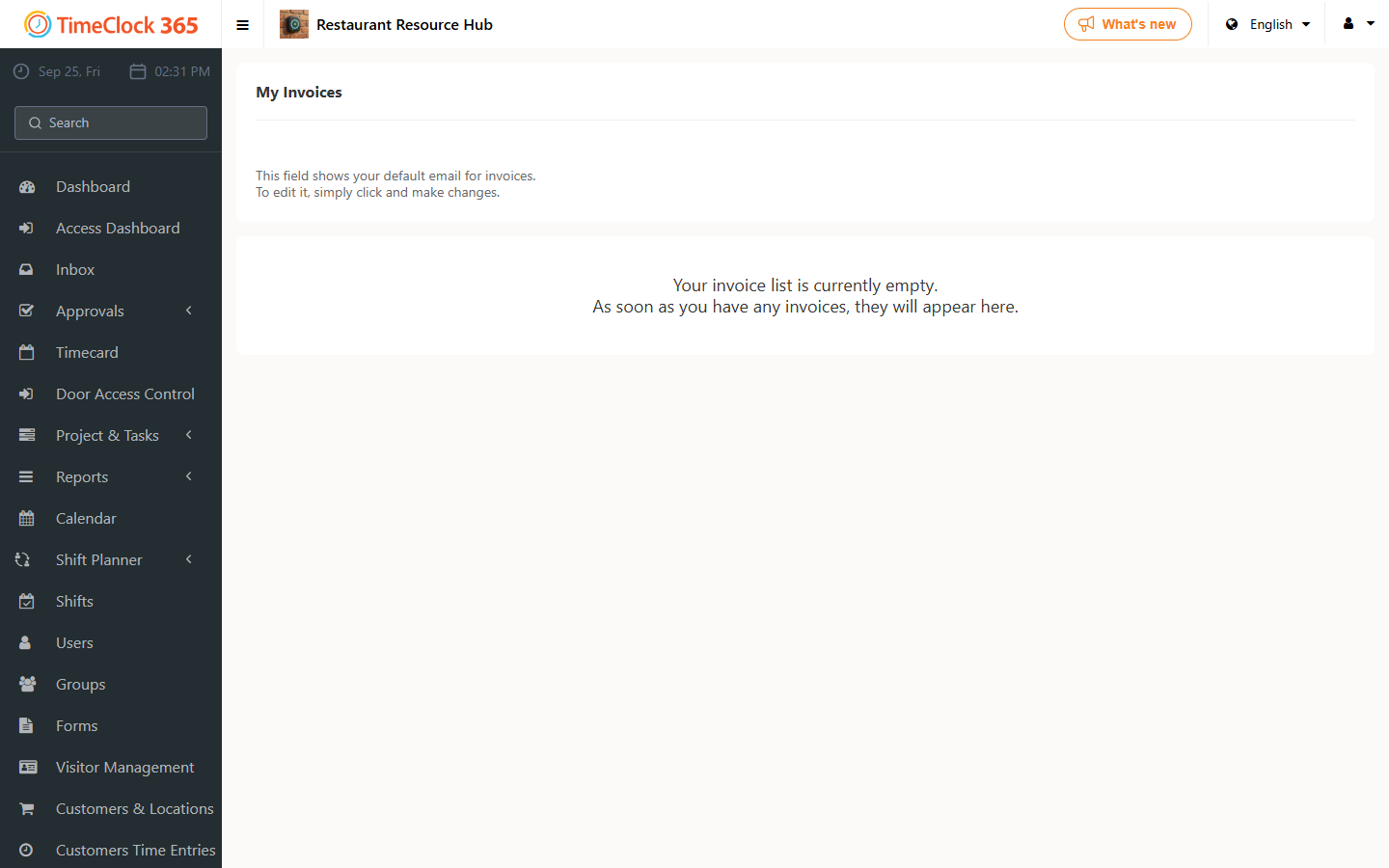
A separate guide explains how to view your invoices.