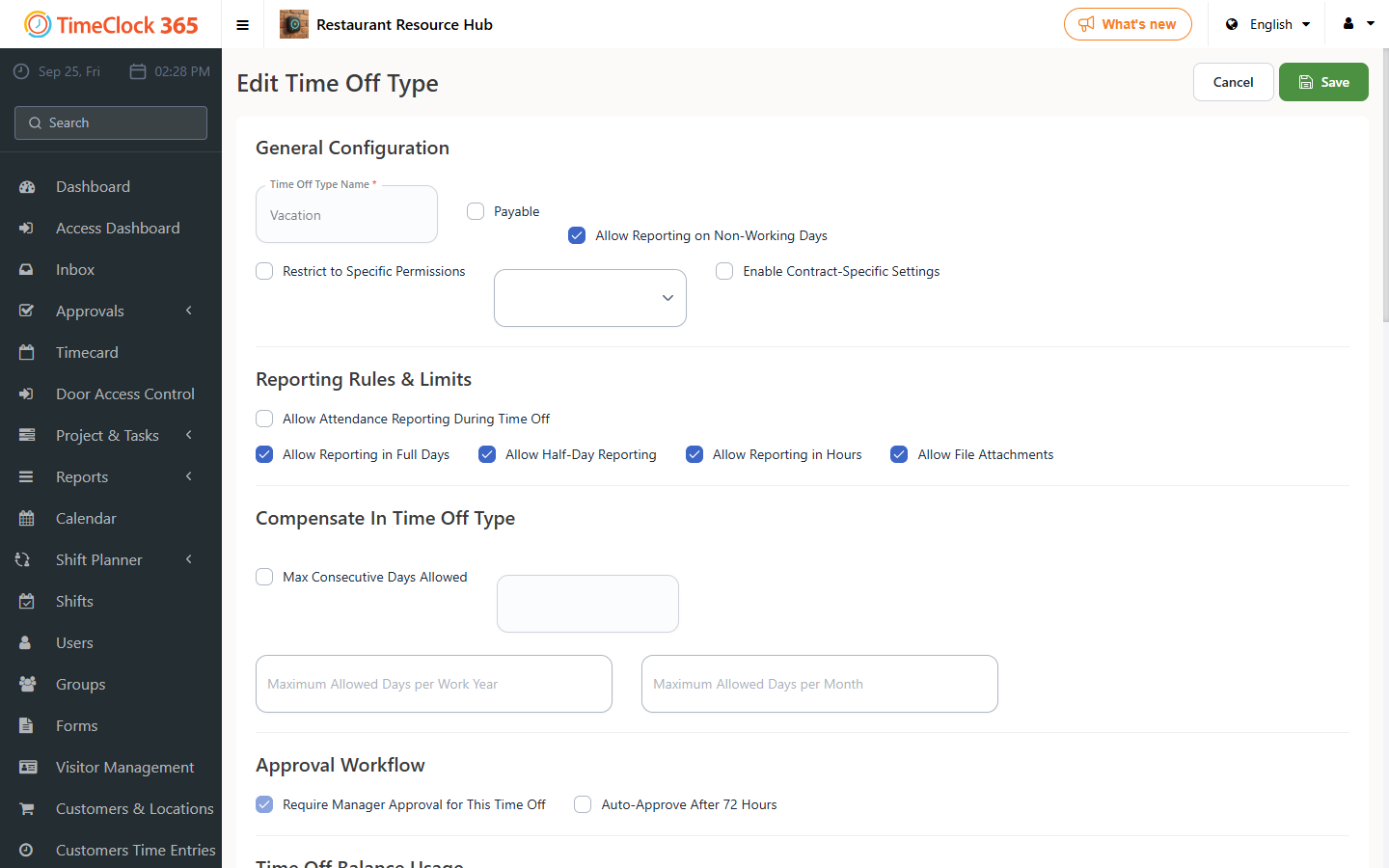
This guide explains how to let employees use the accrued balance of one time off type toward another related time off type.
For example: an employee accrues 12 "sick" days (a primary time off type) during the year. Out of those 12 days, they could then use 5 days as regular sick days and 7 days as child sick days (a secondary time off type linked to the primary one).
Note: this feature is only available to customers who have the time off management and accrual calculation module. If you don't have it, contact us.
Steps
- Go to Settings -> Company Profile, then click "Time Off Types" at the top.
- Find the primary time off type you want to use as the accrual source (or create it), and check "Calculate accrual".
- Scroll down slightly and enter the accrual amount for that time off type, then click Update at the bottom of the page.
- Find or create the secondary time off type that should be able to draw on the primary type's balance.
- In the "Use balance of this absence" field, select the primary time off type whose accrued balance should be usable by the secondary type, then check "Calculate accrual".
- Scroll down slightly and enter 0 in the day quota for the secondary time off type you created, then click Update.