
This guide explains how to view report data going back more than one year.
This is possible in the following reports:
- Detailed Attendance report
- Tasks Detailed Report
- IIA report
- Attendance with Location report
- Representative Summary Report
How to do it
Click Reports -> click the report you want to pull data from beyond one year -> clear the "Period" selection -> click the dates field -> choose "Date Range" (the "Custom" tab) -> use the arrows to pick the year and month, then select the start and end dates -> click Apply -> click "Show results".
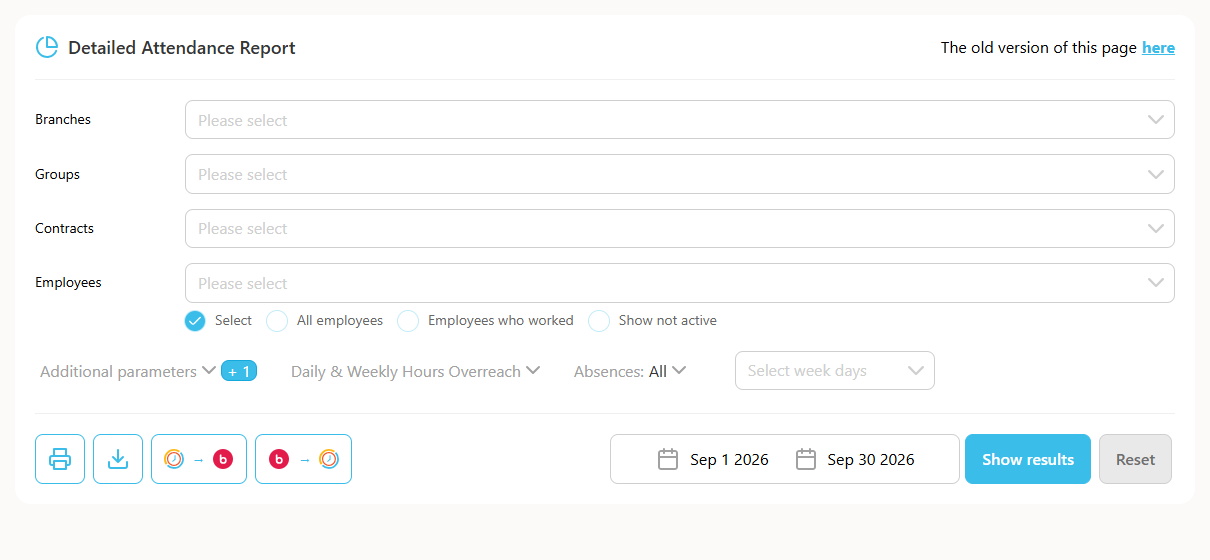
For example, this applies the same way to both the Detailed Attendance report and the IIA report.