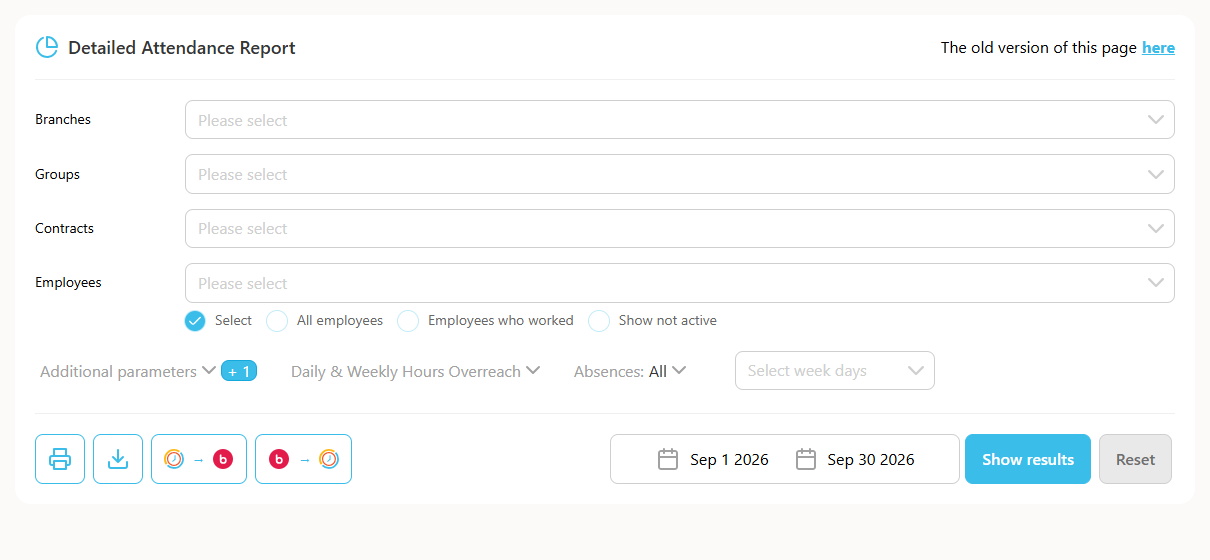
This guide explains how to pull data about the days an employee was on a specific time off type, for a chosen period.
- Go to Reports, then Detailed Attendance.
- Select all employees or a specific employee you want data on.
- Choose the time off type you want from "Time Off Types".
- Select a period or specific dates.
- Click "Show report".